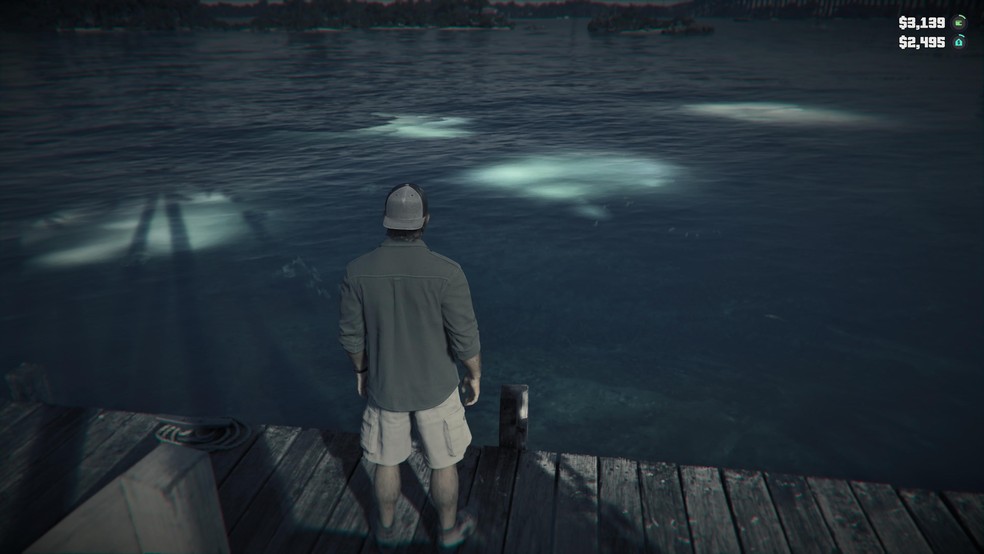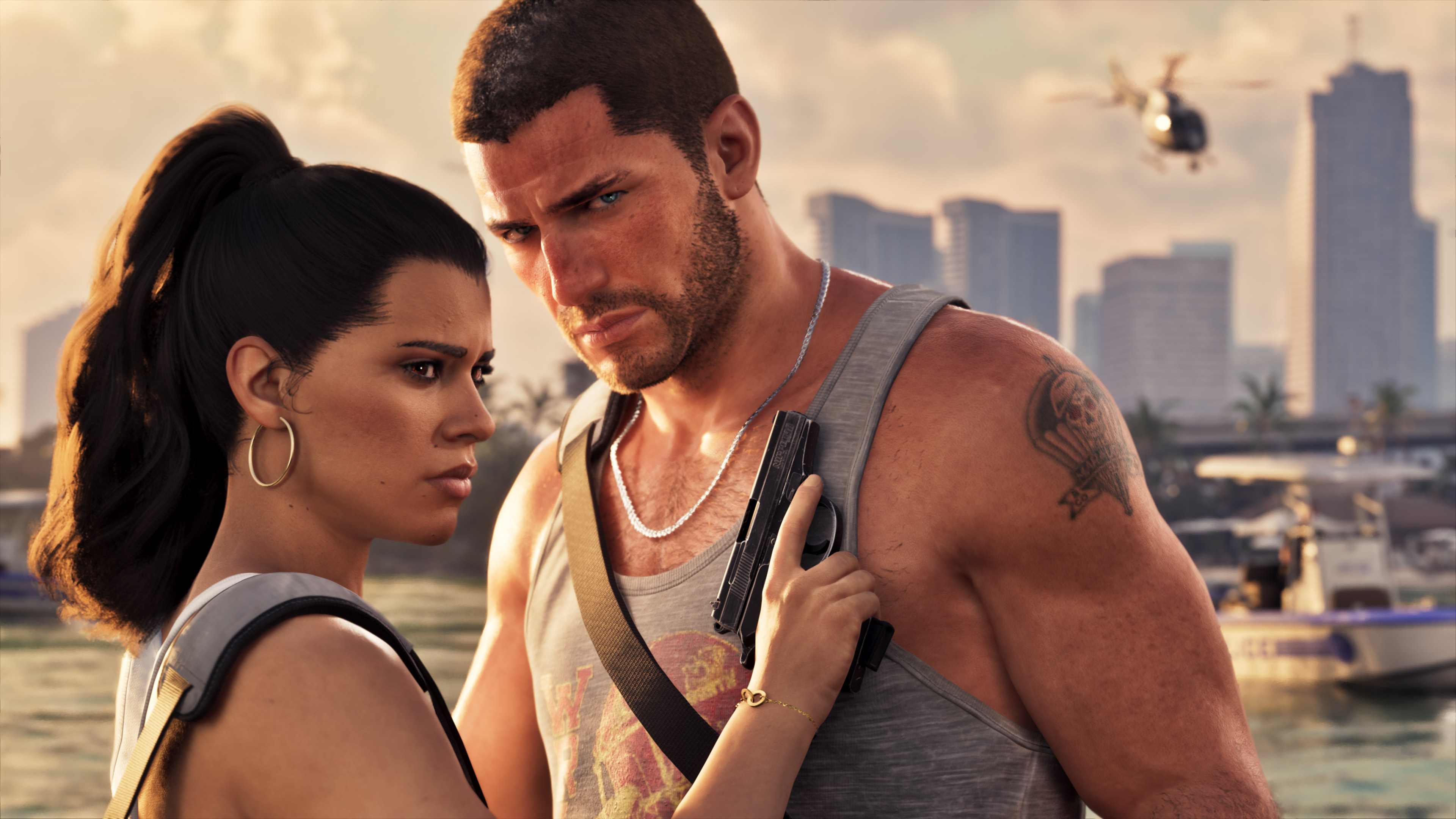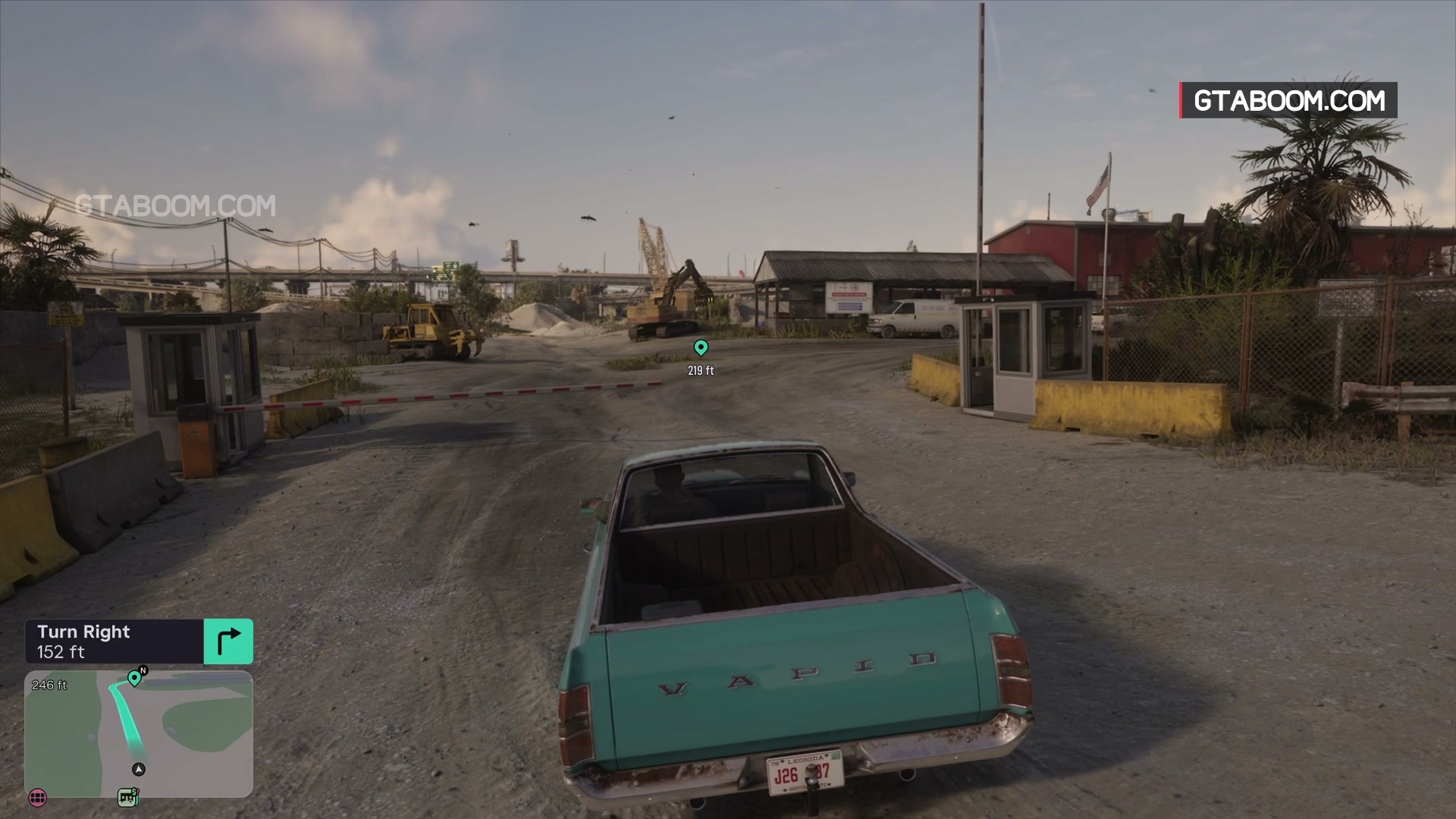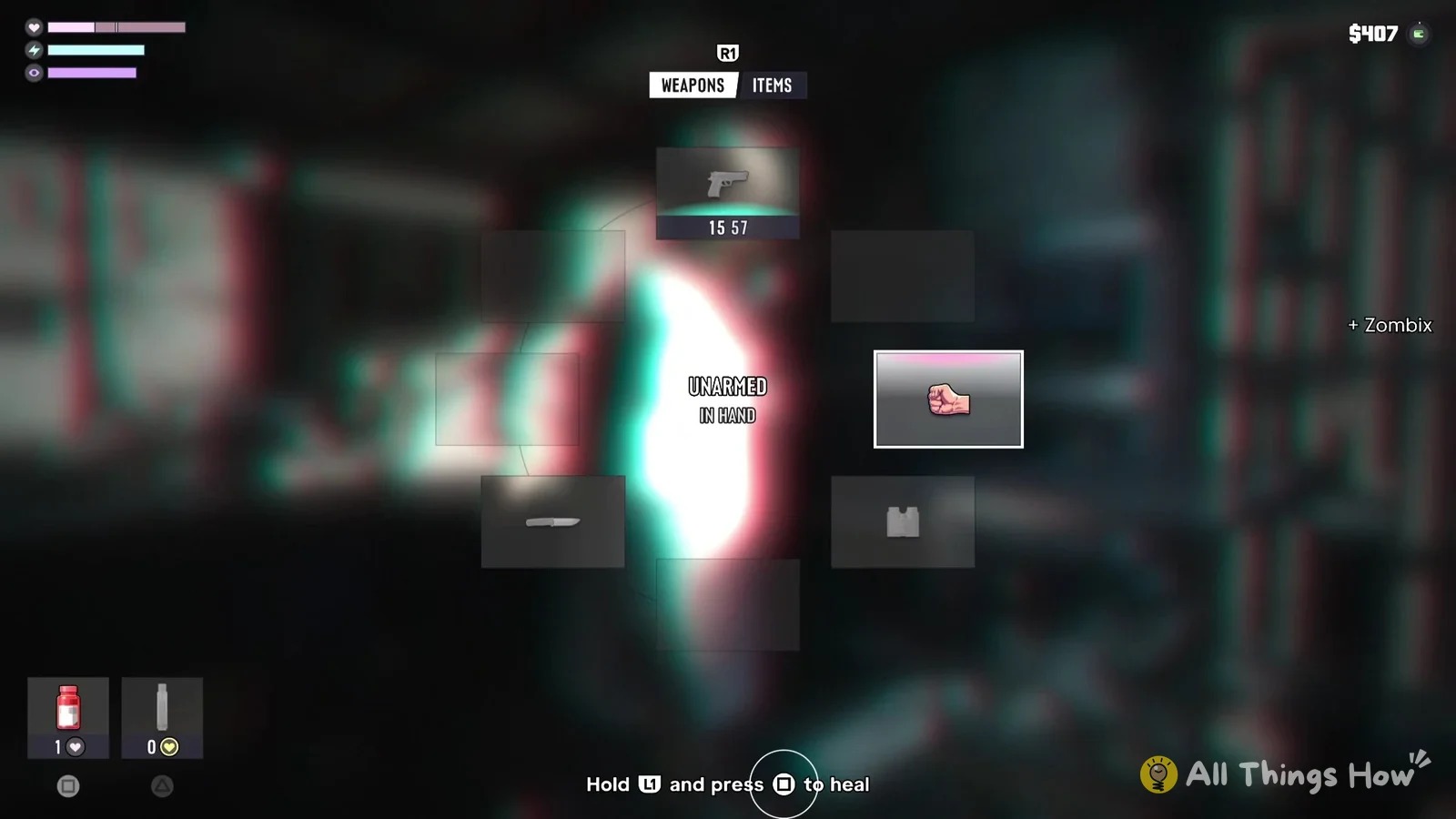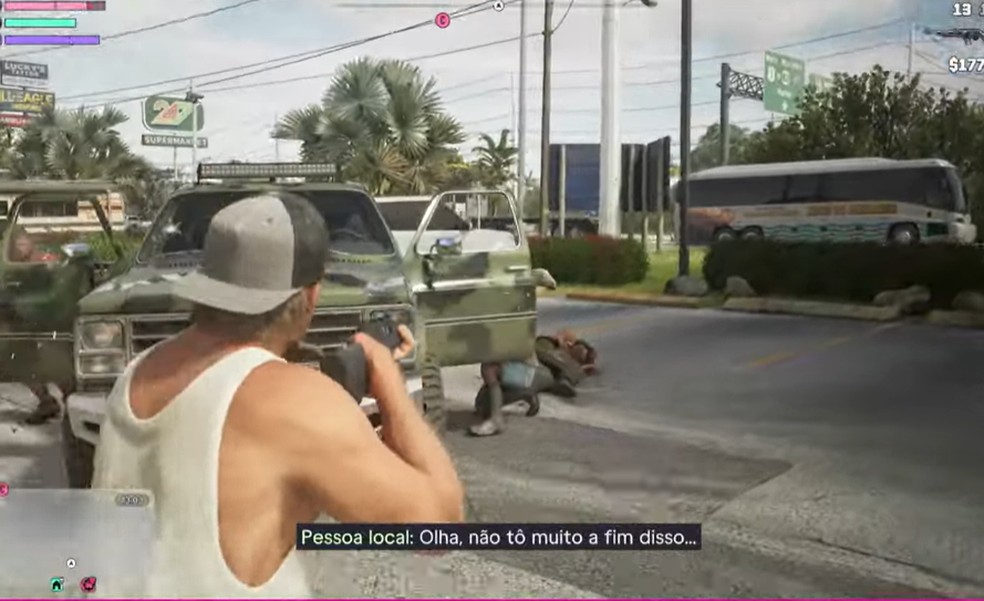
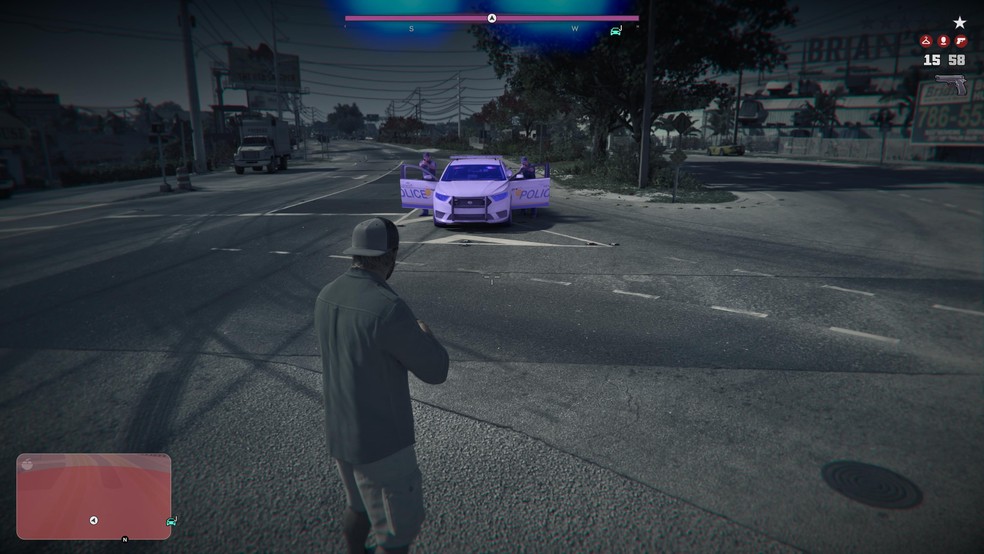
Focus helps Jason and Lucia locate objects, follow tracks and react during GTA 6 firefights. On the default controls, press both analog sticks together. According to TechTudo, duration and meter use depend on what you are doing.
1. Press both sticks
Use L3 + R3 on PS5 or click both sticks on Xbox Series X|S. If you remapped controls, check your Focus binding. The screen changes appearance and nearby elements become highlighted.
2. Read the exploration colors
Green highlights cash and purple highlights drugs. Blue identifies police. Red can indicate enemies, dropped weapons and hazards such as alarms or explosives. White marks other points of interest. Read the object as well as its color to understand the warning.
3. Manage its duration
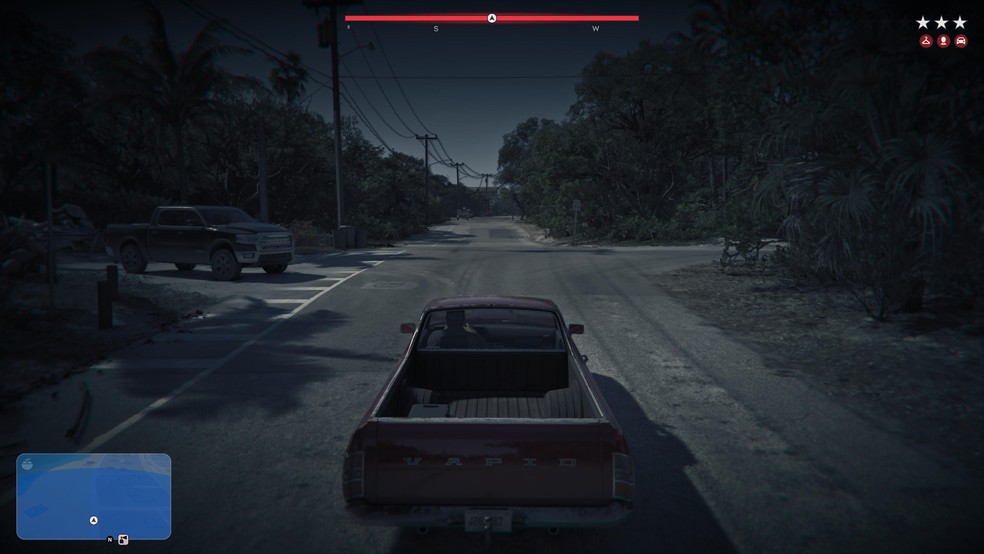
On foot outside combat, the effect lasts about 30 seconds without draining the Combat Focus meter. Using the entire duration causes a short wait. Turning it off earlier allows immediate reactivation. Driving duration varies with speed.
4. Watch the combat reticle
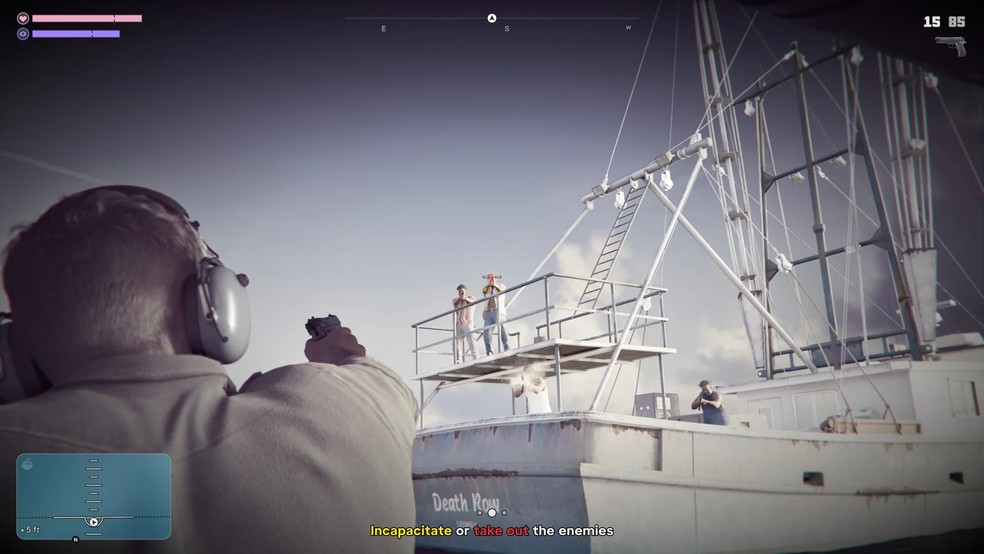
Combat Focus is introduced in Chapter 1’s Down to Earth. If Focus only highlights objects so far, continue until that tutorial. Aiming with Focus active uses Combat Focus and drains its meter. Yellow indicates an incapacitating shot, while red indicates a fatal shot. Meter recovery also depends on the character’s Criminal Profile.
5. Follow sounds and tracks
Pulsing white signals help locate nearby sounds. Focus also reveals vehicle and animal tracks. When hunting, select a trail to keep it visible after leaving Focus.