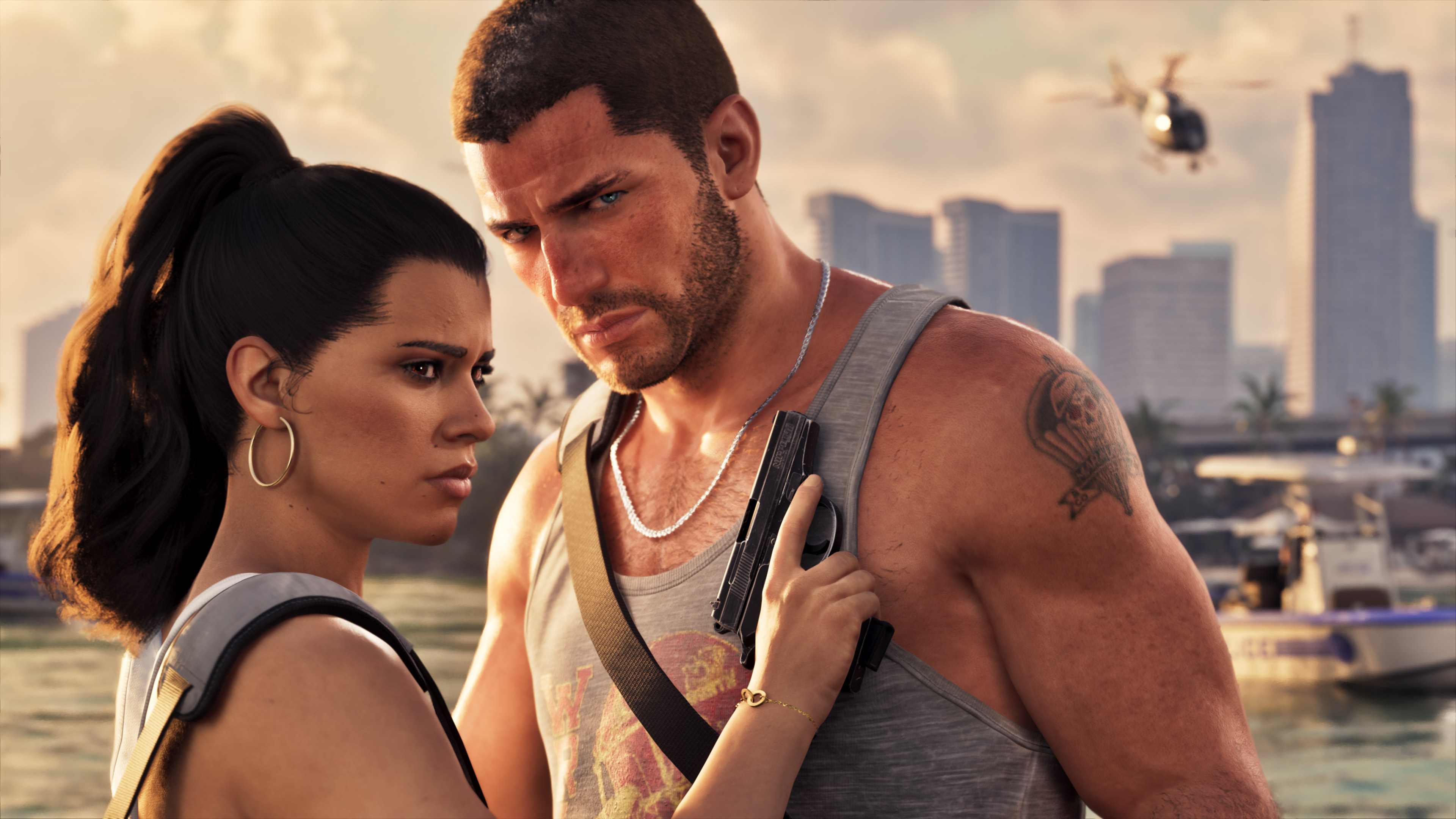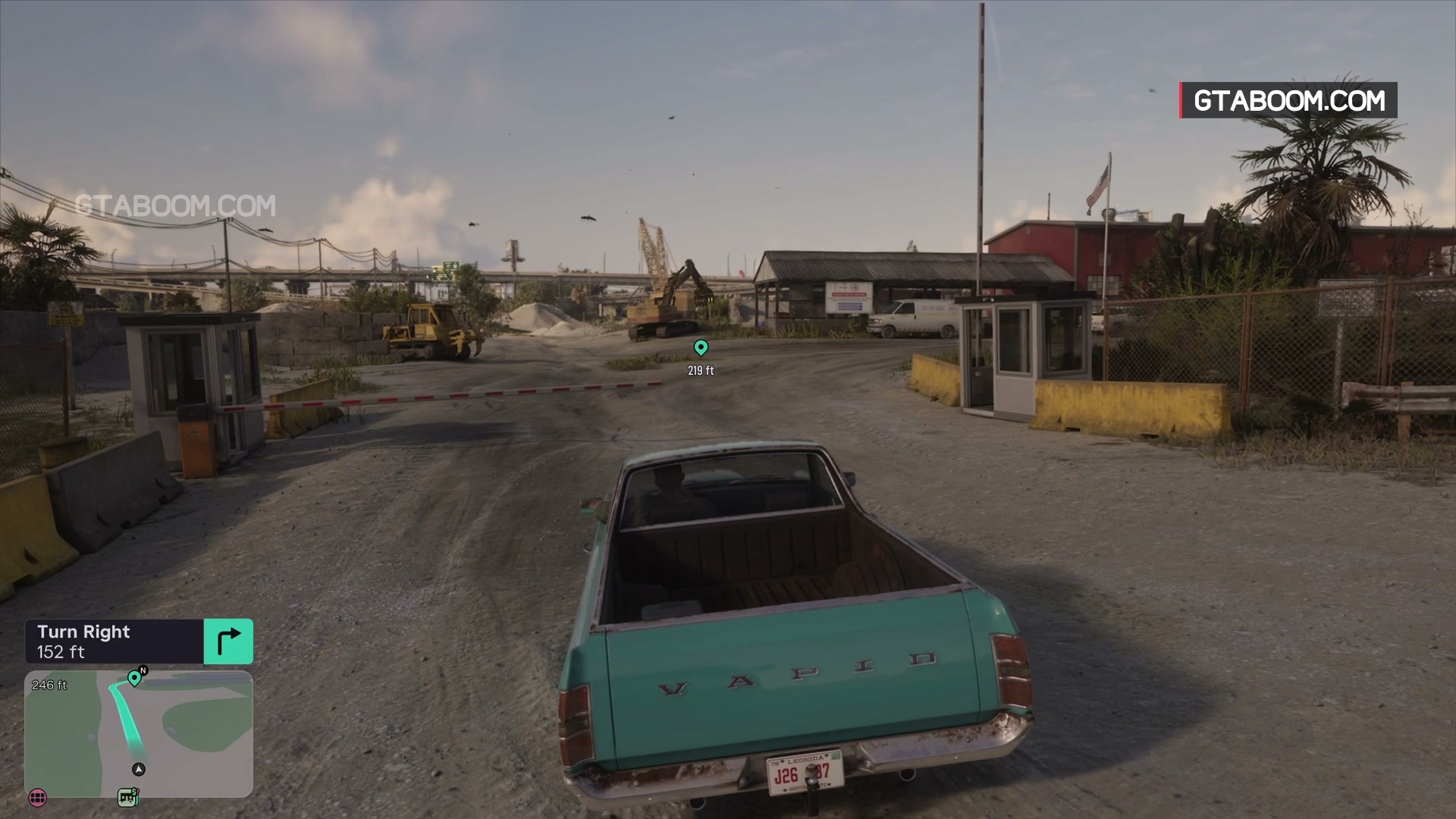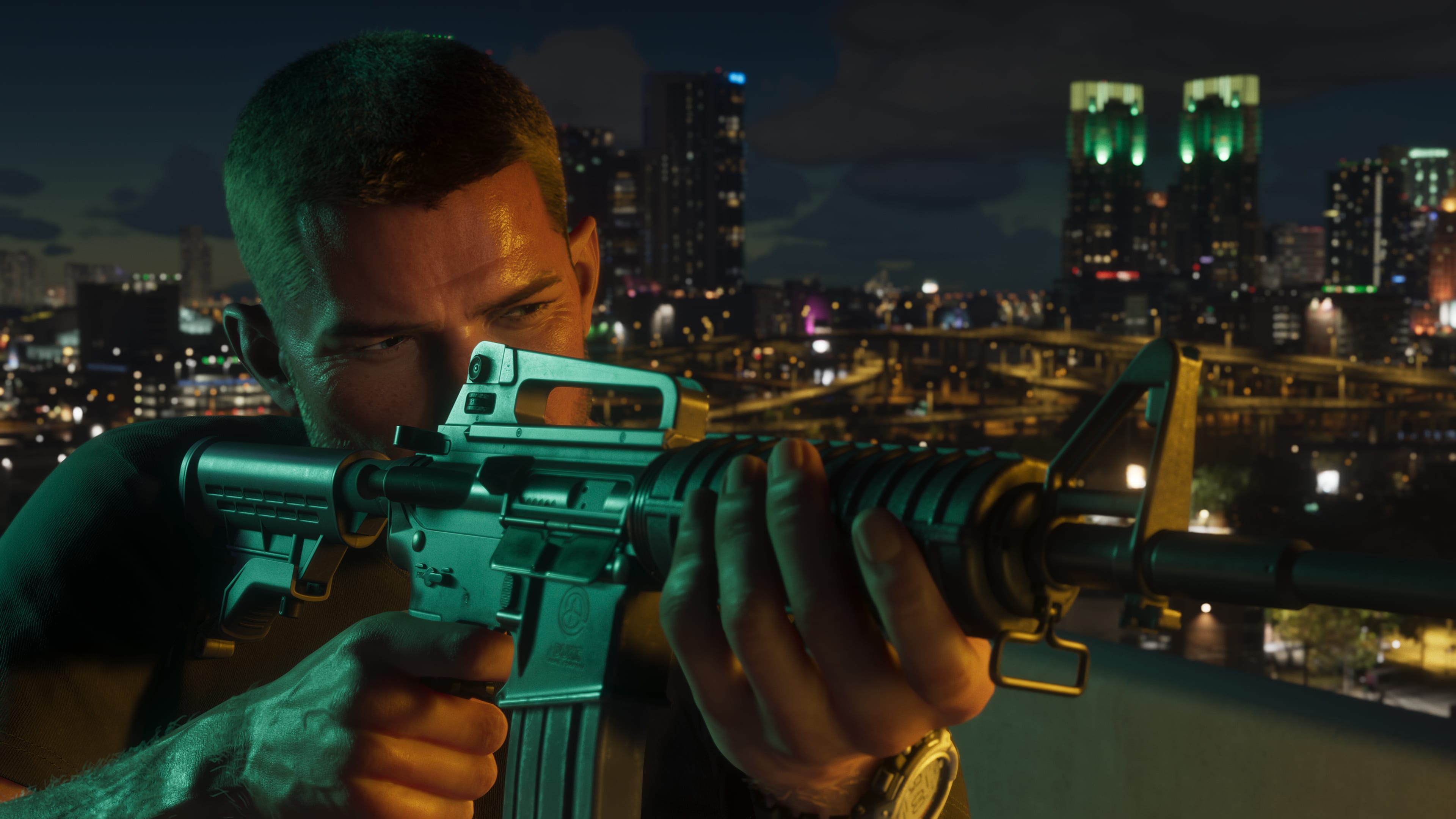
GTA 6 makes you choose what to carry. According to TechTudo, Jason and Lucia can carry up to 2 sidearms and 2 long guns alongside other item types in their slots. Your trunk and gun lockers manage the rest.
1. Buy from Ammu-Nation
Visit a store and check its catalog, prices and purchase requirements. Bought weapons become owned and can be recovered from lockers. Some offers need story progress or a bank account. Stock can vary between stores.
2. Distinguish owned and picked-up guns
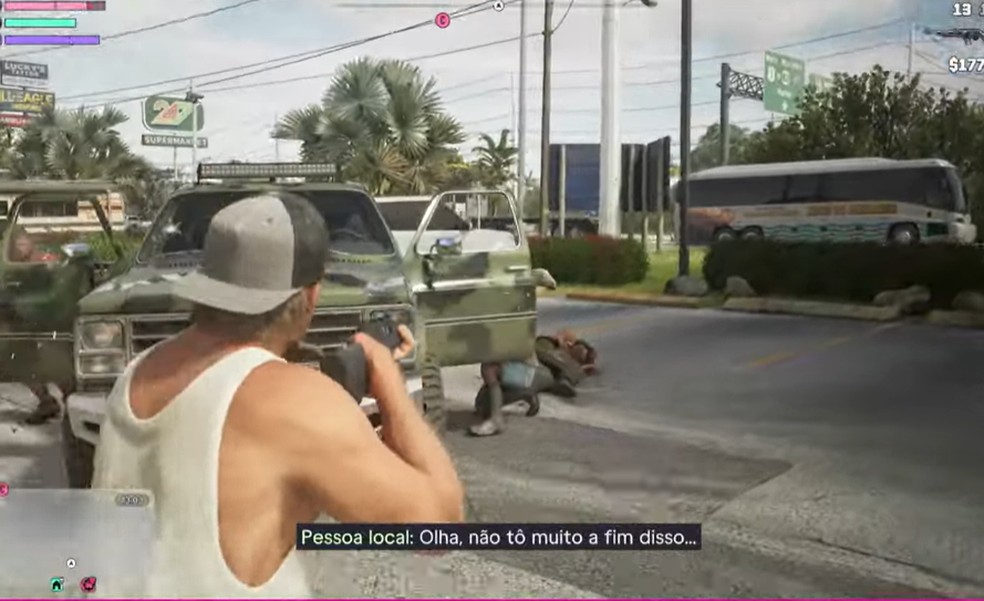
An enemy’s dropped weapon is usable but does not automatically become a permanent purchase. Picked-up guns may be lost on death or arrest. Obtained unique variants follow different rules and can be recovered at lockers.
3. Organize the weapon wheel
Hold L1 on PS5 or LB on Xbox with default controls and choose a carried weapon. To change your selection using stored equipment, visit your owned vehicle’s trunk or a gun locker.
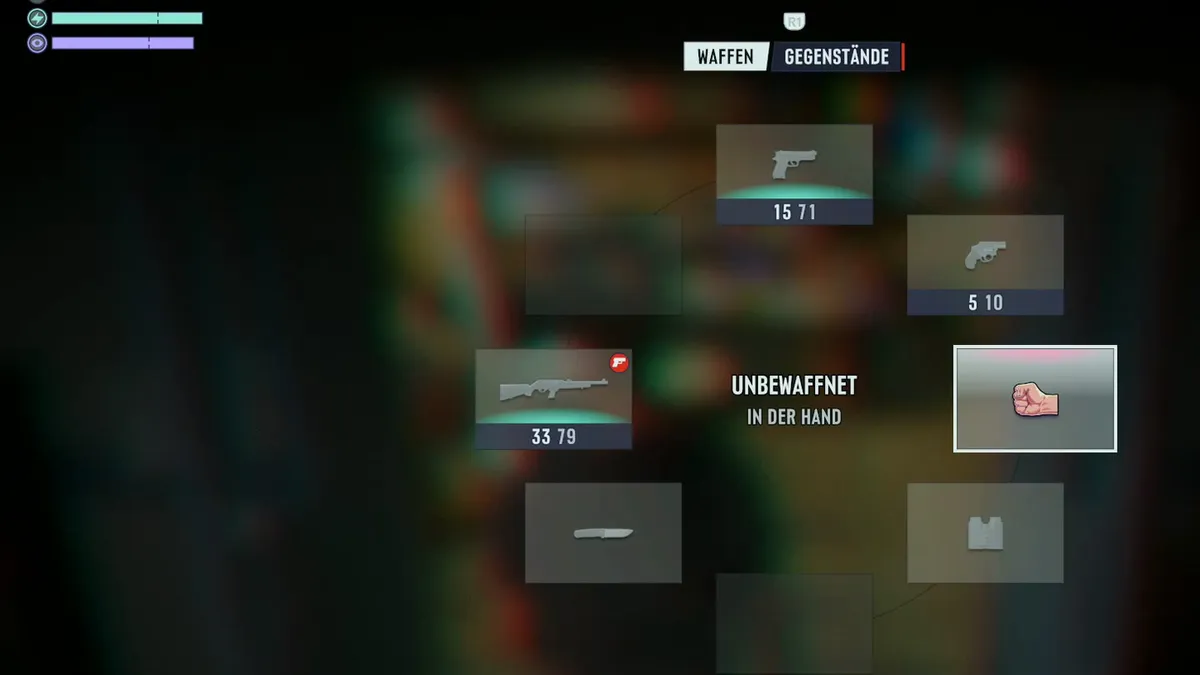
4. Manage your collection at a locker
Equip or unequip guns, select variants and organize trunk options. You may need to drop picked-up weapons before managing the locker. Follow its prompts for the active character.
5. Modify compatible weapons
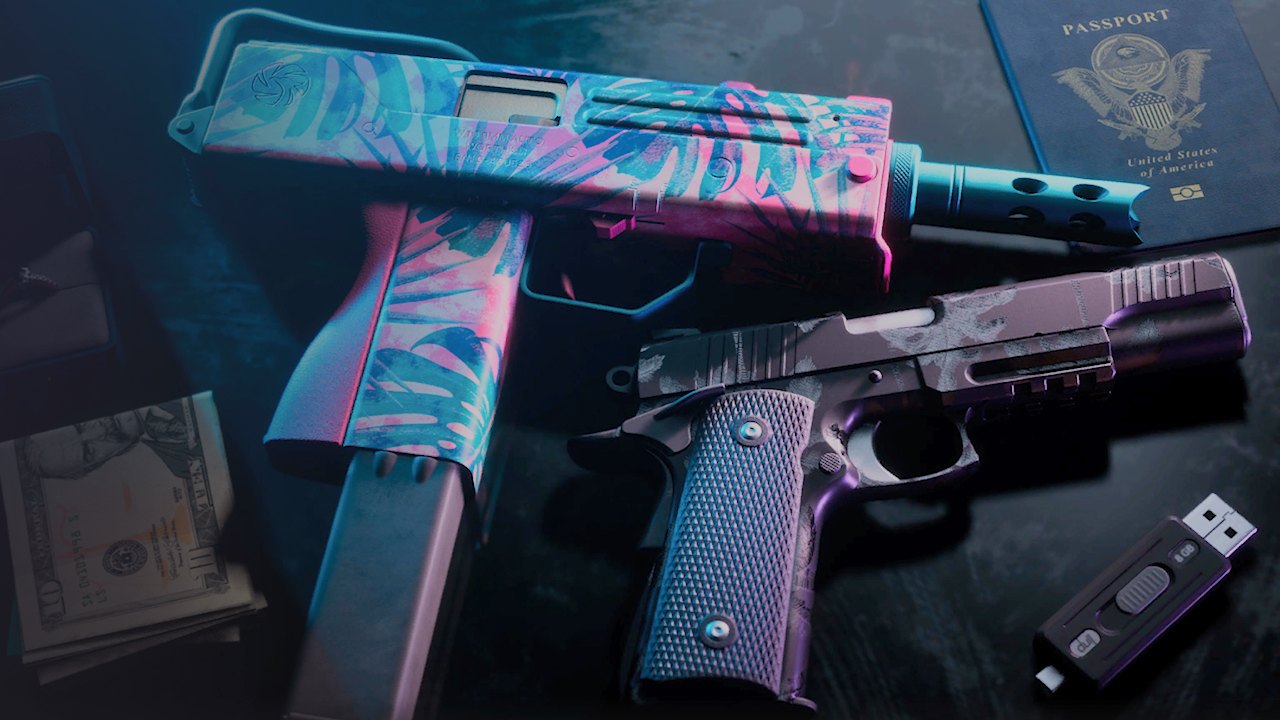
Speak to the Ammu-Nation clerk and select a gun to inspect attachments, upgrades and finishes. Unique variants and weapons taken from NPCs do not use the same modification process as regular purchases. Jason and Lucia do not automatically share their versions’ ammunition or modifications.
6. Check ammunition before leaving
Refill your chosen weapons and inspect trunk storage. Unlocking a gun in the locker does not mean you are carrying it during a mission. Prepare your combination before moving away from the vehicle.