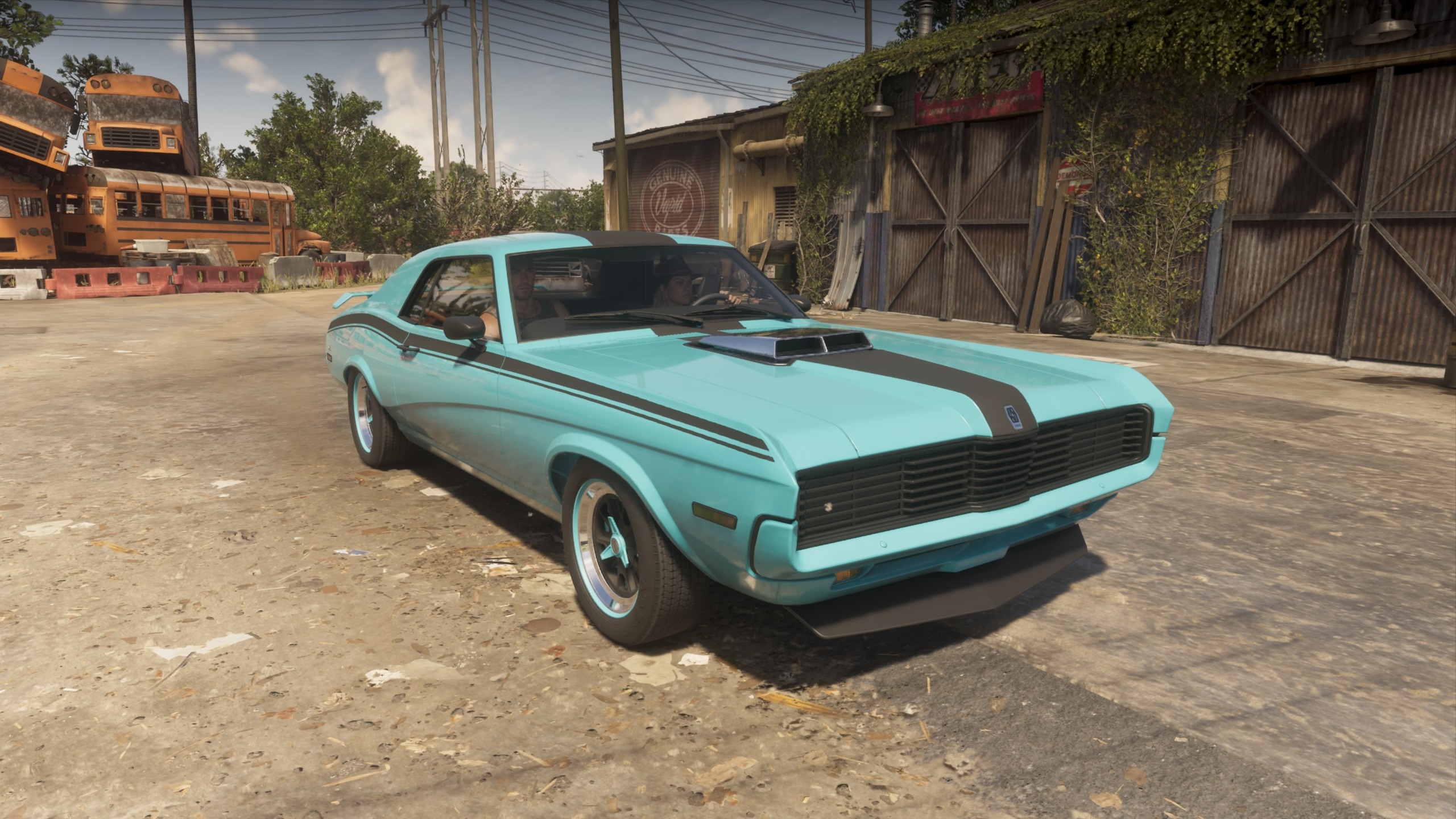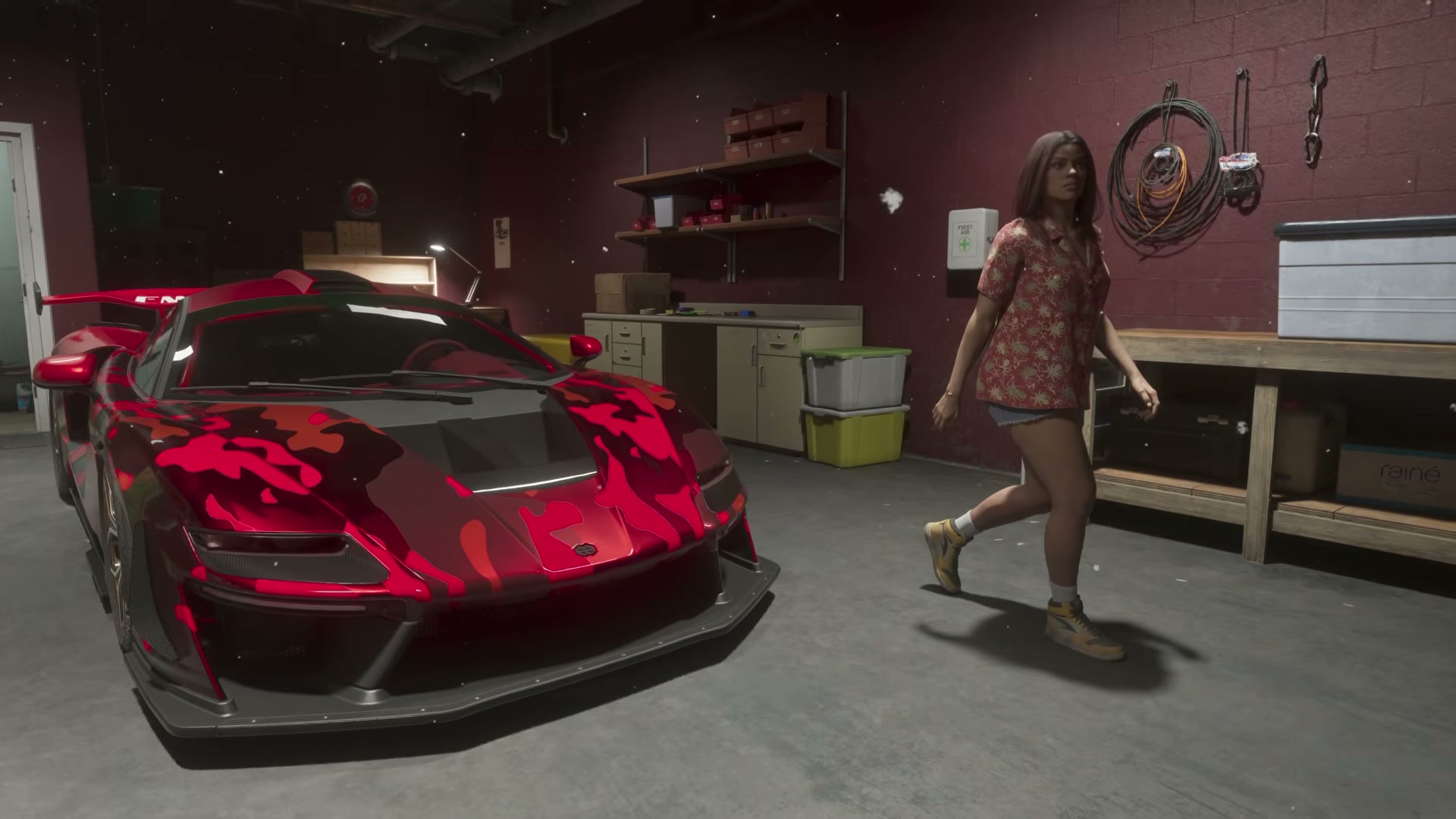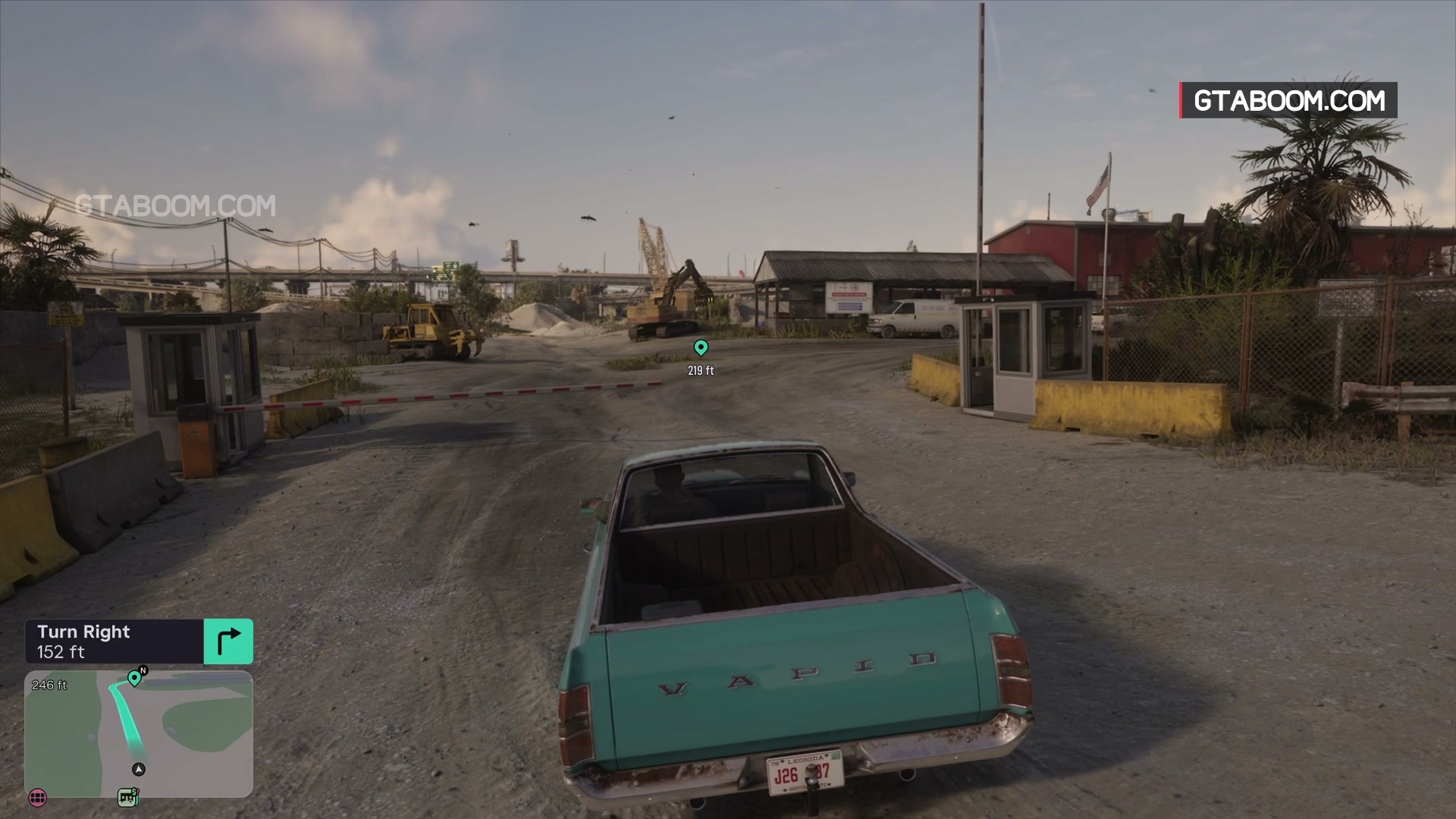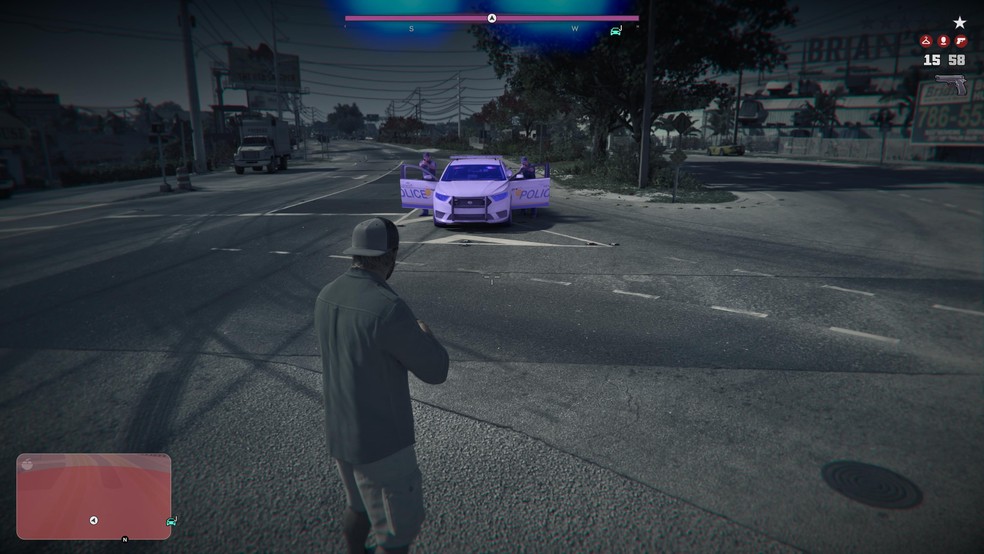
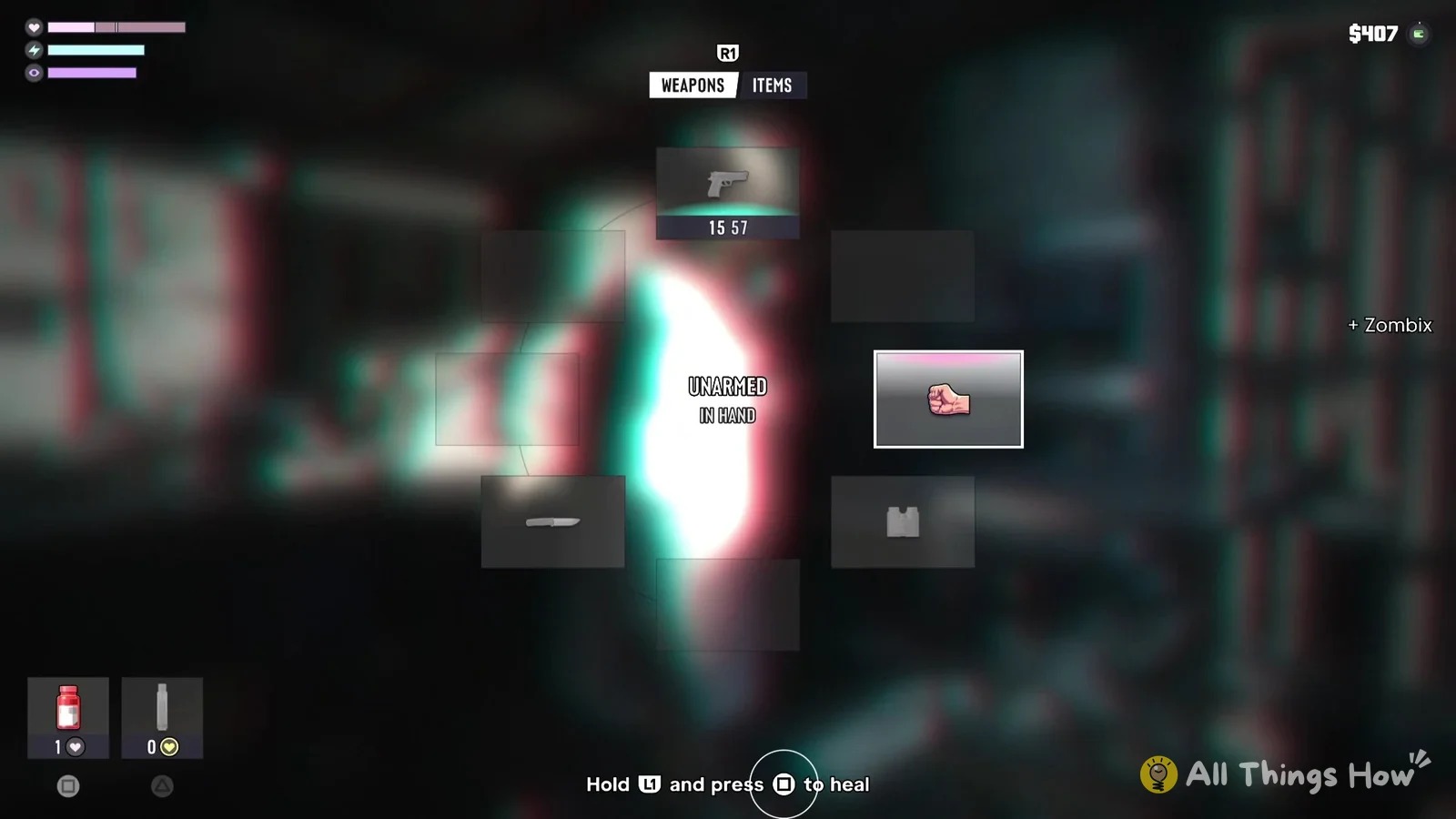
Low on health with enemies nearby? Zombix lets you heal without leaving the mission. All Things How’s PS5 captures show the healing shortcut in the loadout wheel.
Check your stock
Hold L1 on PS5 or LB on Xbox to open the loadout. Find the red bottle with a heart in the lower-left corner. The number shows remaining uses. A 0 means you need more medicine.
Use the healing shortcut
Keep holding L1 and press Square on PS5. On Xbox, hold LB and press X. Release the wheel and check the heart bar in the upper-left corner. These inputs use the default control scheme.
Find more Zombix
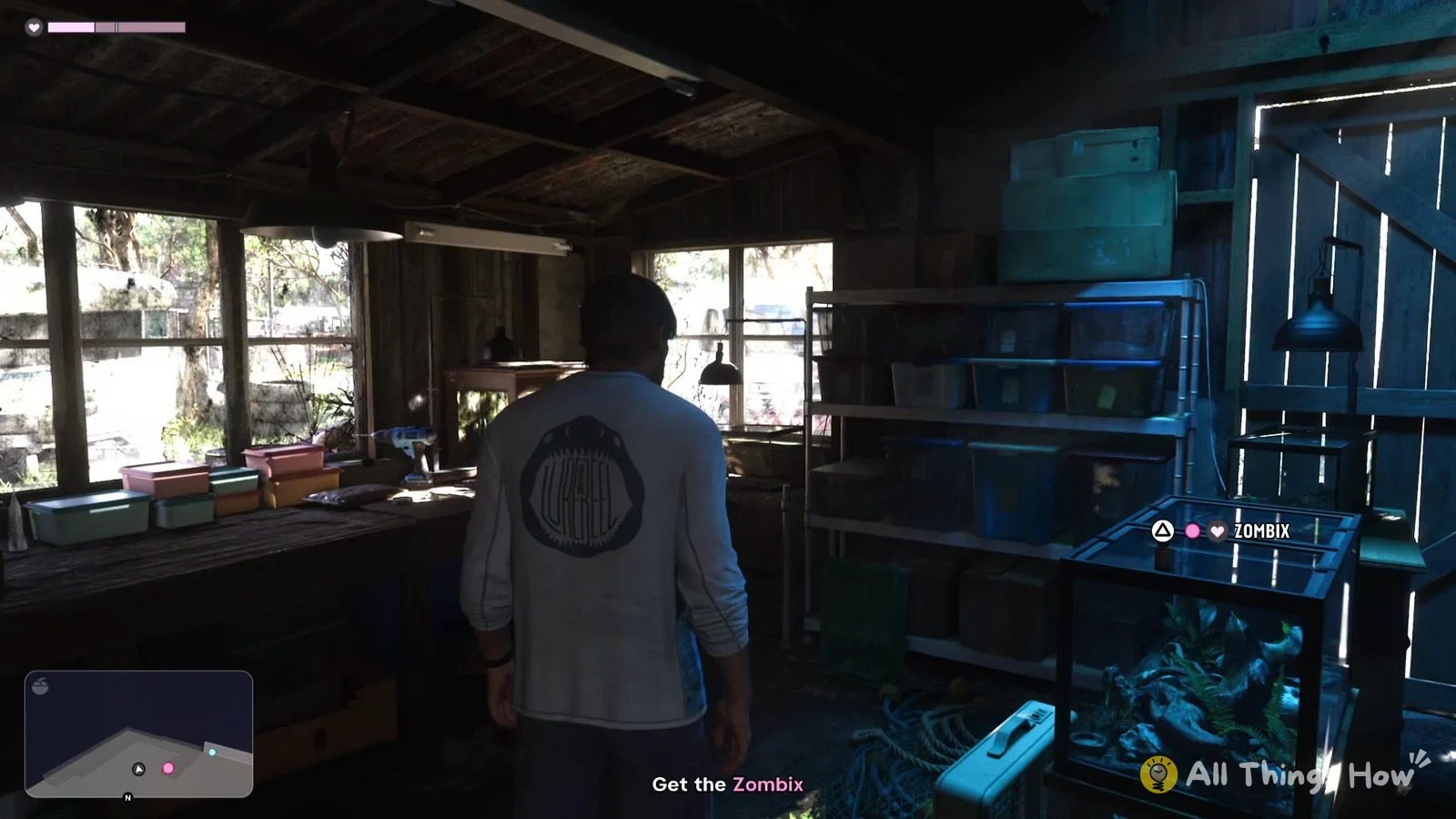
Gone Fishing, Jason’s opening mission, teaches this action. A bottle sits on the fish tank in the workshop, marked by a pickup prompt.
You can also buy medicine in stores and find it while exploring. Restock before starting another mission.
When medicine runs out
Outside combat, suitable food and drinks or sleeping at home can restore health. Automatic recovery is partial, so check the bar instead of assuming it has filled.
Adrenaline is a separate item with a temporary effect. Check the icon and button prompt before consuming it so you use the intended resource.