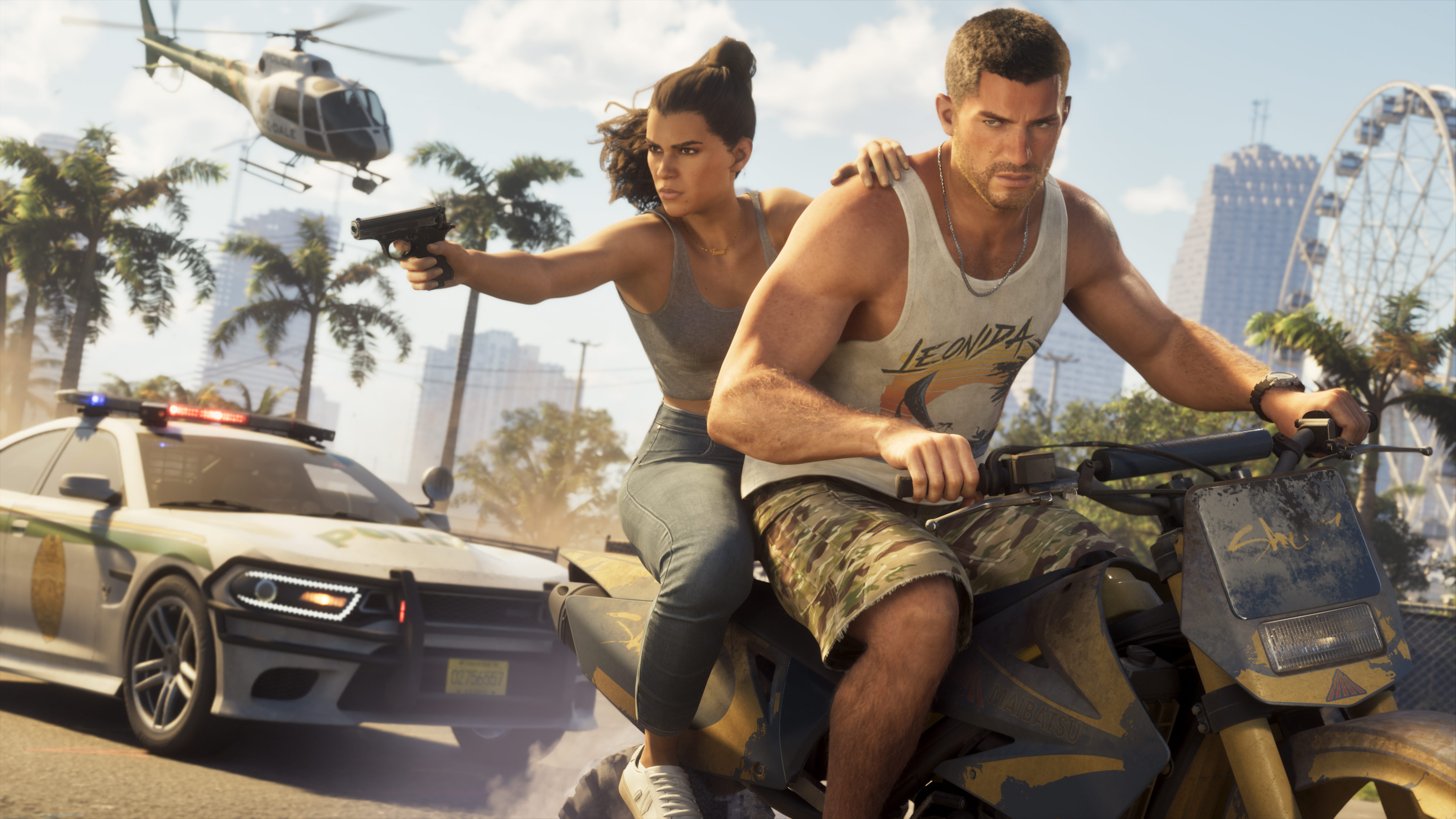
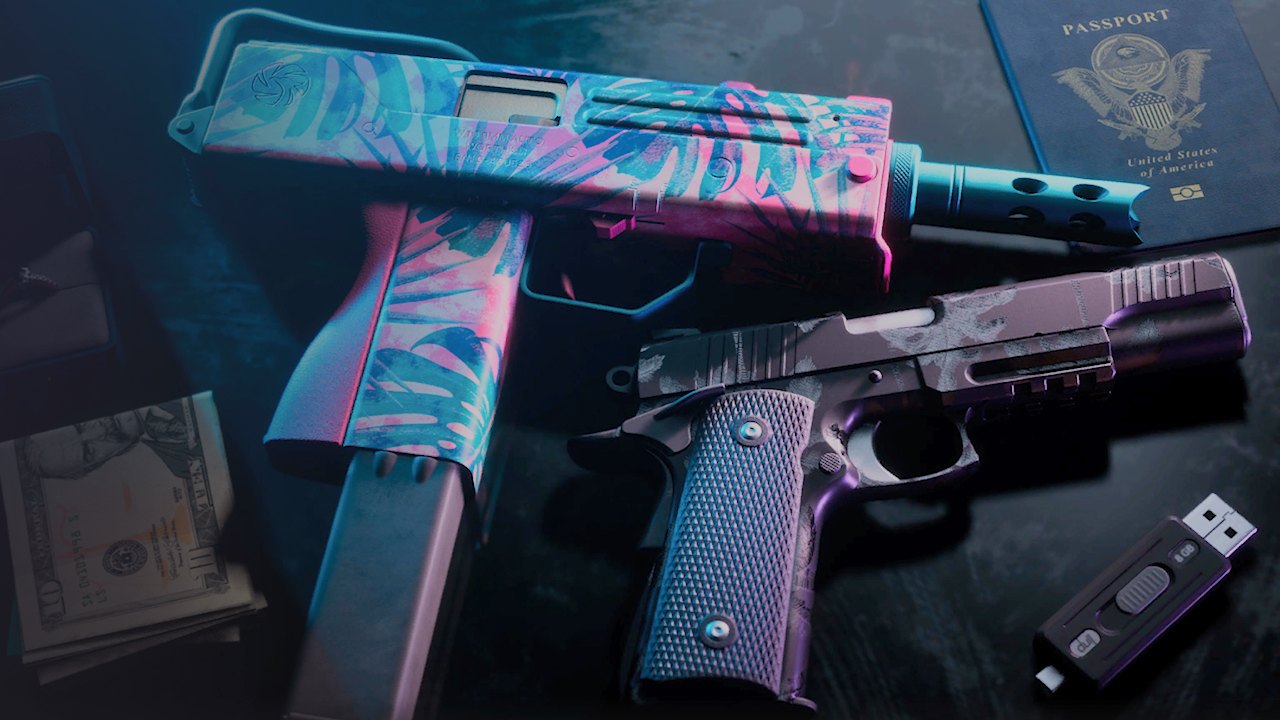
GTA 6 has 2 tropical-themed weapon patterns that do not show up through normal play. They are a Rockstar gift for players who link their Rockstar Games account to their PlayStation or Xbox account. The in-game screen itself confirms the bonus.
Step 1, link your accounts
Sign in to the Rockstar Games website. Then go to Account, Manage Account and Connections, and connect the PlayStation or Xbox account you play GTA 6 on.
Step 2, restart the game
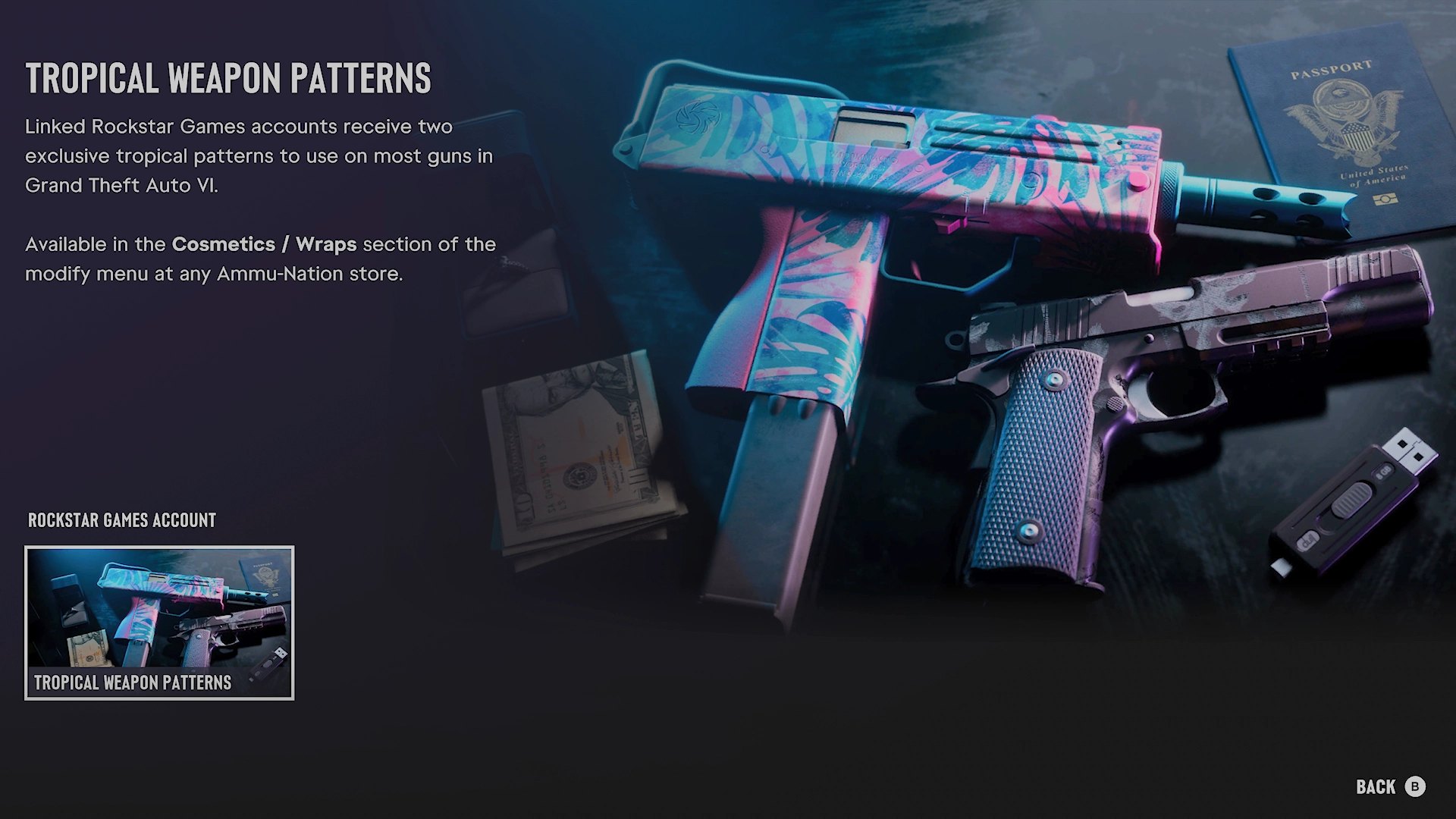
Close GTA 6 and open it again so the bonus is recognized.
Step 3, apply them to your weapons
Go to any Ammu-Nation store in Leonida, open the modify menu and enter Cosmetics / Wraps. Both tropical patterns appear in the list.
According to Rockstar, the patterns work on most weapons, but not all of them. There is no list yet of the ones left out.
These patterns are not related to the pre-order pack, which includes a different palm tree pattern. To get that one, see how to claim the Vintage Vice City Pack.