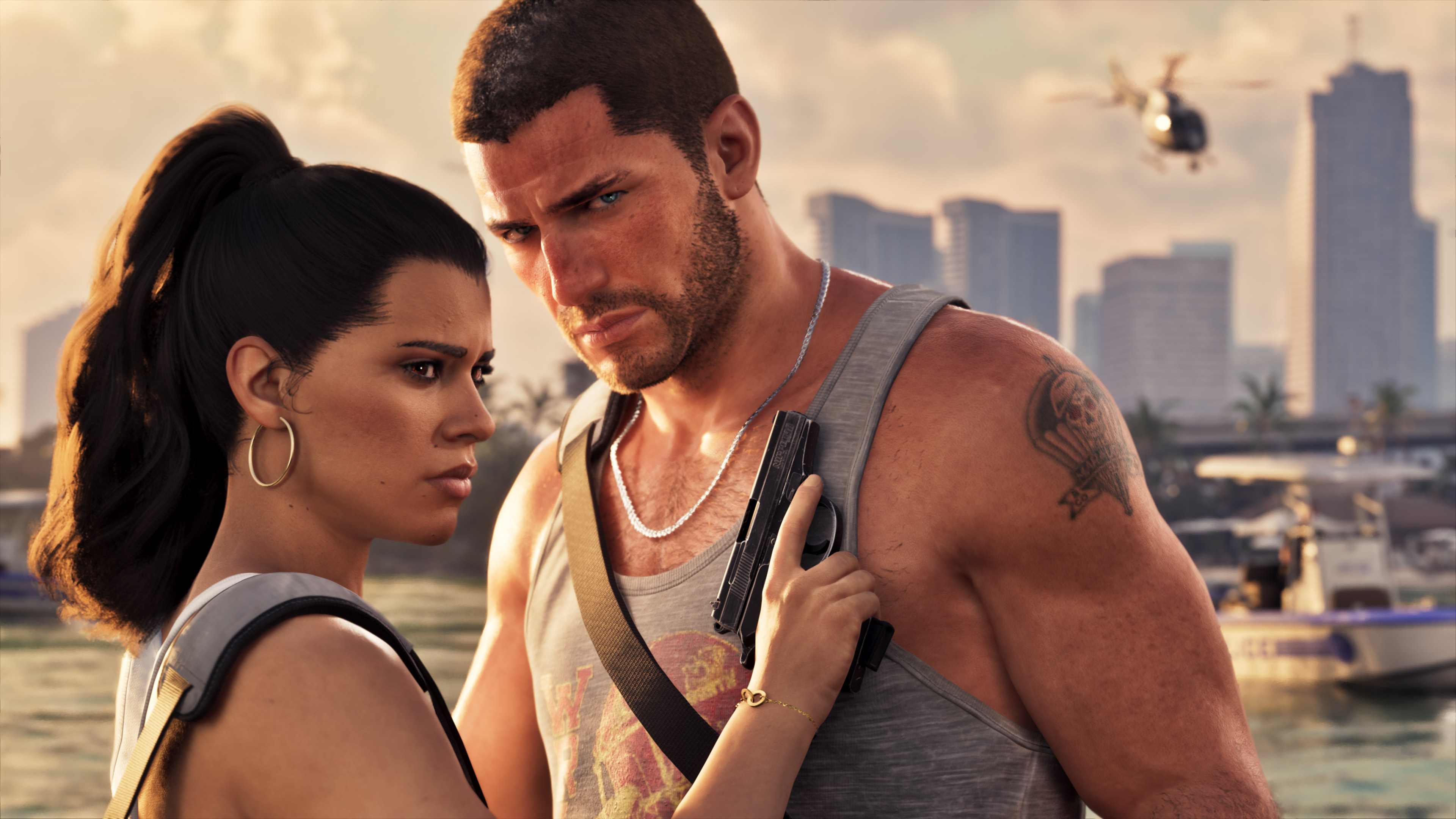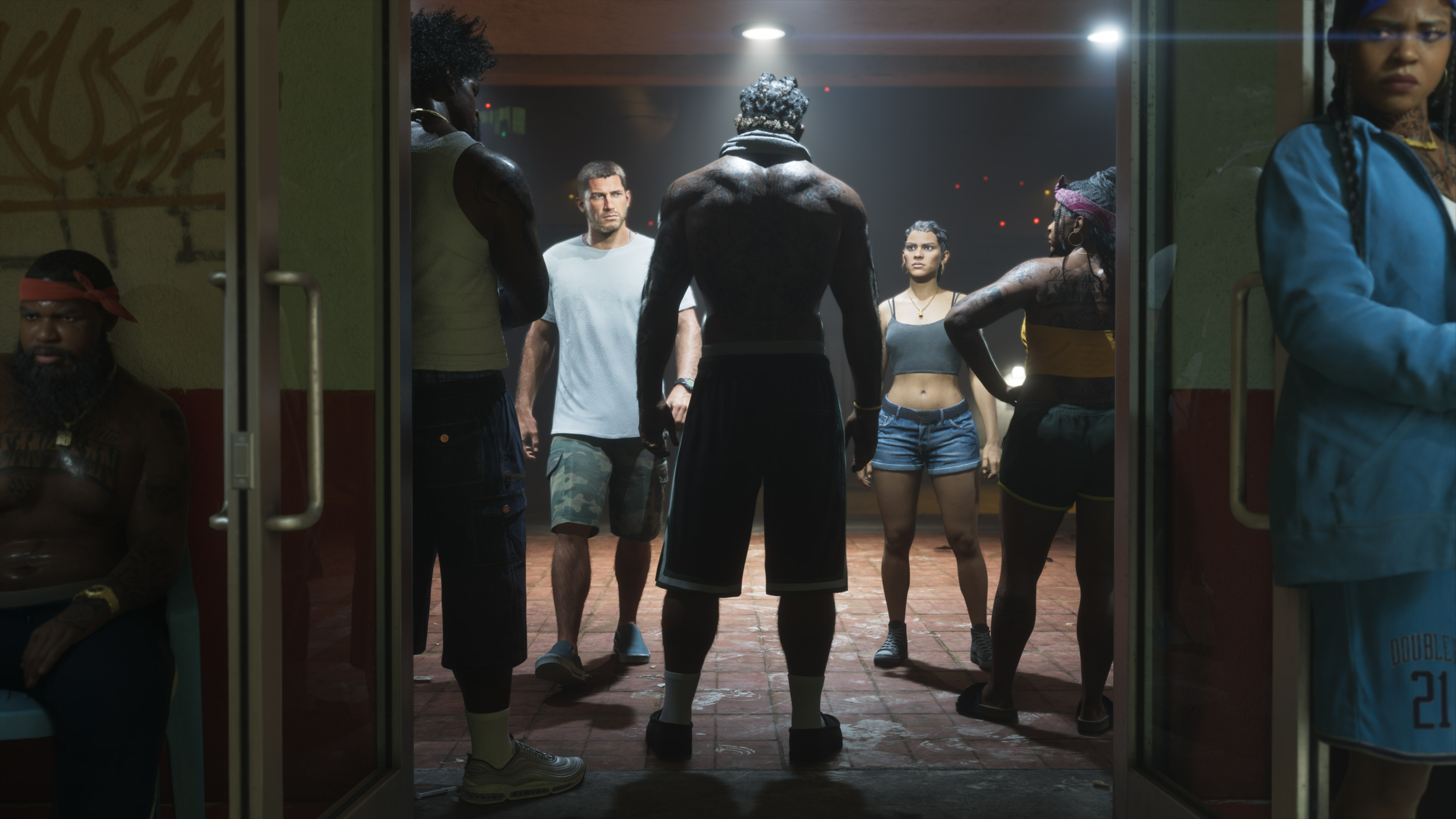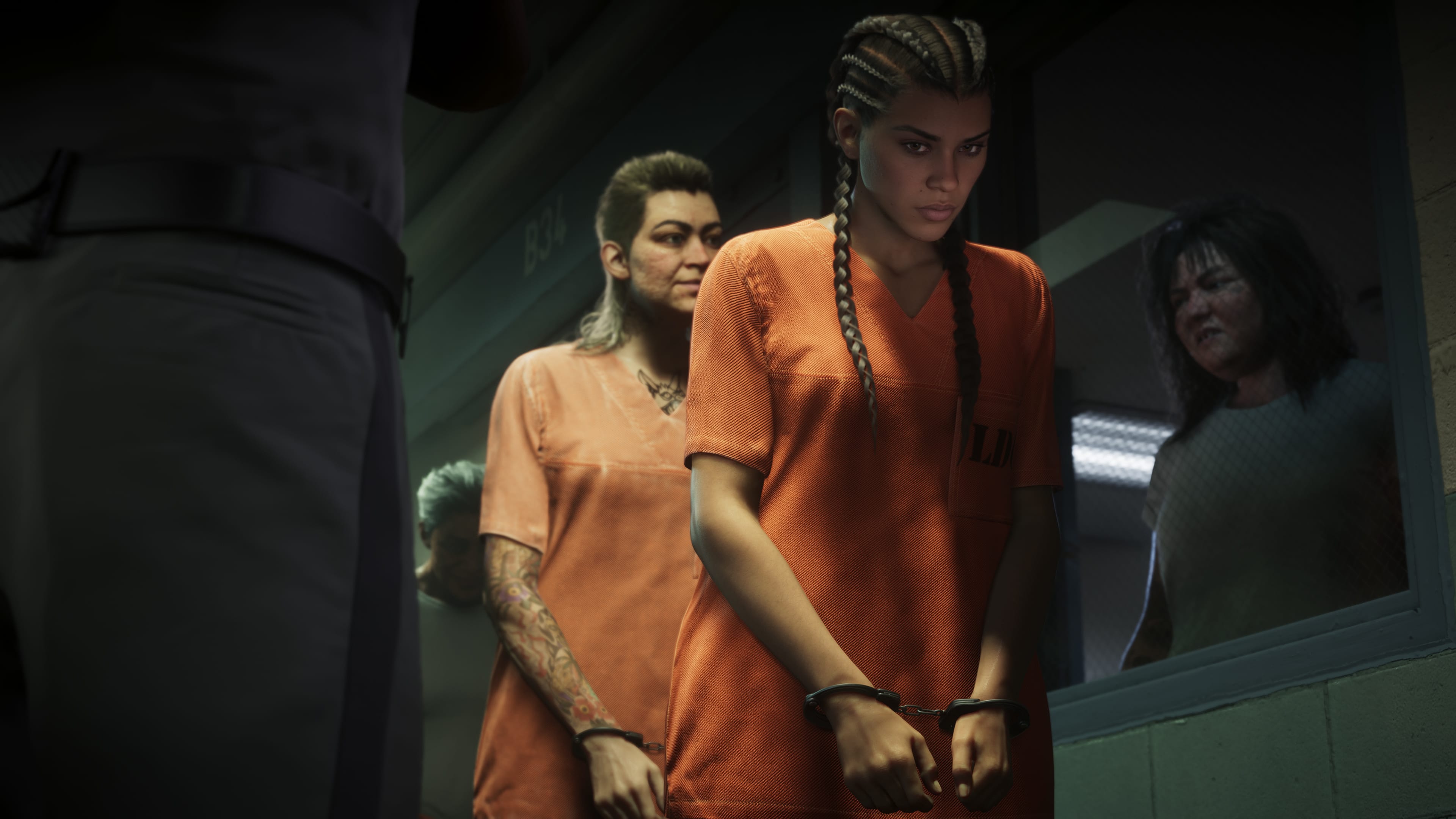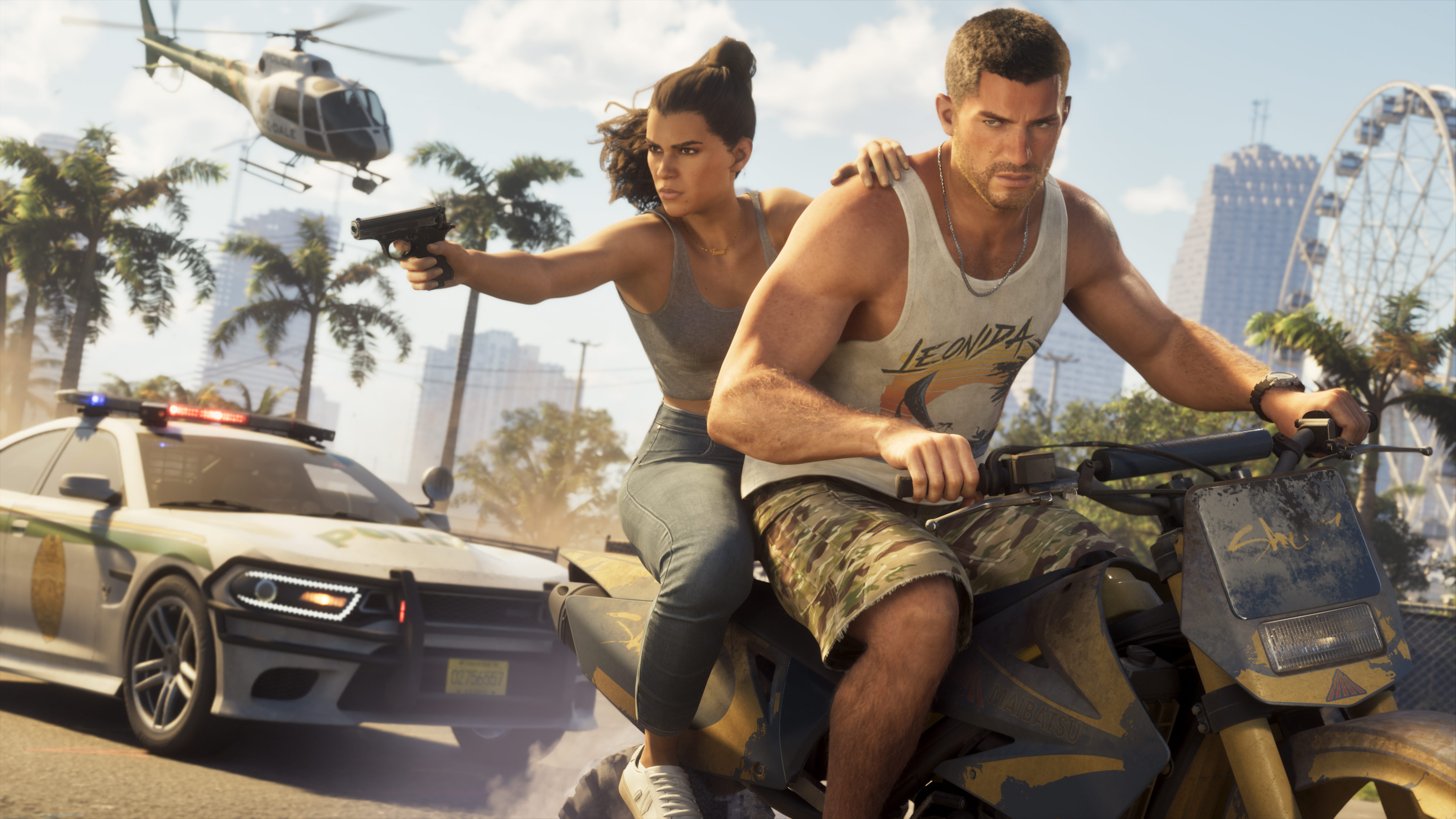
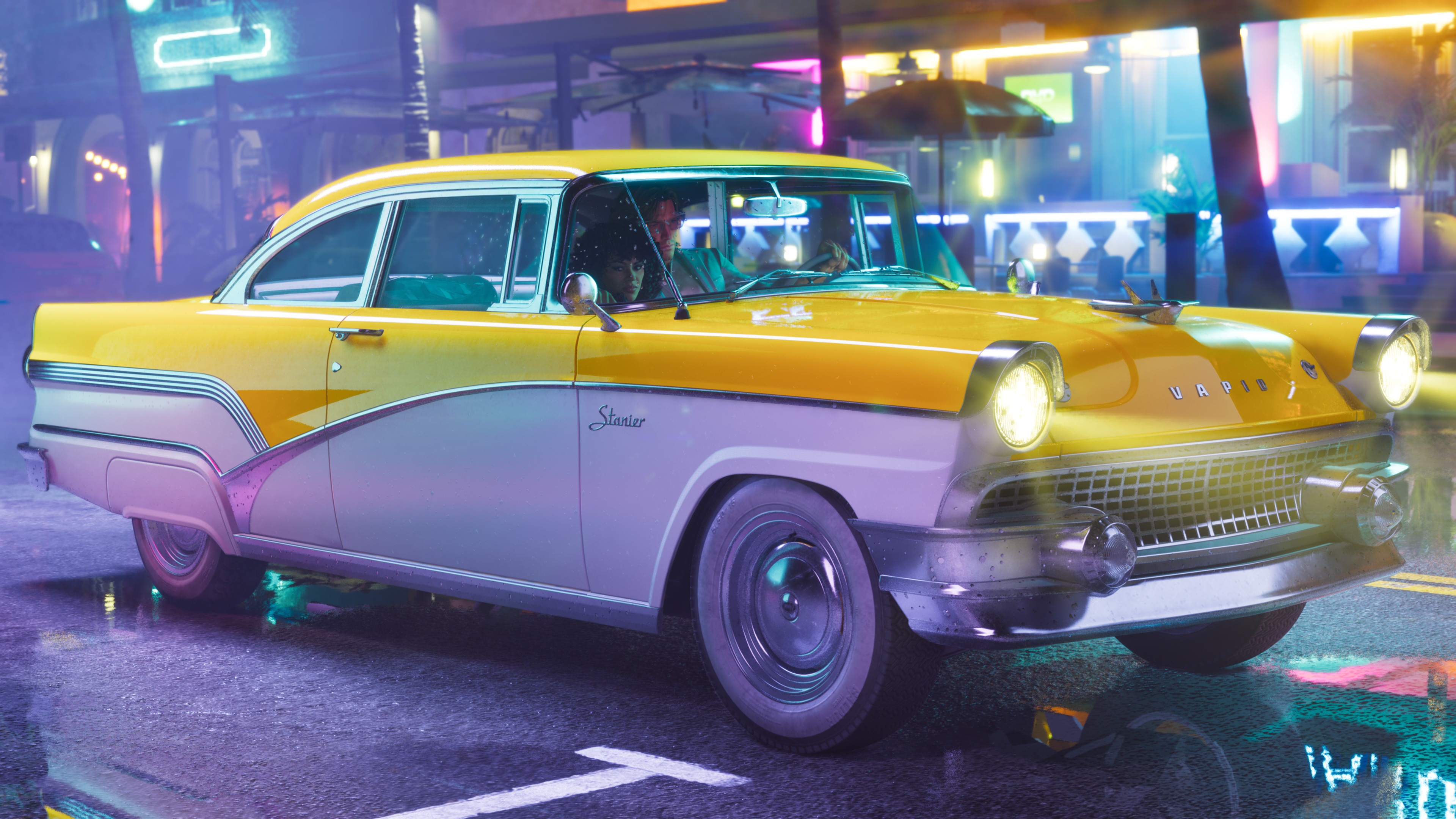
Players who pre-ordered GTA 6 get the Vintage Vice City Pack. The bonus does not show up right at the start, so some players may think it is missing. According to PC Gamer, which played the final version, the pack unlocks gradually during the story.
What's in the pack
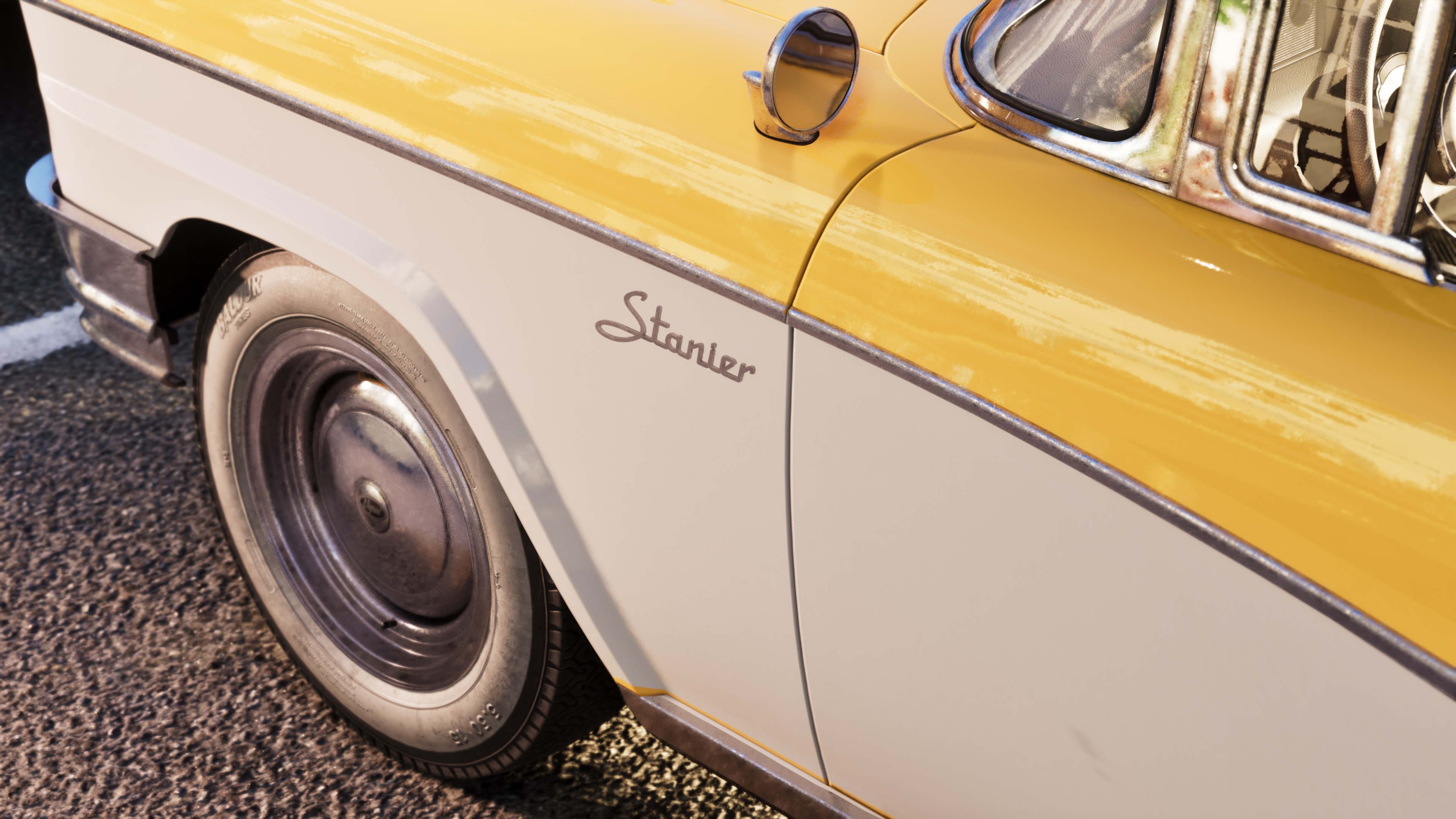
- 1955 Vapid Stanier, with a garage
- 1980s style outfits and hairstyles
- A palm tree weapon pattern
The bonus is for everyone who pre-ordered the game, not just Ultimate Edition buyers.
Step 1, check that the bonus is on your account
The pack appears in the store menu after mission 11, Coming Home. To see it, open the main menu, go to the store and scroll down past GTA+ until you find the Vintage Vice City Pack.
Step 2, reach Chapter 3
The items can only be claimed from Chapter 3 of the story onward.
Step 3, collect the car
Once the bonus unlocks, a new task appears in the Exploration section of the map index. Go to the Ocean View Hotel to collect the 1955 Vapid Stanier and the garage.
Step 4, get the outfits, hairstyles and pattern
- Outfits: in your wardrobe after you collect the car
- Hairstyles: in the Special section of any salon
- Weapon pattern: at any Ammu-Nation, in the modify menu under Cosmetics and Wraps, also after collecting the car
If the pack does not appear in the in-game store after mission 11, check that your purchase was made during the pre-order period.