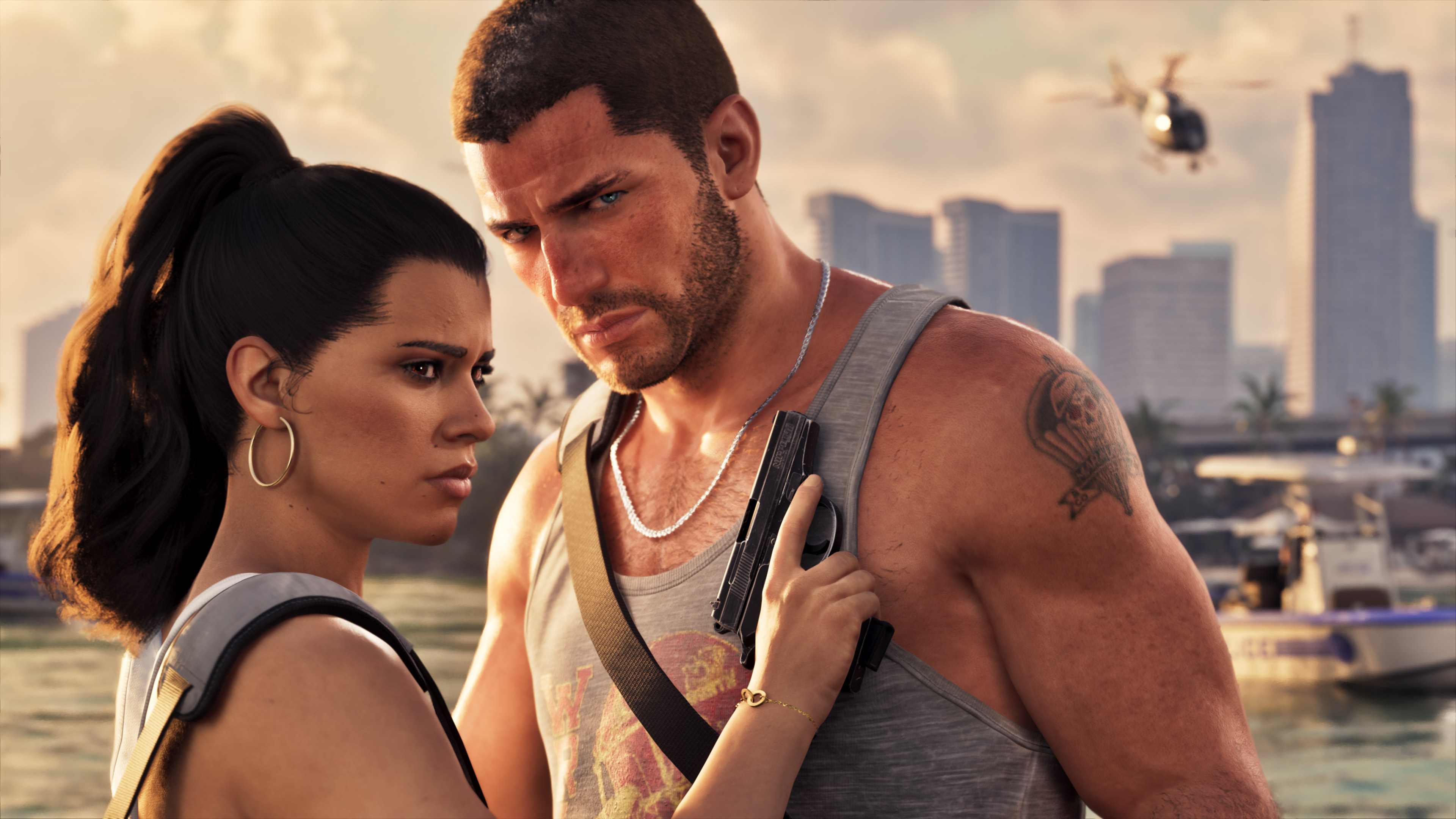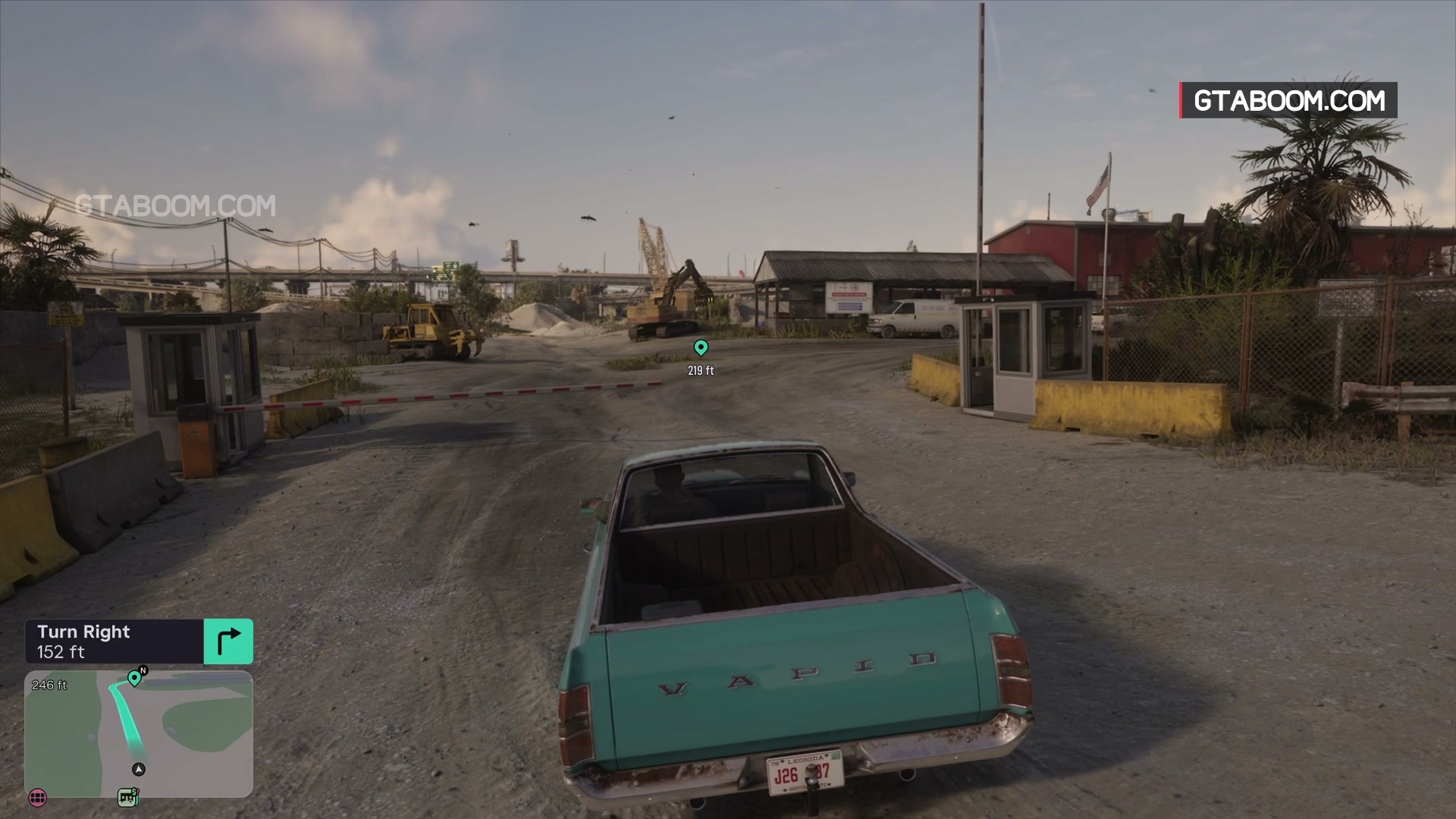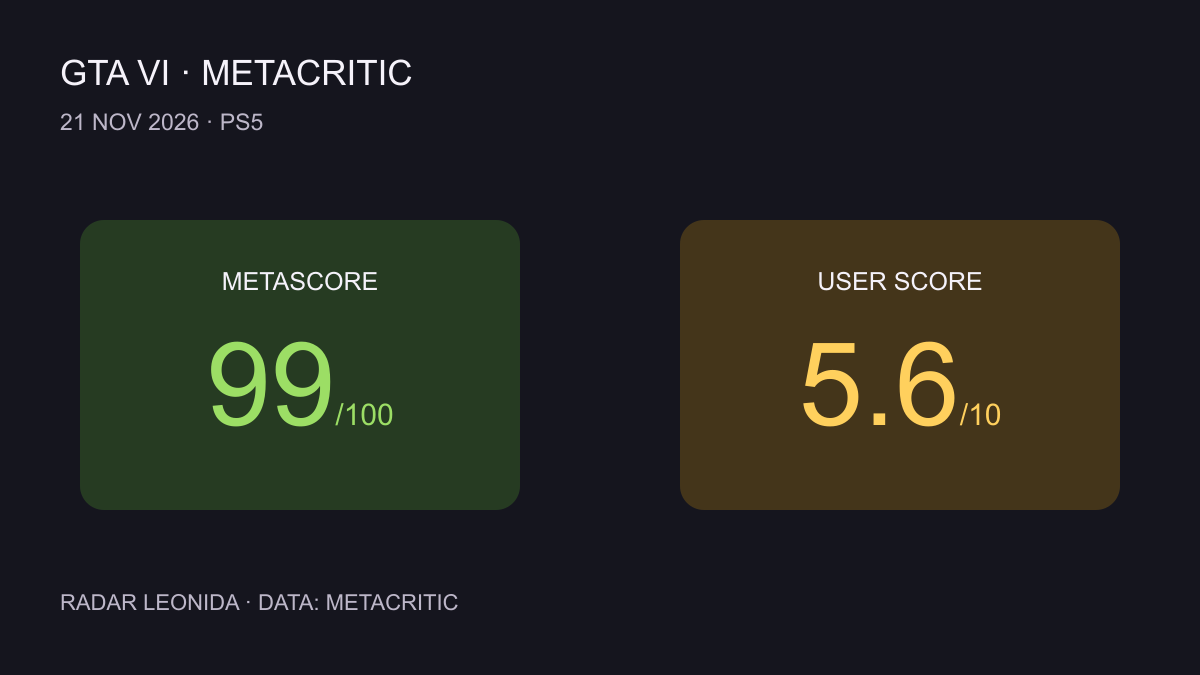

Larger text, sprinting adjustments and fewer on-screen elements are part of GTA 6’s interface design. In comments published by TechRadar on November 24 and 25, the developers responsible for its presentation and usability explained those choices.
Information without crowding the world
Vice president of art for interface design Stuart Petri described modernizing the presentation while preserving signatures such as the minimap, wanted stars and typography. The interface should help when needed and allow players to reduce visible information.

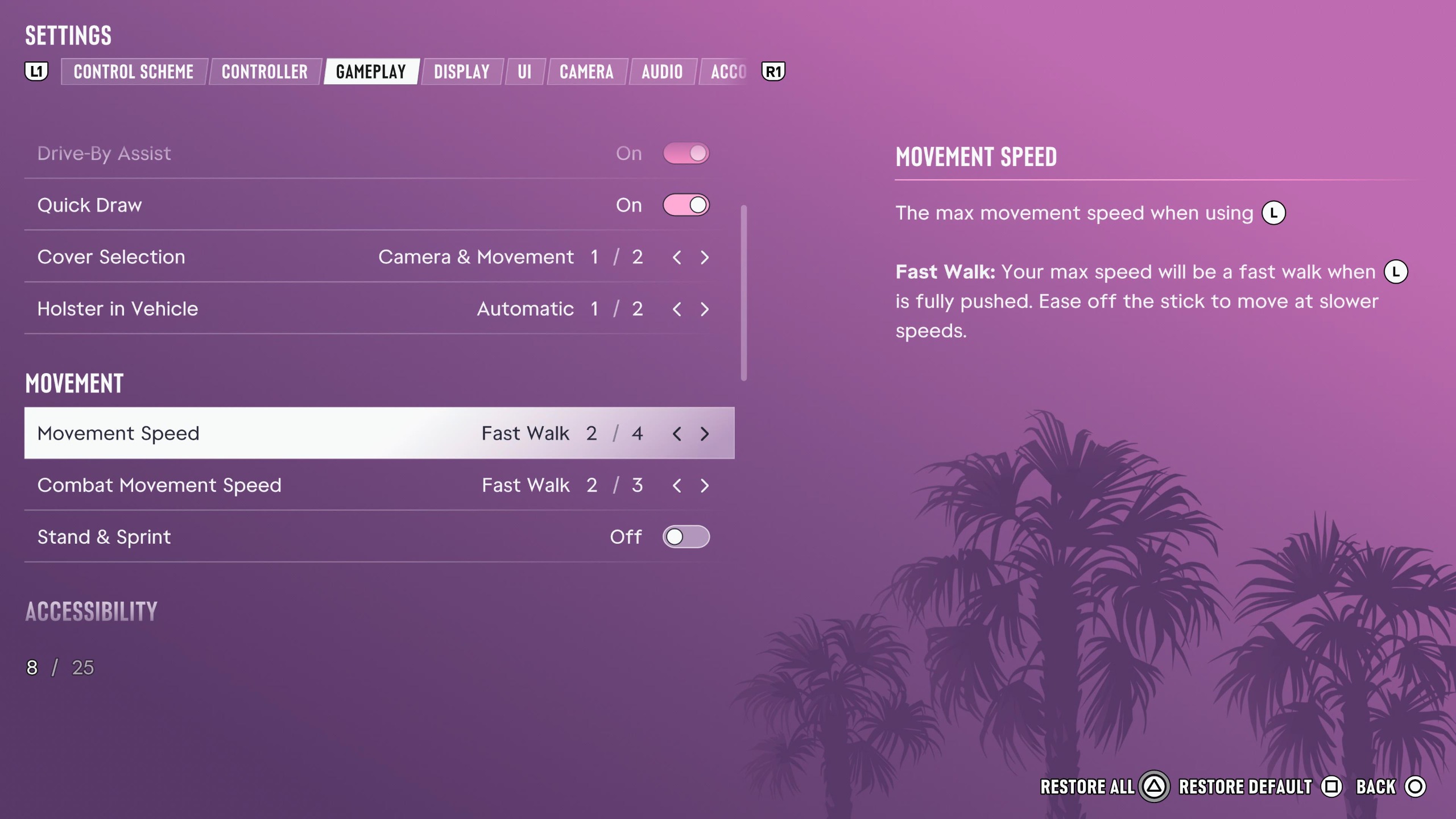
Associate UI/UX director Sam Grosset said accessibility was considered from the beginning. Examples include font size, a cleaner display and changes to sprint controls. Holding the phone in the character’s hand also connects menus with the action.
Adjustable controls and text let players adapt readability and movement to their preferences. Our movement speed guide shows where one of these settings is located and what each level changes.