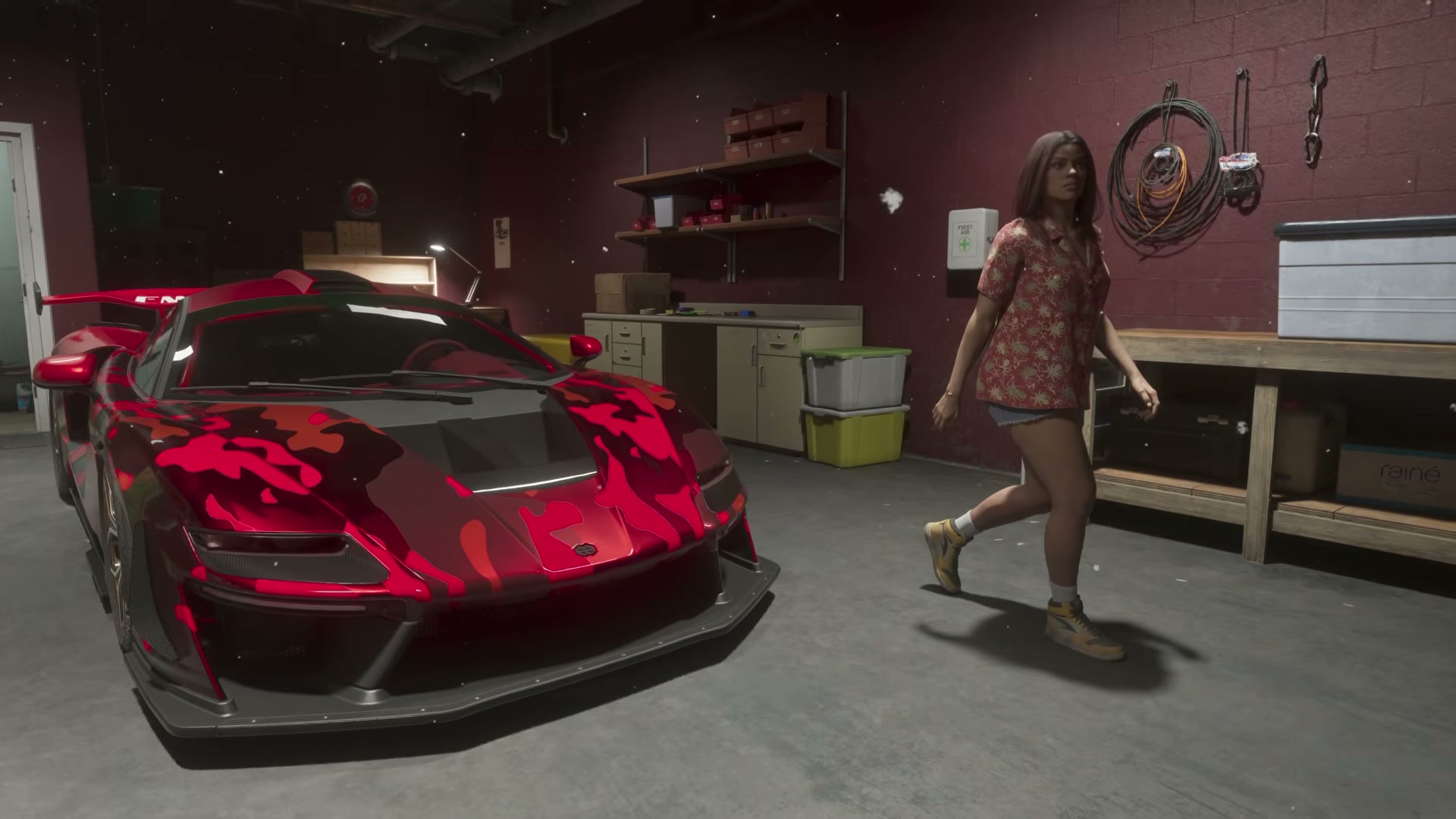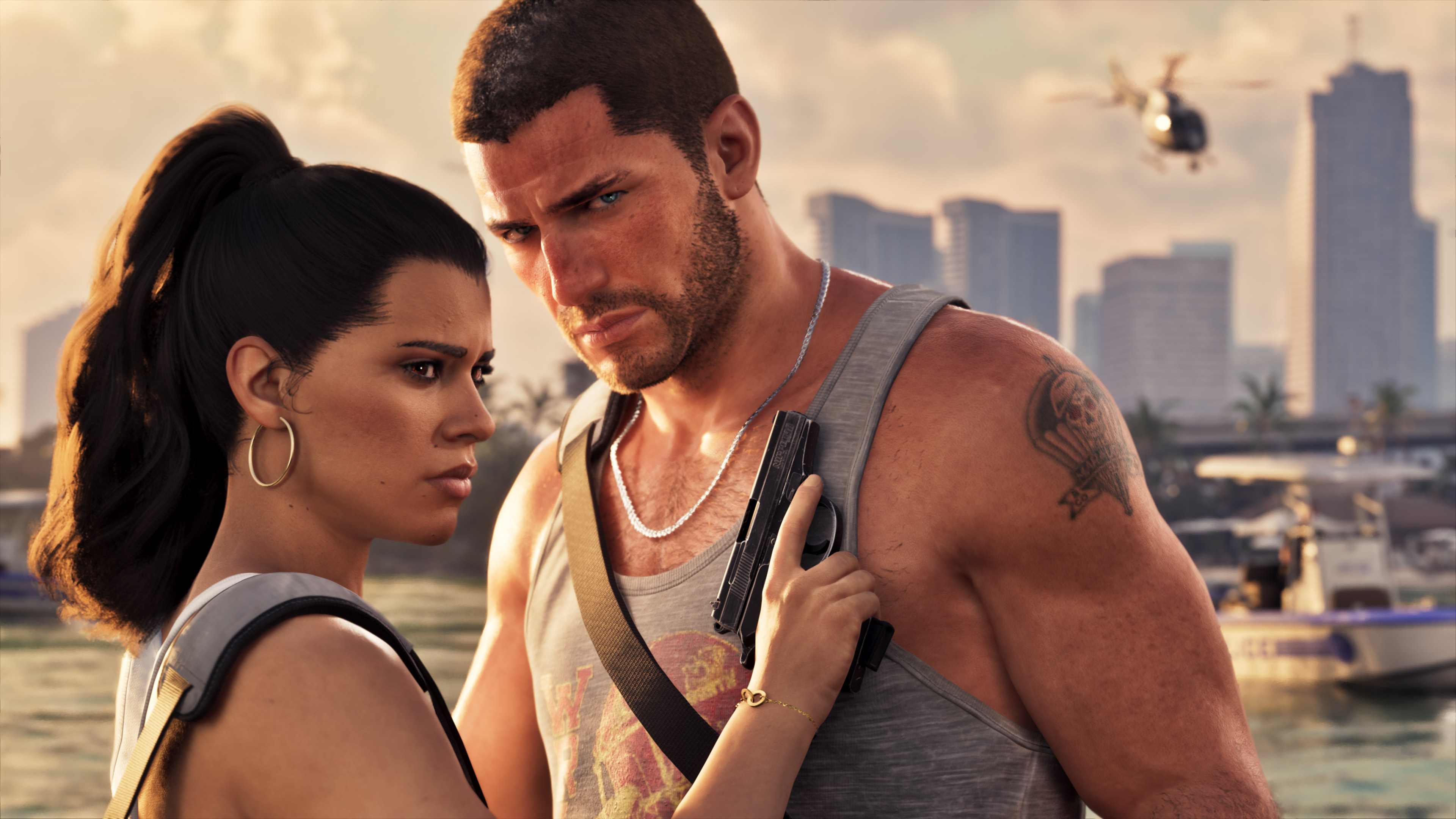
If Jason or Lucia feels too slow, GTA 6 has a setting for their basic movement pace. According to PC Gamer, it changes the speed used when you push the control stick fully.
Where to change movement speed
Open Settings, enter Gameplay and find the Movement section. Look for Movement Speed.
There are 4 levels. You can keep the default Walk, choose Fast Walk, select Jog or use Run. Confirm the pace that suits your exploration style.
What it changes
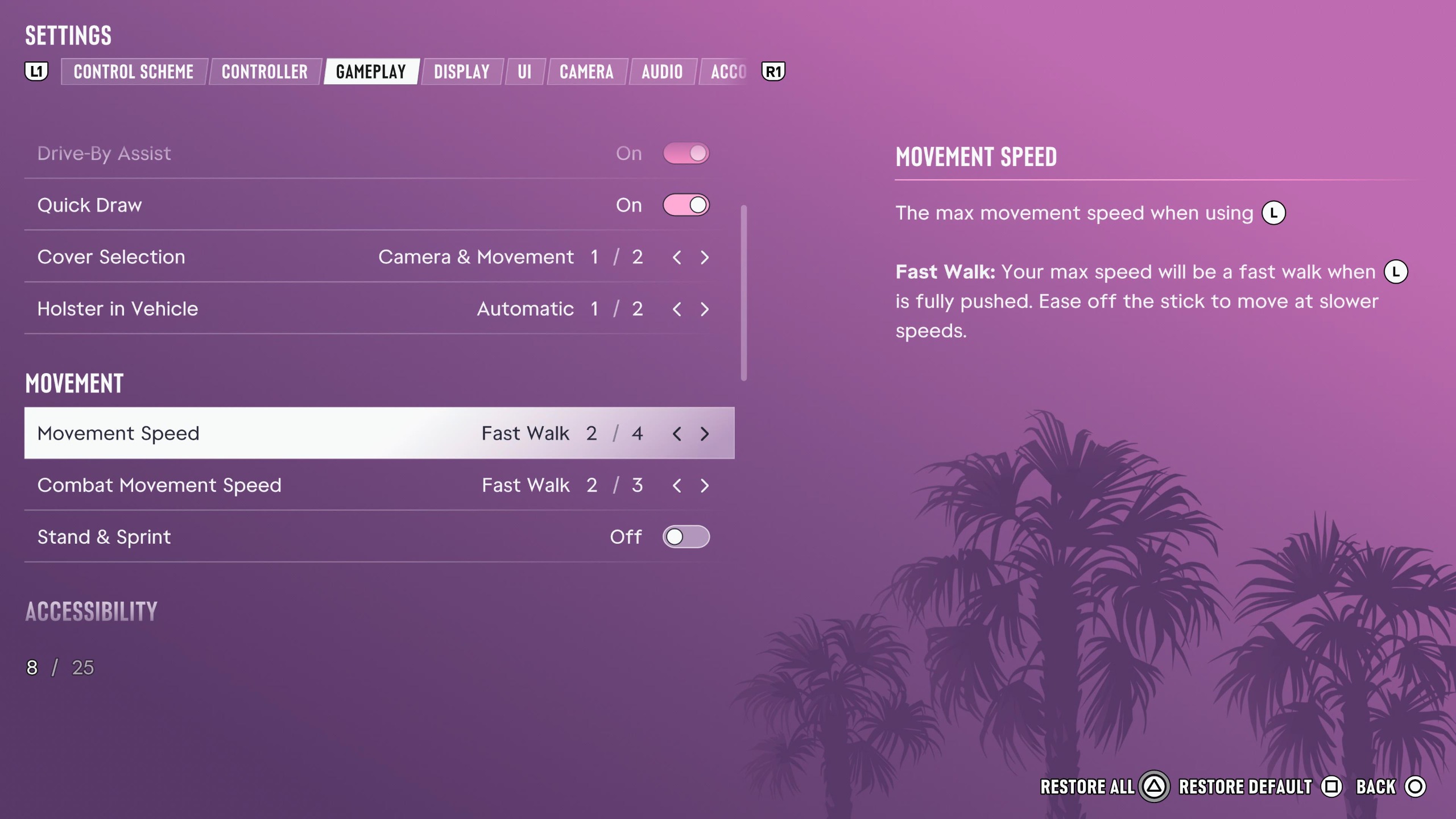
The setting alters ordinary movement with the stick fully tilted. It does not increase the maximum sprint speed that consumes stamina.
Even with a faster pace selected, you can still move slowly by tilting the stick slightly. This preserves finer control when approaching a doorway or inspecting a detail.
Combat has a separate option
In the same settings group, Combat Movement Speed changes your pace during confrontations. Its choices are Fast Walk, Jog and Run.
Try changing one setting at a time. Fast Walk offers extra responsiveness without making every movement a run, while the higher options suit players who want to cross areas on foot more quickly.