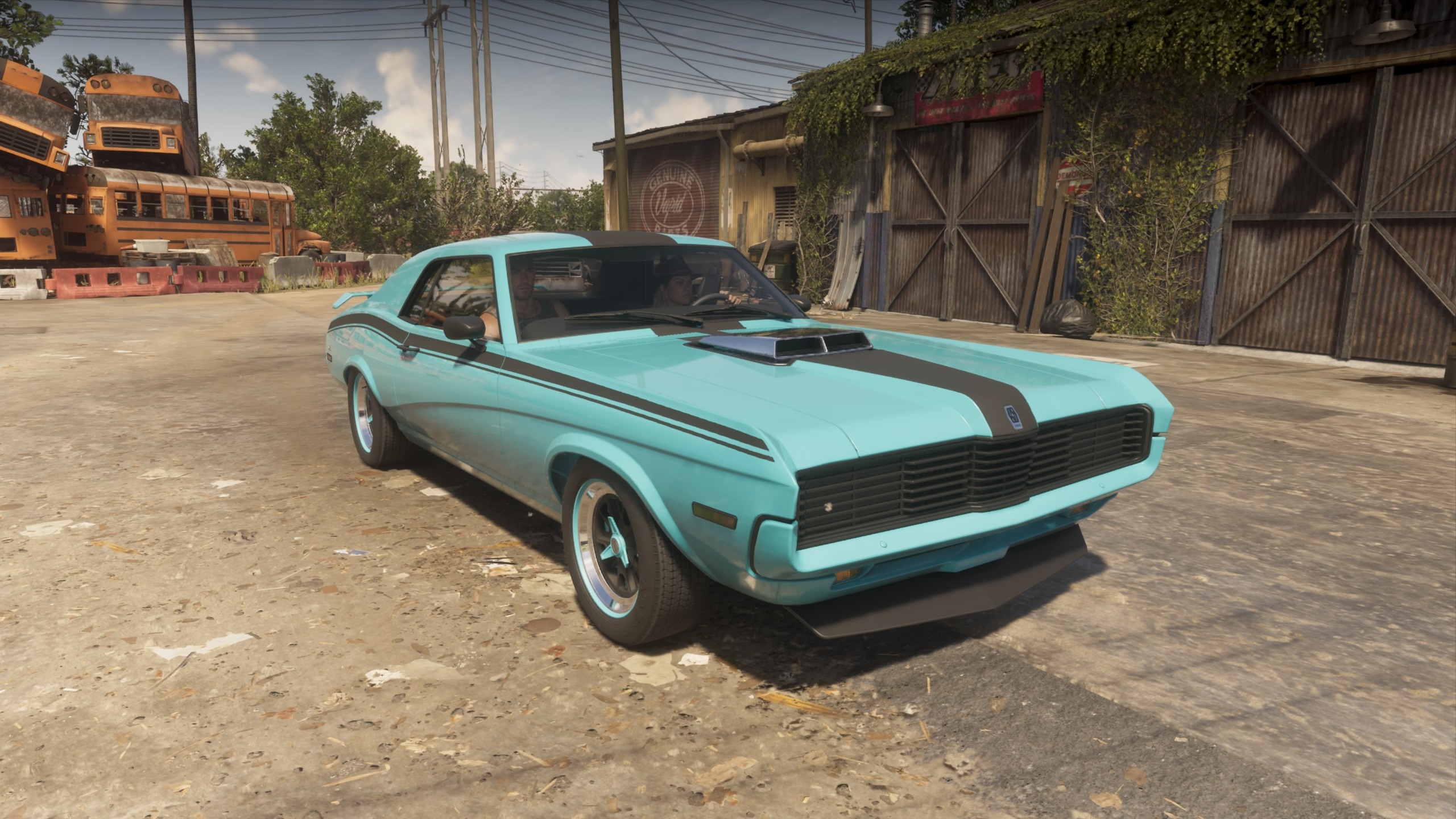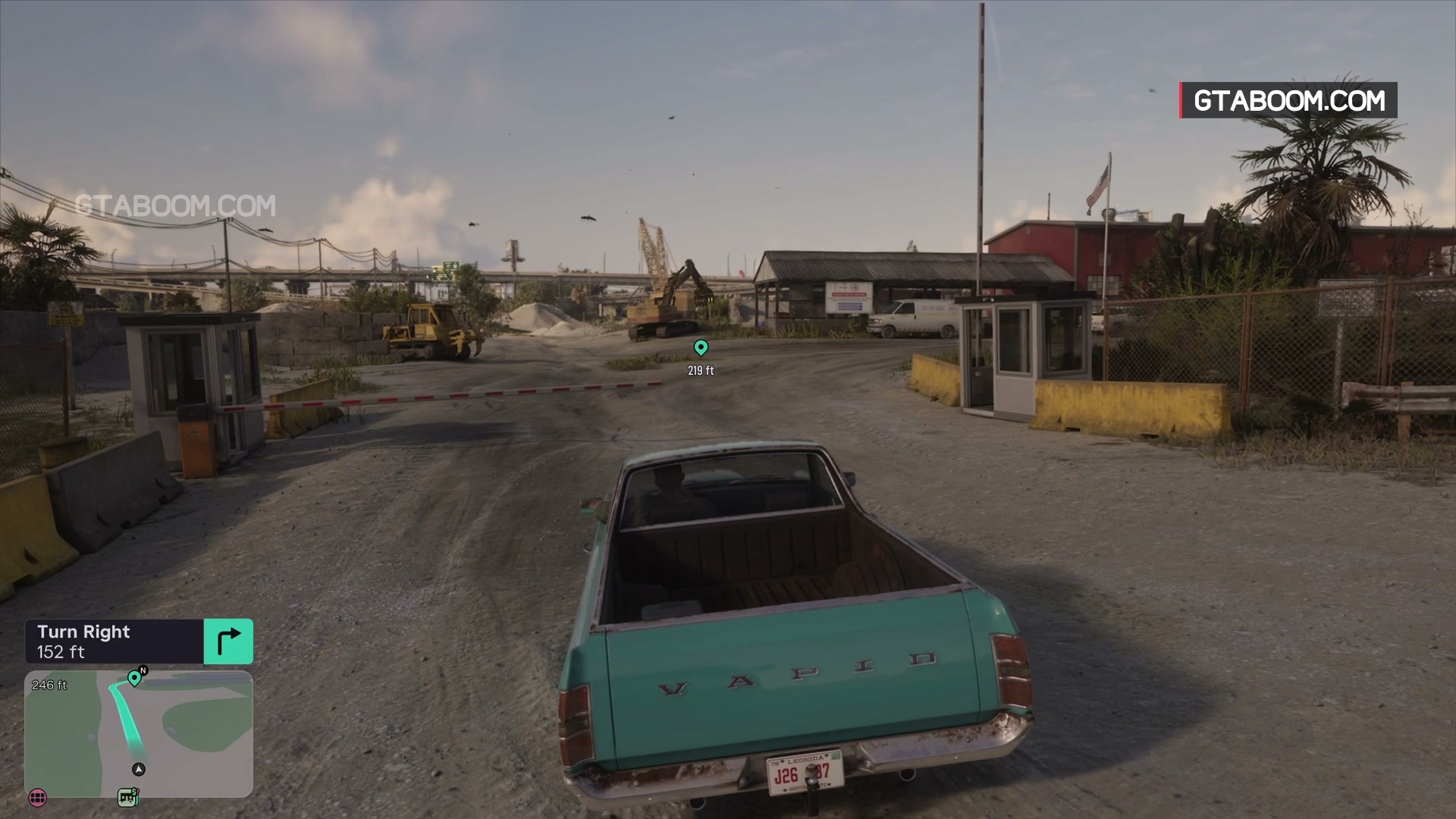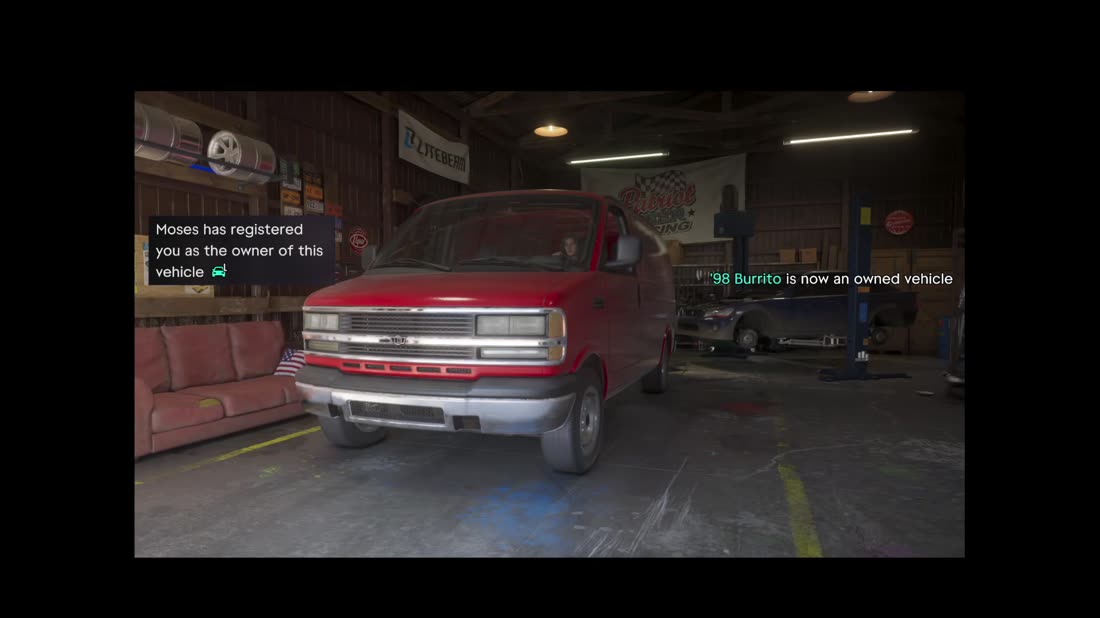
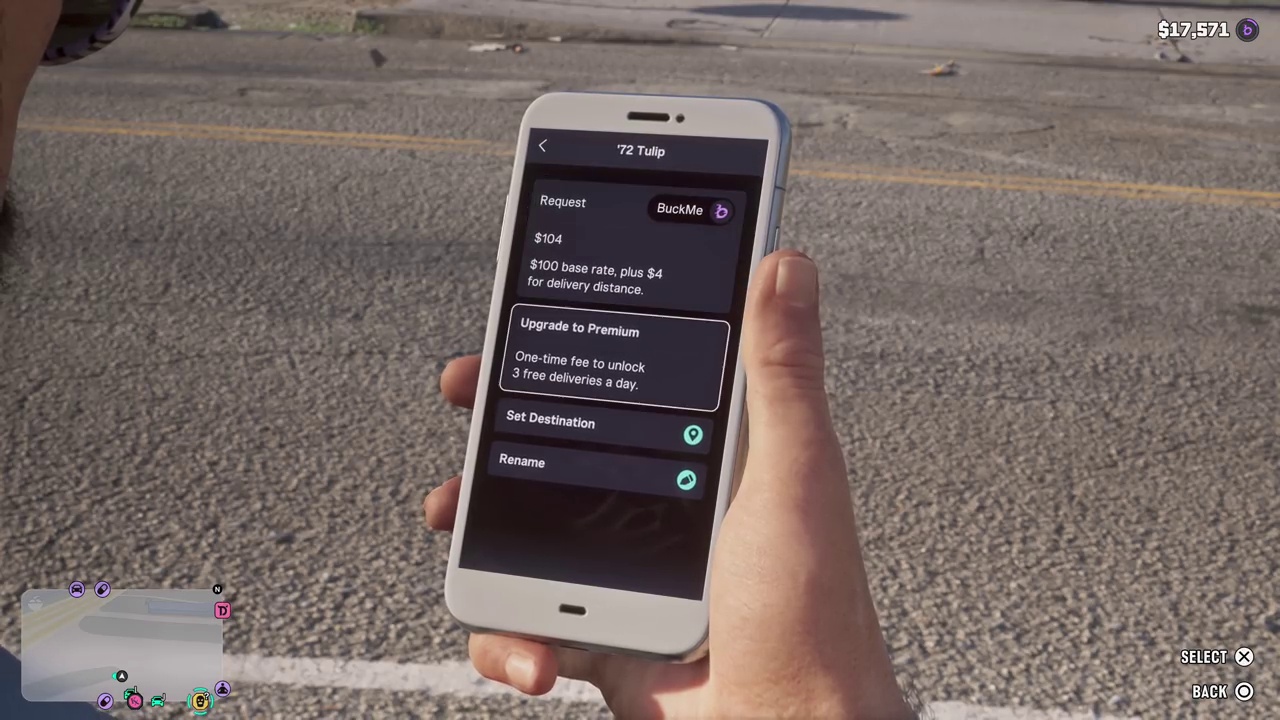
You can repair a personal car in GTA 6 through your phone without driving to a workshop. Open Scooter Bros, choose the vehicle and select Repair. MirreyTV’s reel shows a damaged Elegy returning to normal after this request.
The menu also reveals an important condition: the repair uses an available credit. This is not an unlimited free service. Check the remaining requests and any displayed price before confirming.
What you need first
The car must be one of your personal vehicles. A vehicle stolen from the street is not automatically added to that list. If the model is not yours yet, see how to register a personal vehicle before trying the service.
You also need Scooter Bros available on your in-game phone. The app becomes available as you progress through the story. Early in the campaign, Joey offers a separate contact-based phone service; that call is different from the app’s repair menu demonstrated here.
How to unlock the included requests
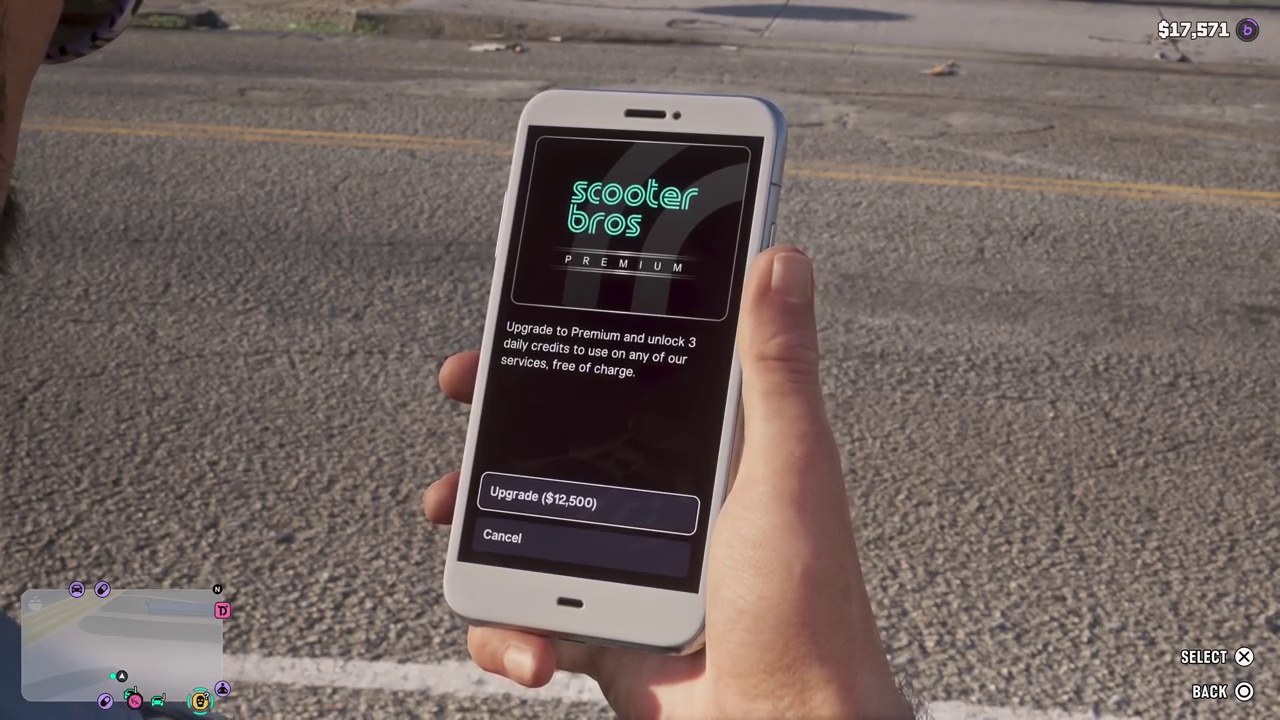
Open the Premium upgrade option in Scooter Bros. The screen shows a one-time GTA$ 12,500 payment for 3 daily credits usable on the app’s services. After upgrading, check the counter before requesting a repair or delivery. These are service credits, rather than a promise of 3 repairs plus 3 separate deliveries.
1. Park before opening the phone
Stop somewhere that leaves room for your car and a clear exit. Get out and open your character’s phone. You do not need to drive around searching for a gas station to use this app option.
If a mission or pursuit prevents service access, deal with that situation and check the available options again. The reel demonstrates a street request outside an active pursuit. It does not establish that every menu remains available at every point in the campaign.
2. Open Scooter Bros and choose the car
Find Scooter Bros and open My Vehicles. The list contains available personal vehicles and those stored in garages. Select the damaged model.
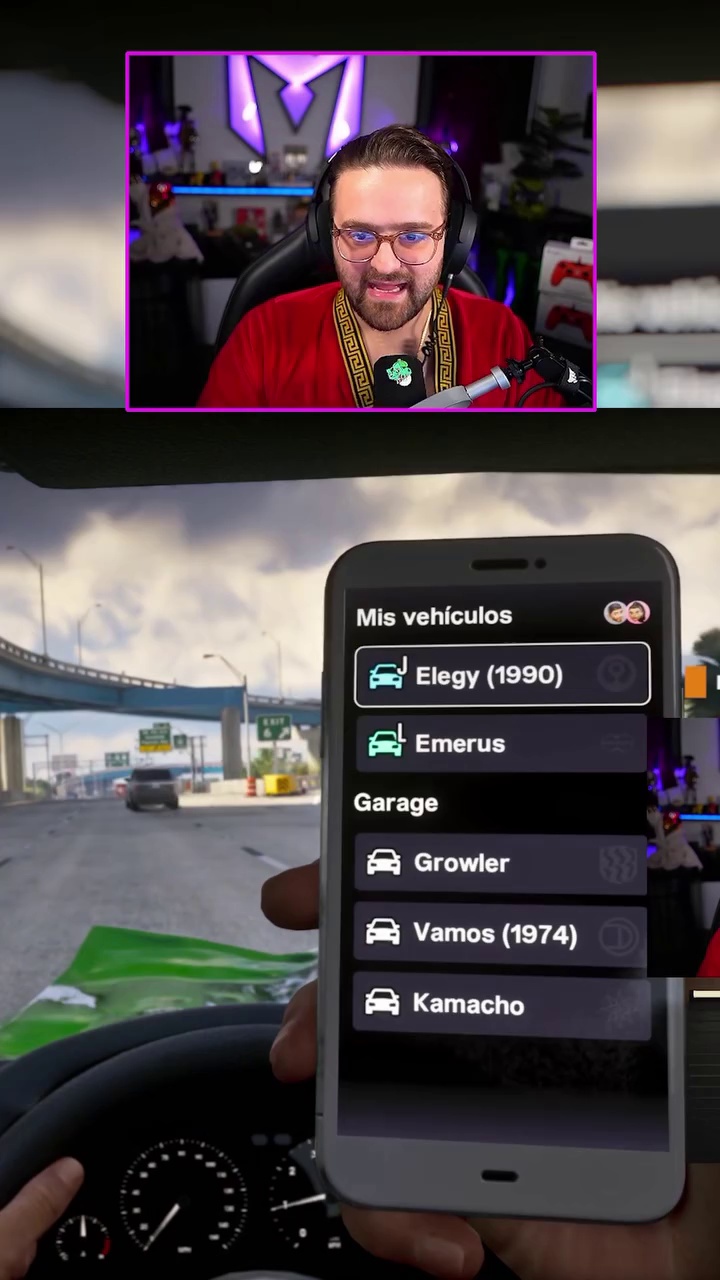

Check the vehicle name before continuing. The reel selects an Elegy (1990). If you own several similar cars, this check avoids spending a request on the wrong one.
3. Select Repair and check your credits
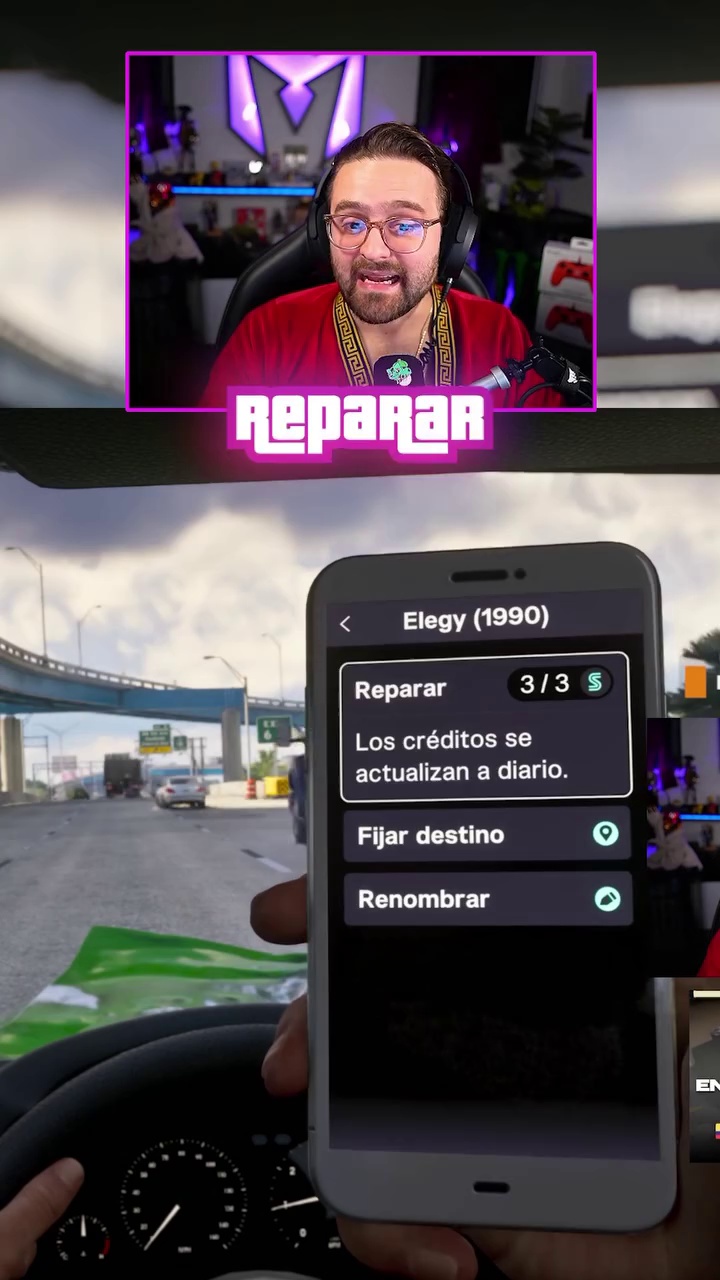
In the vehicle menu, select Repair. The example shows 3/3 and a notice that credits refresh daily. Read the counter in your own save before confirming.
IceManIsaac’s demonstration also shows this roadside repair and explains the included Scooter Bros Pro requests. The benefit depends on having the relevant credits or upgrade. If a charge appears, read it; do not assume it will disappear simply because a post calls the method free.
4. Return to the car and check the result
After confirming, wait for the short transition and inspect the vehicle. In the reel, the damaged bodywork has been repaired before the character drives away. Get in and check that the car is ready to continue your journey.
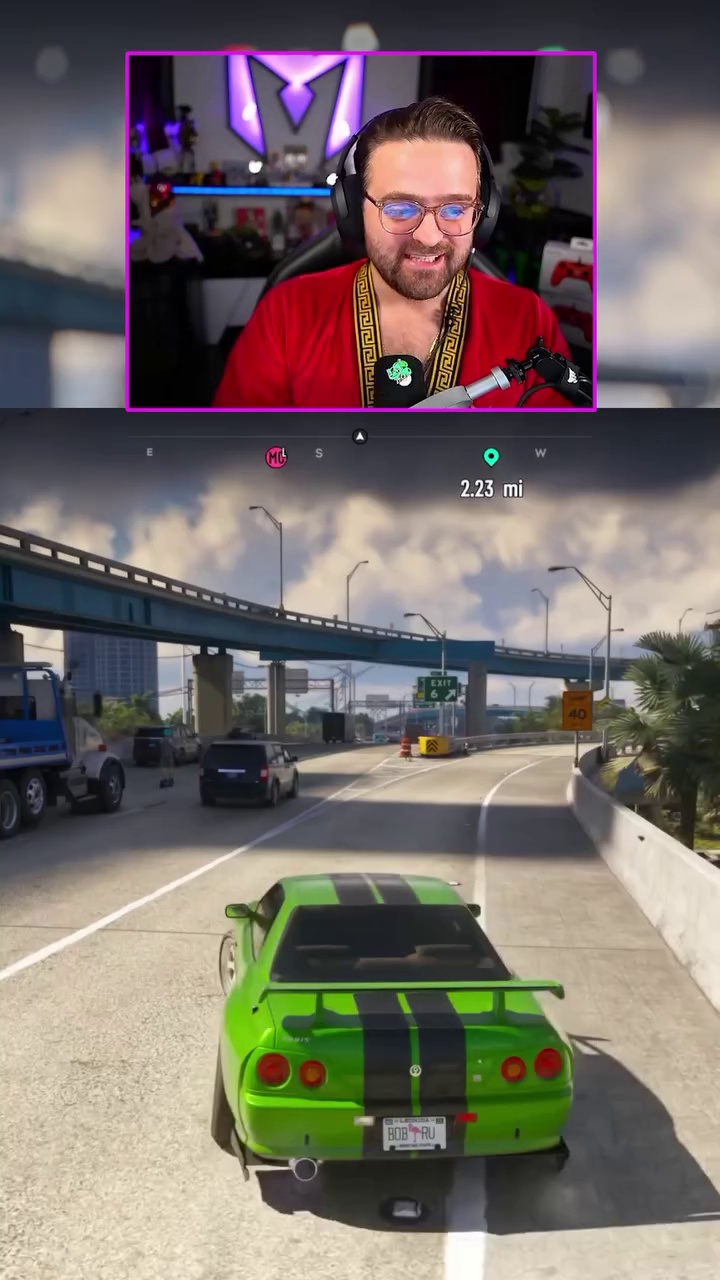
Repairing and requesting a vehicle delivery are different app options. If the car is already beside you, use repair. If you need to retrieve a distant vehicle, inspect the delivery option and the costs for that particular request.
What happens when the included requests run out?
Check the counter and the choices displayed by the app itself. The reel’s notice says credits refresh daily, but does not show an exact reset time to present as a universal rule.
You can still use the alternatives available in your game. Our fuel station, refueling and repair guide explains the service at a pump. Workshops also show their services and prices. Compare the cost before confirming, particularly if you are saving to register another car.
Does repair also fill the fuel tank?
The reel demonstrates a repair, without proving that it fills the fuel tank. Check fuel separately before a long trip. Likewise, do not treat repair as automatic tracker removal or free registration of a stolen car.
The useful part of this method is fixing damage to your personal vehicle through the phone, while respecting the displayed credits and conditions. It avoids a workshop trip when the service is already available for the vehicle you are using.