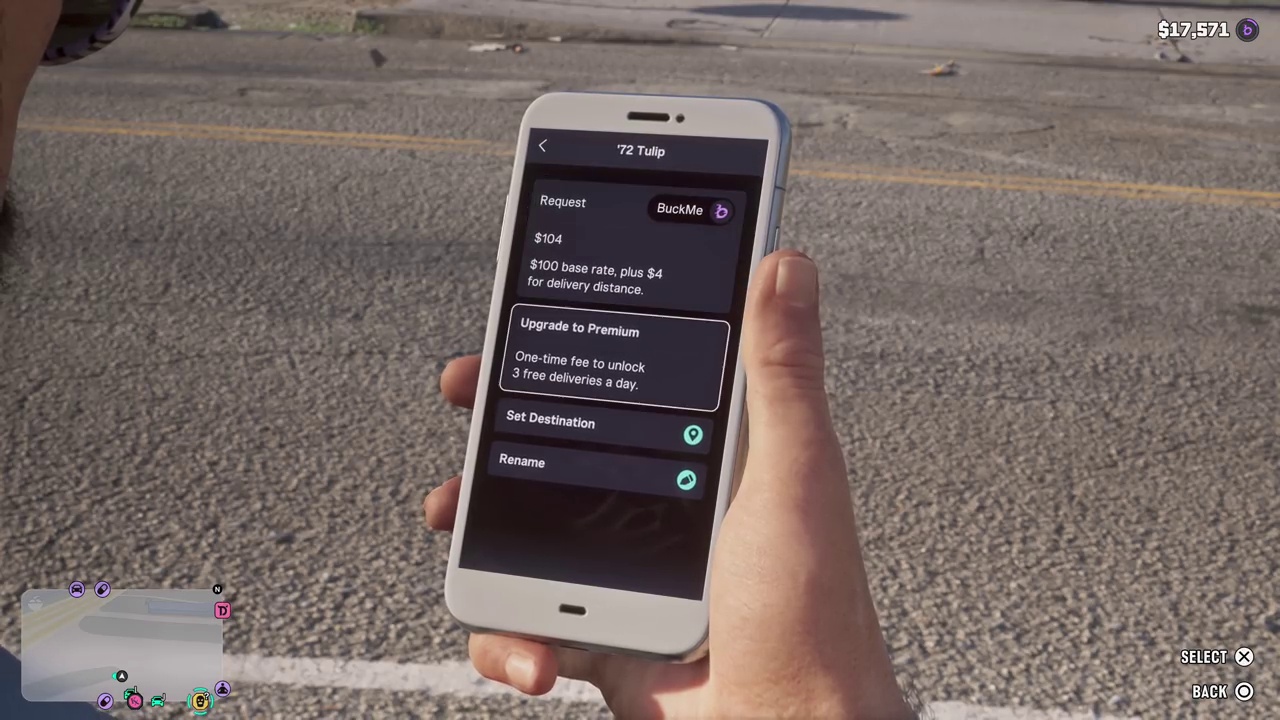
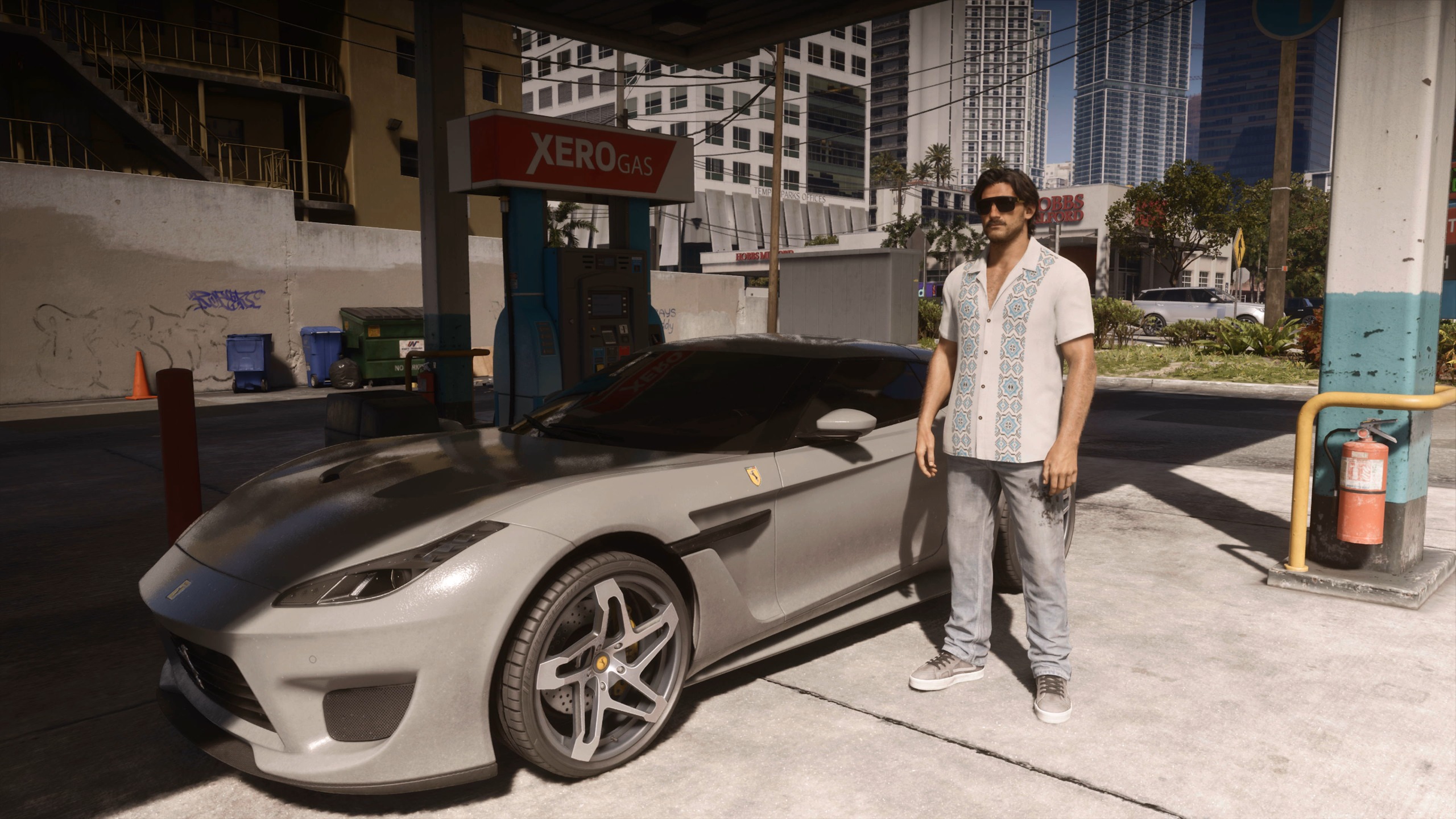
A GTA 6 gas station handles more than fuel. Repairs also keep your car ready for the next journey. According to PC Gamer, both options appear in the pump’s services menu.
Find a station
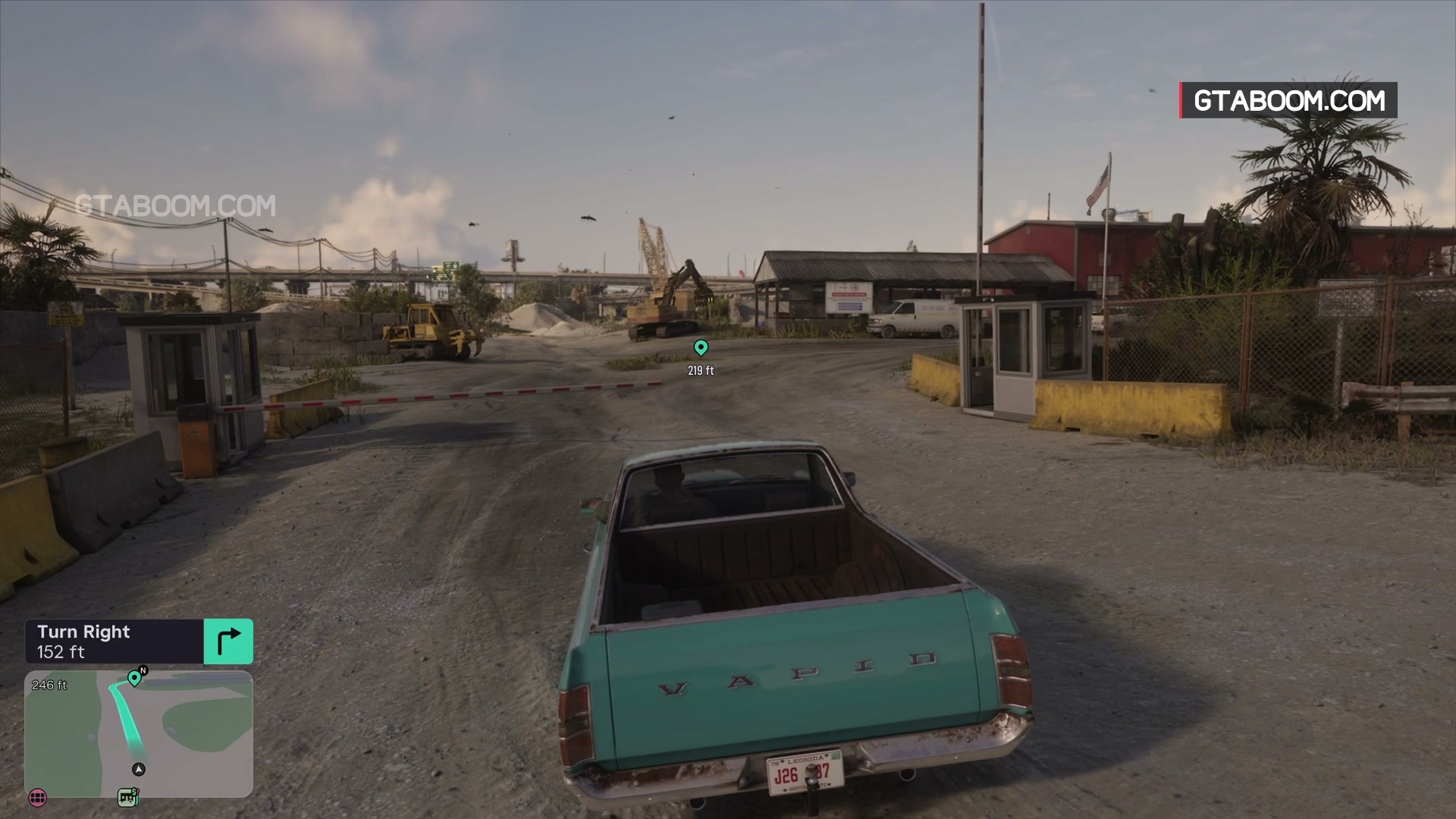
Open the map and look for a fuel-pump symbol. Set a waypoint and park close enough to the pump for the services prompt. Reposition the car if it does not appear.
Fill the tank
Select Refuel and check the displayed price before confirming. Jason or Lucia picks up the pump handle. Hold the button shown on screen to refuel, then wait for the character to return the handle.
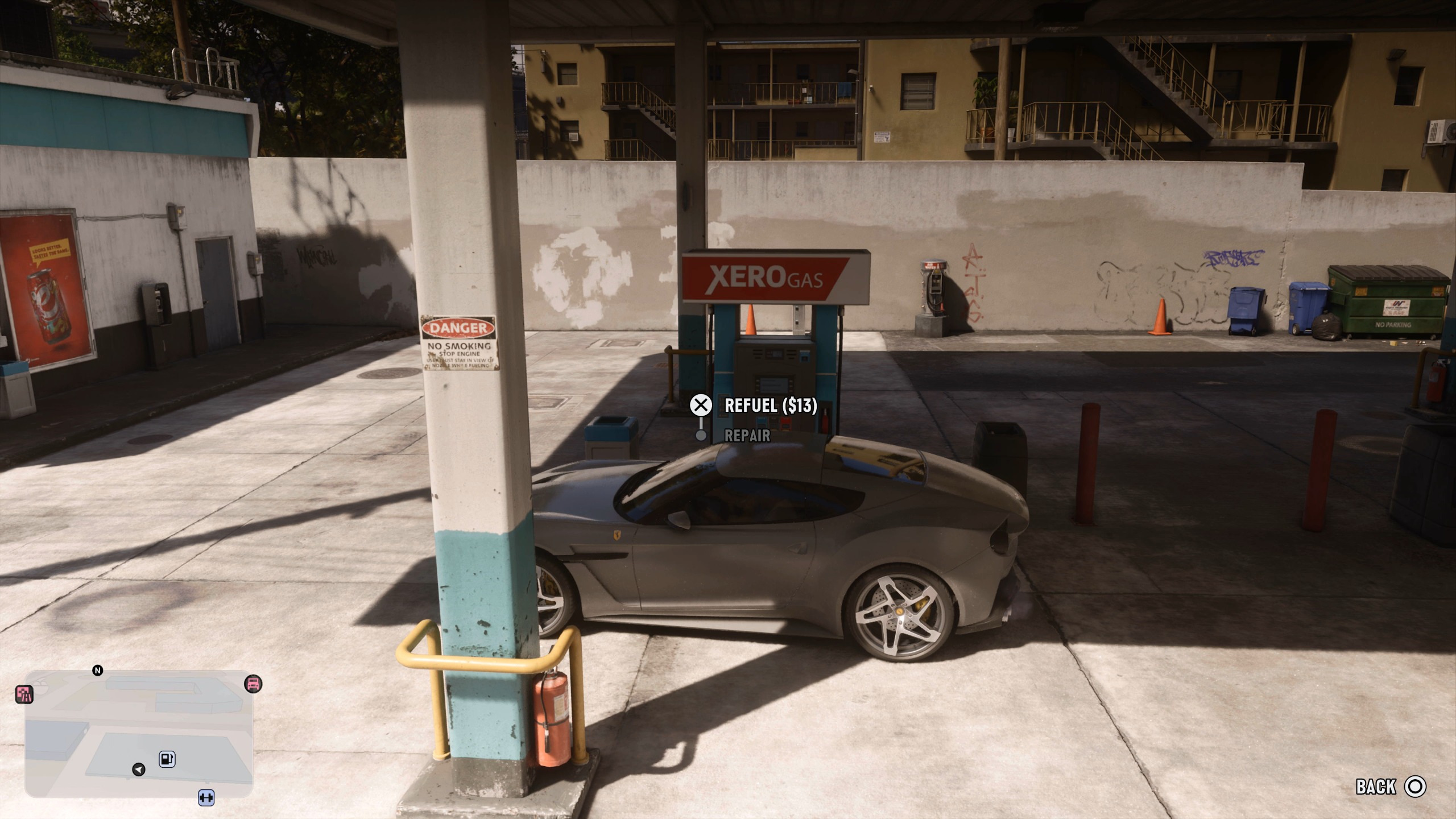
Repair damage
Select Repair in the same menu and check the cost. The price depends on vehicle damage. Refuelling and repairs are separate actions; selecting one does not automatically perform the other.
Charge electric cars
Find a charging station on the map. Park beside it, select Charge Vehicle and confirm the displayed price. Wait for the procedure to finish before driving away.
Check stolen vehicles
A car taken from the street may already be low on fuel. Watch for its warning before a long drive. Starting conditions vary, so do not assume another car’s fuel level applies to the one you just took.