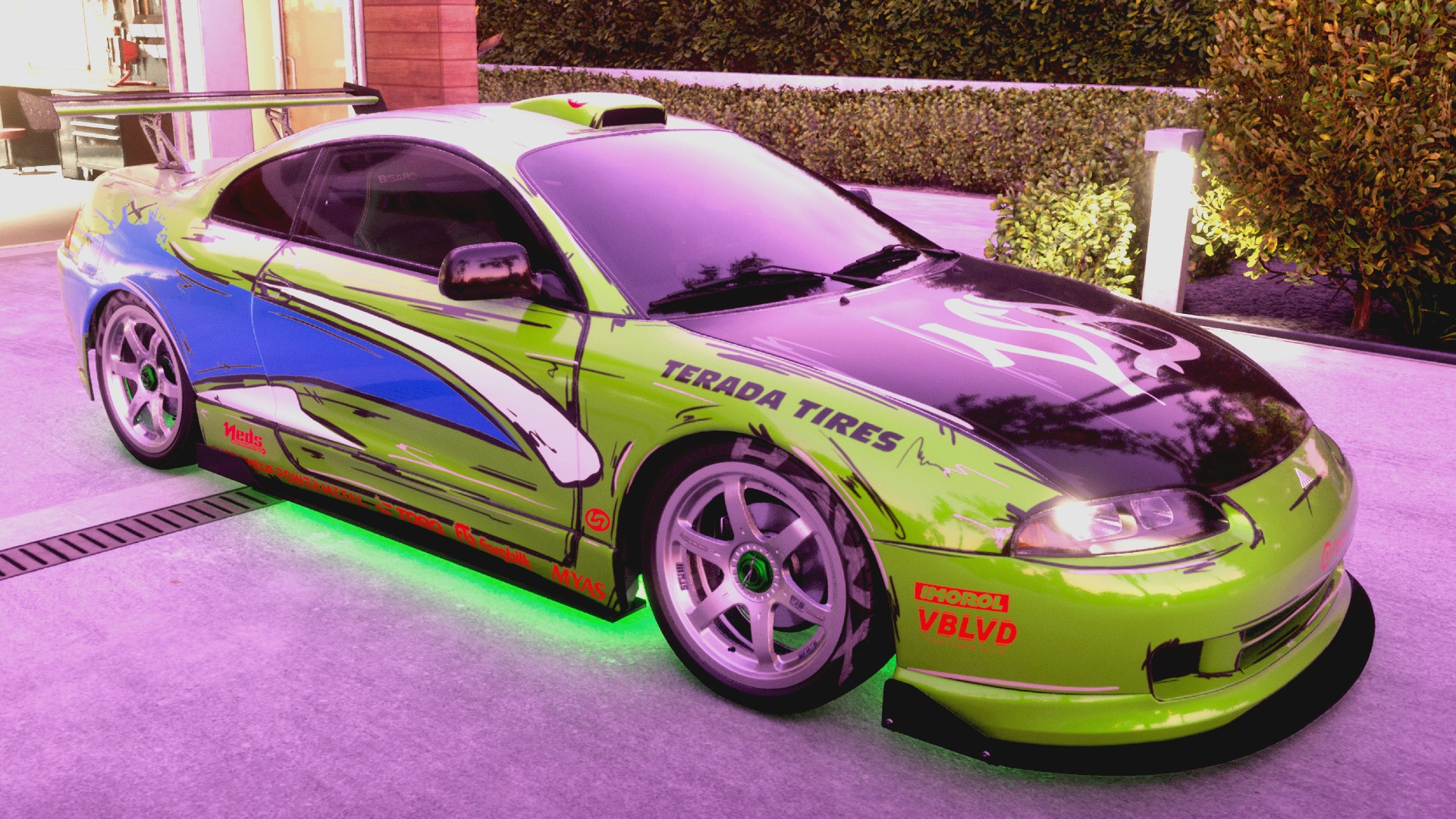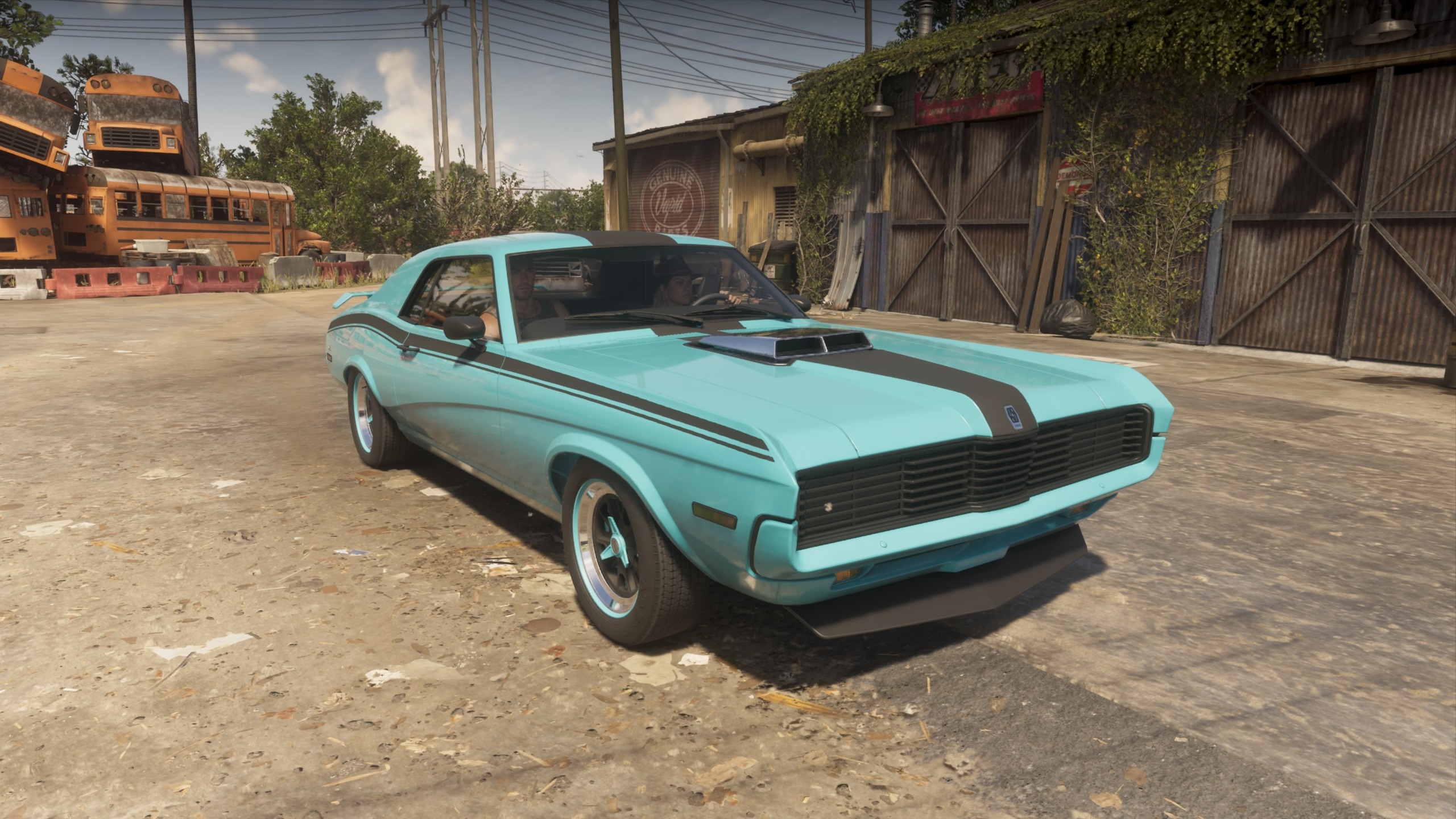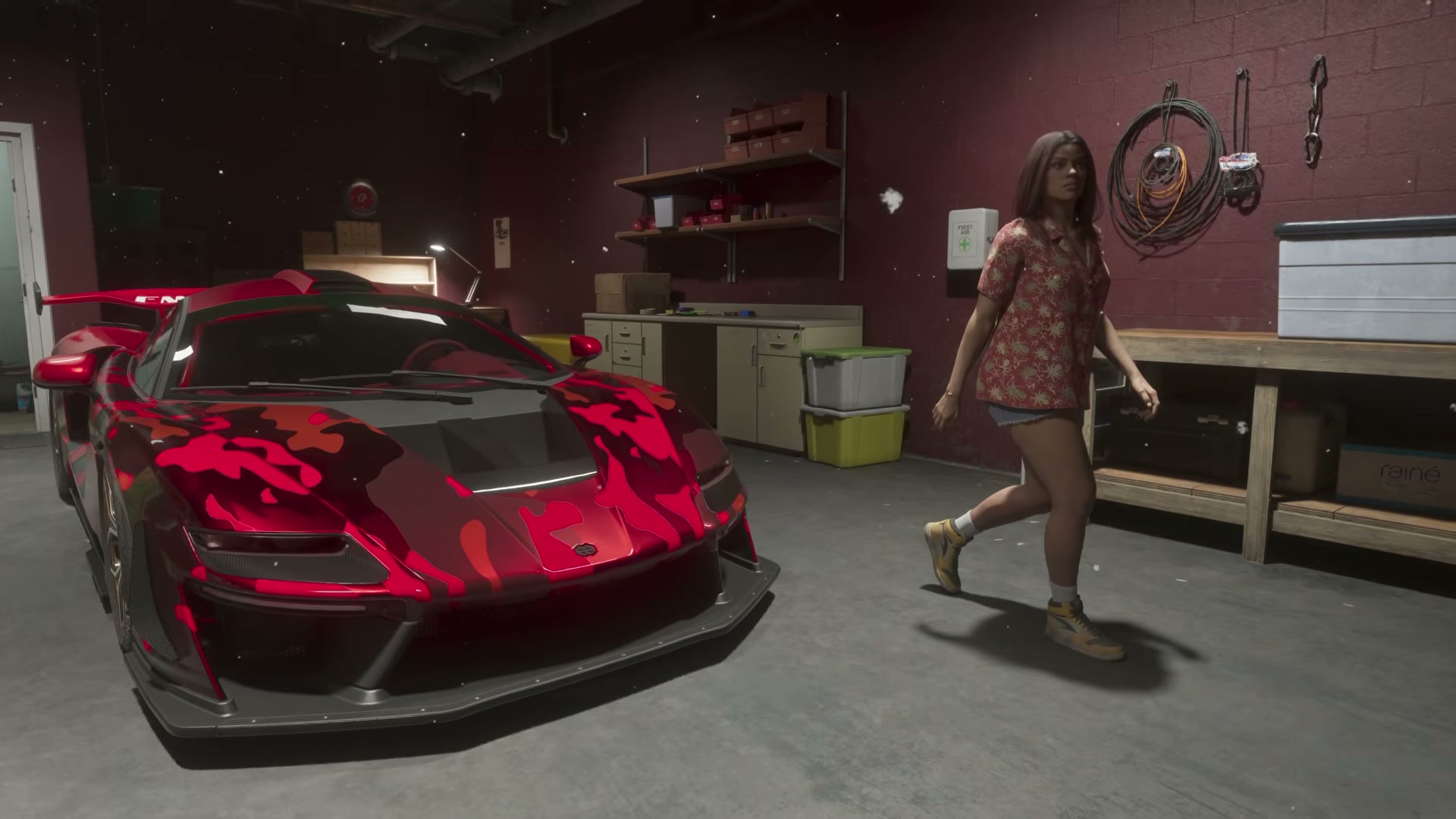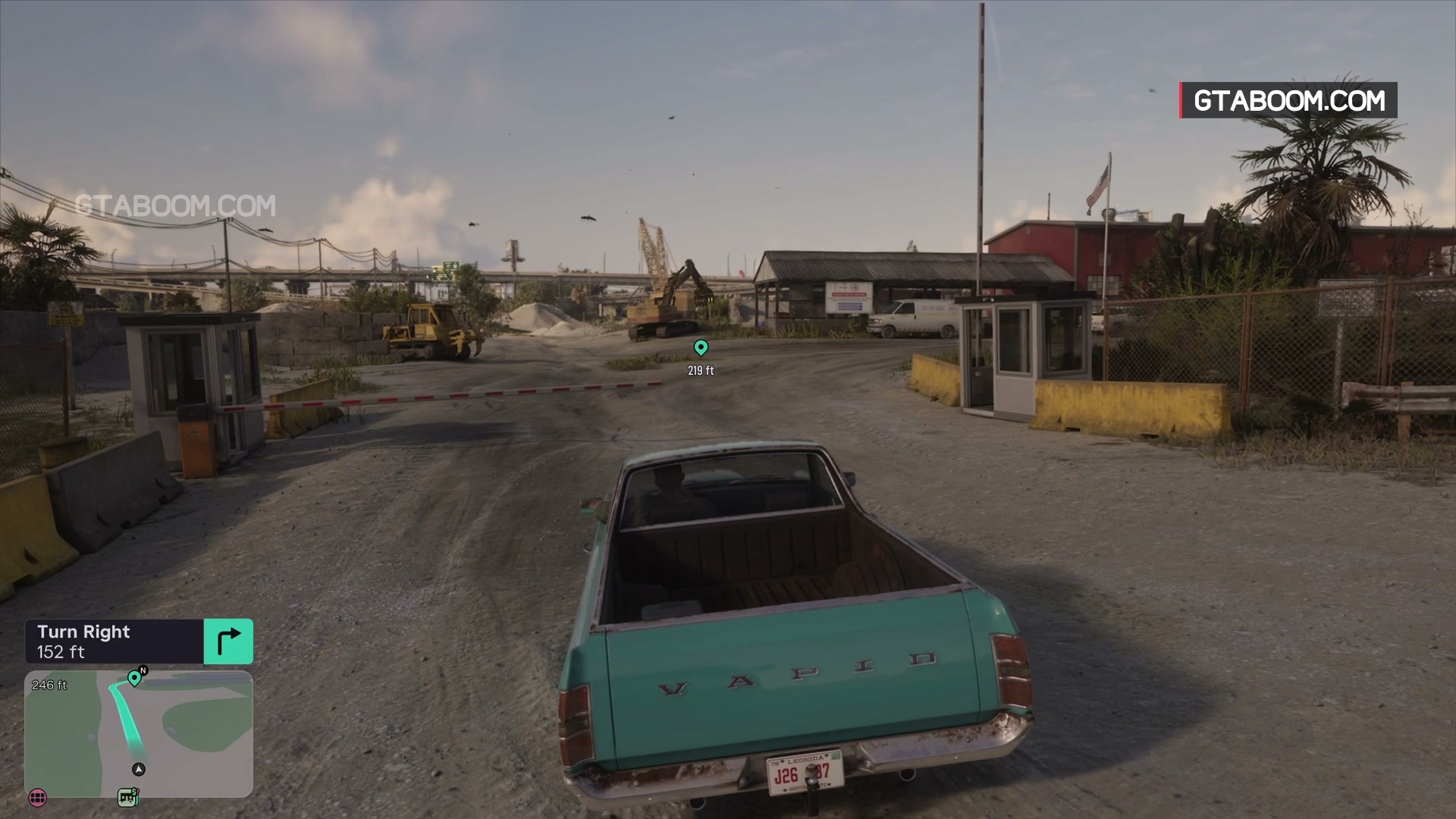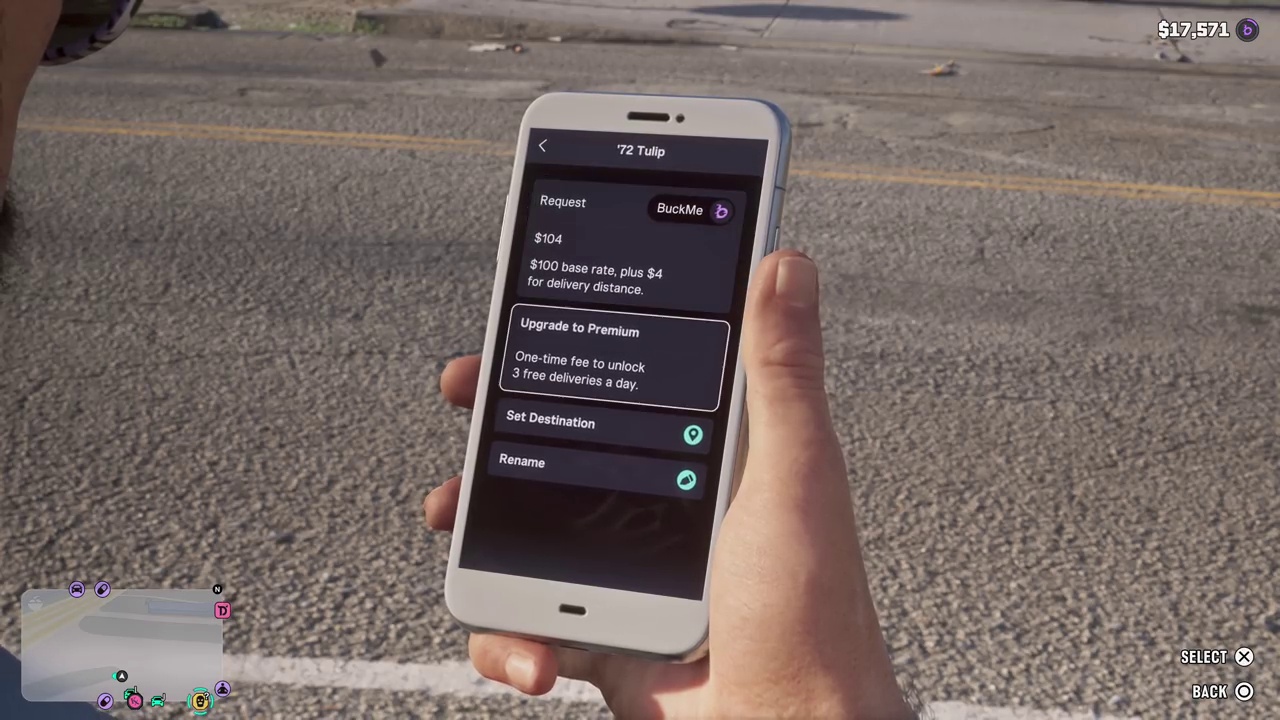
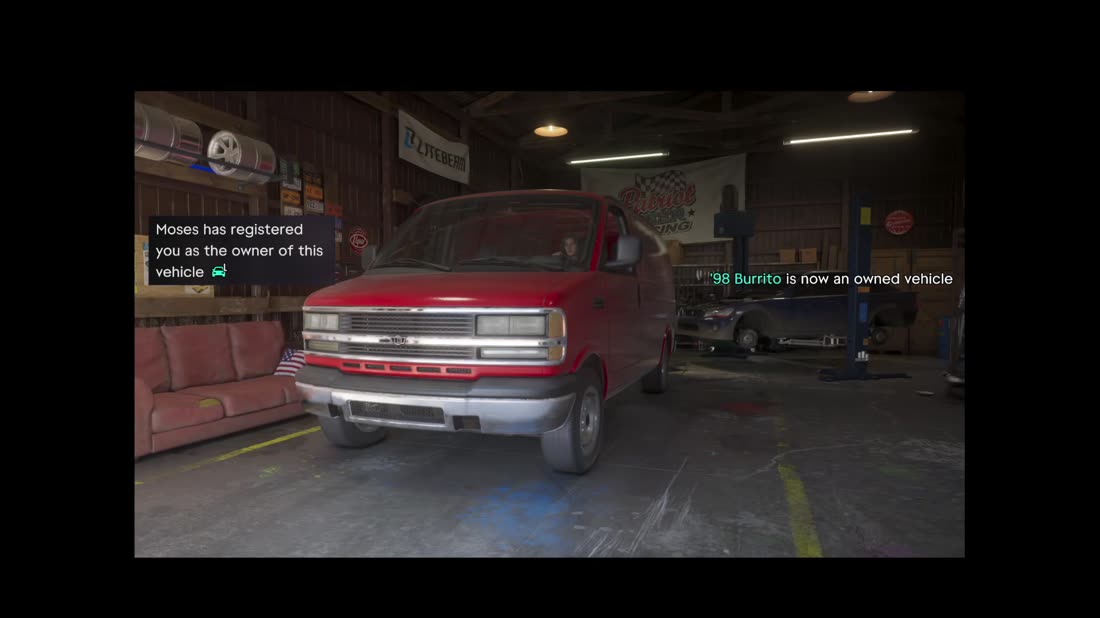
Keeping a car you find in GTA 6 requires registration. According to PowerPyx, the service unlocks during the Chapter 2 Moses mission. In Chapter 1, stealing another car gives you temporary transport rather than a replacement permanent personal vehicle.
1. Complete Moses’s introduction
Follow Take A Vehicle to Moses to Watkins Auto Parts in Port Gellhorn. Complete the WAiNK and workshop tutorial. Moses pays for the first registration offered during this introduction.
2. Scan the vehicle
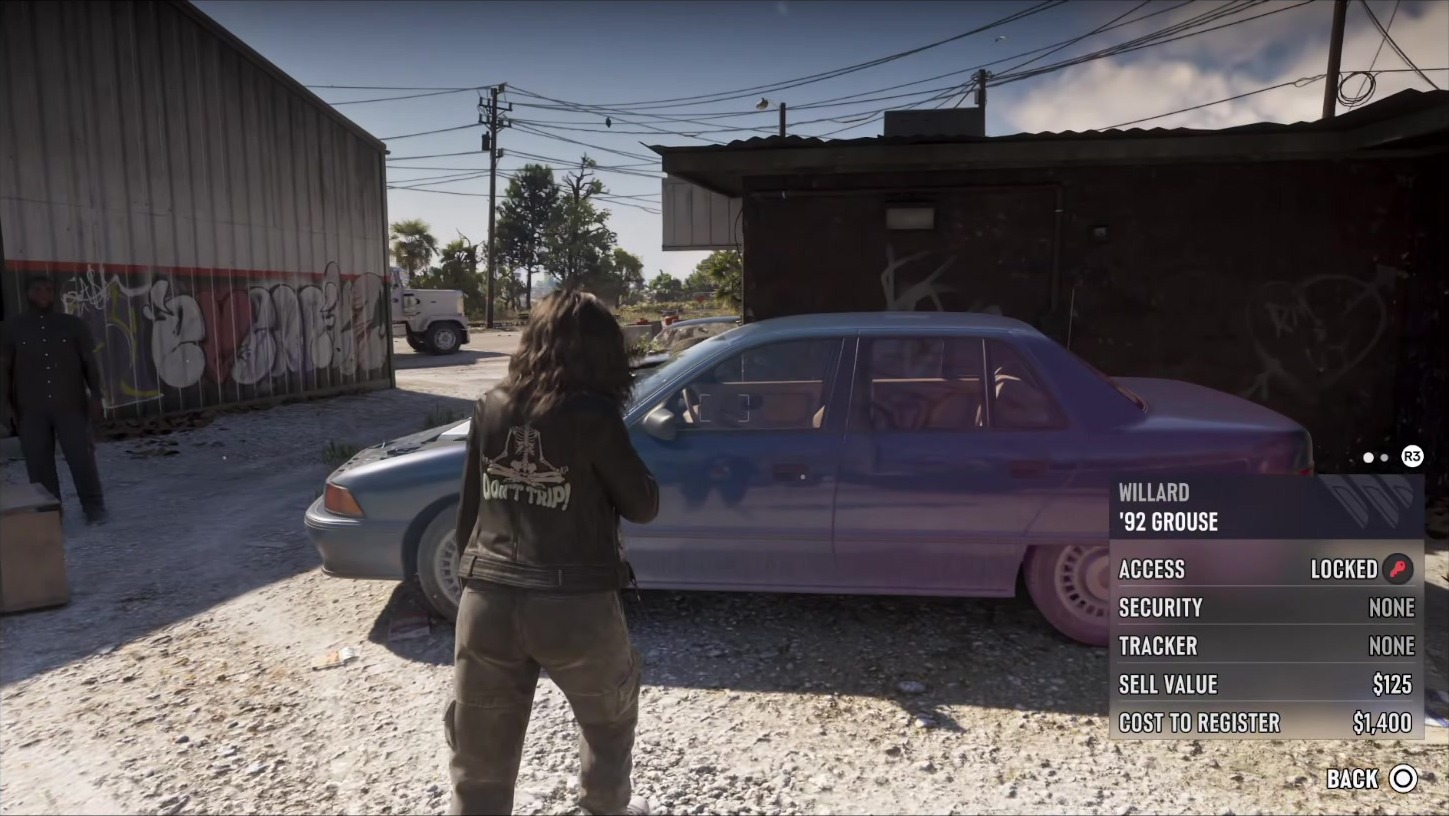
Use the phone’s WAiNK scanner before traveling. Moses needs an untracked vehicle. Read the tracker field rather than assuming a valuable model will qualify.
3. Respray before registering
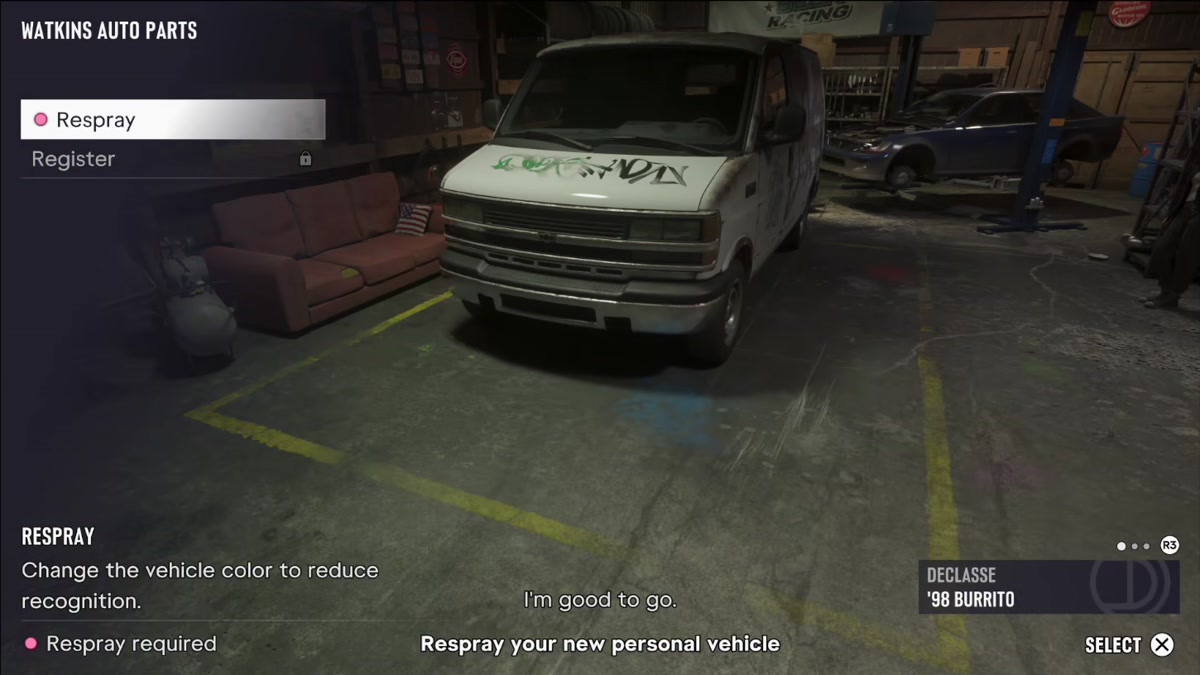
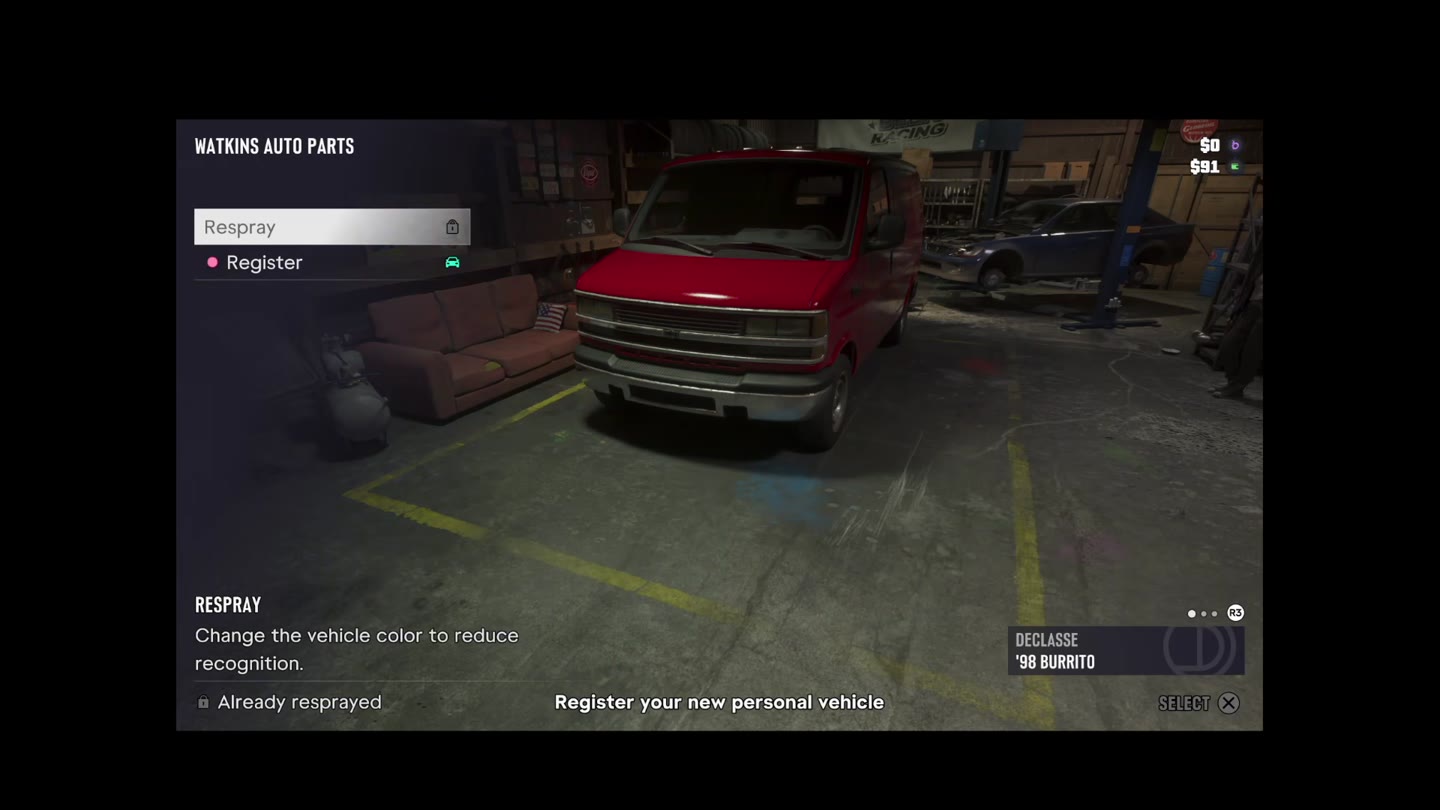
Bring the eligible car into the garage and read the menu. If Register is locked behind Respray required, apply the required paint first. Then choose Register and confirm the displayed charge. The introductory respray is shown as free.
4. Confirm ownership
After respraying, return to Register and wait for the ownership confirmation. Driving or parking the car alone does not replace this step.
5. Make room in your garages
When all slots are occupied, sell a vehicle or buy another garage through Vice City Real Estate, unlocked during Chapter 2. Check price and capacity first. Chapter 3 adds Pay ’n’ Spray registration and sales for Standard Tracker cars. Advanced trackers have different tool requirements and restrictions.