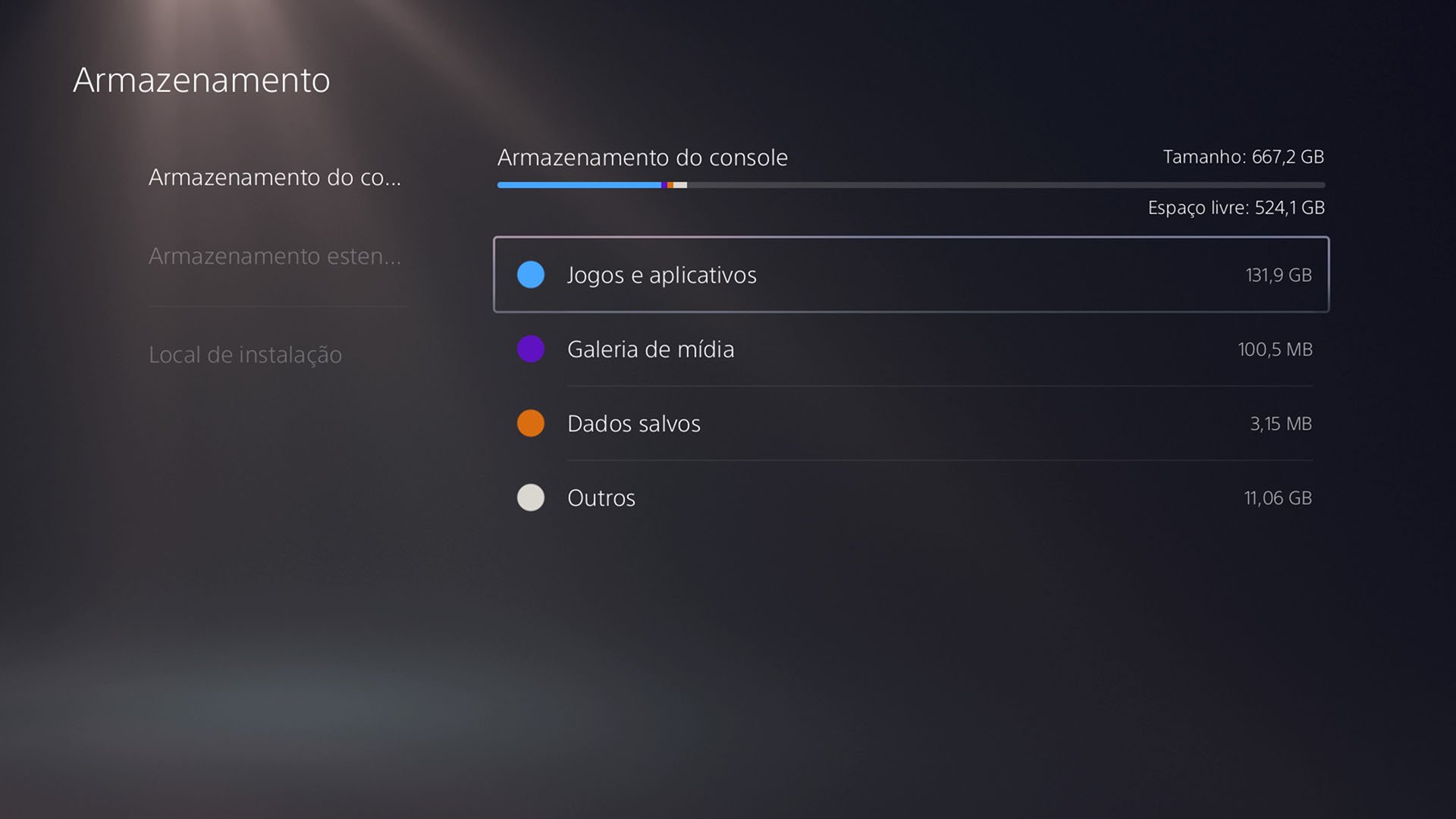
Before uninstalling another game to make room for GTA 6, check the PS5 Media Gallery. The console can automatically save videos when you earn trophies. Game Informer highlighted the tip as a way to reclaim space when those captures accumulate.
Check what you want to keep
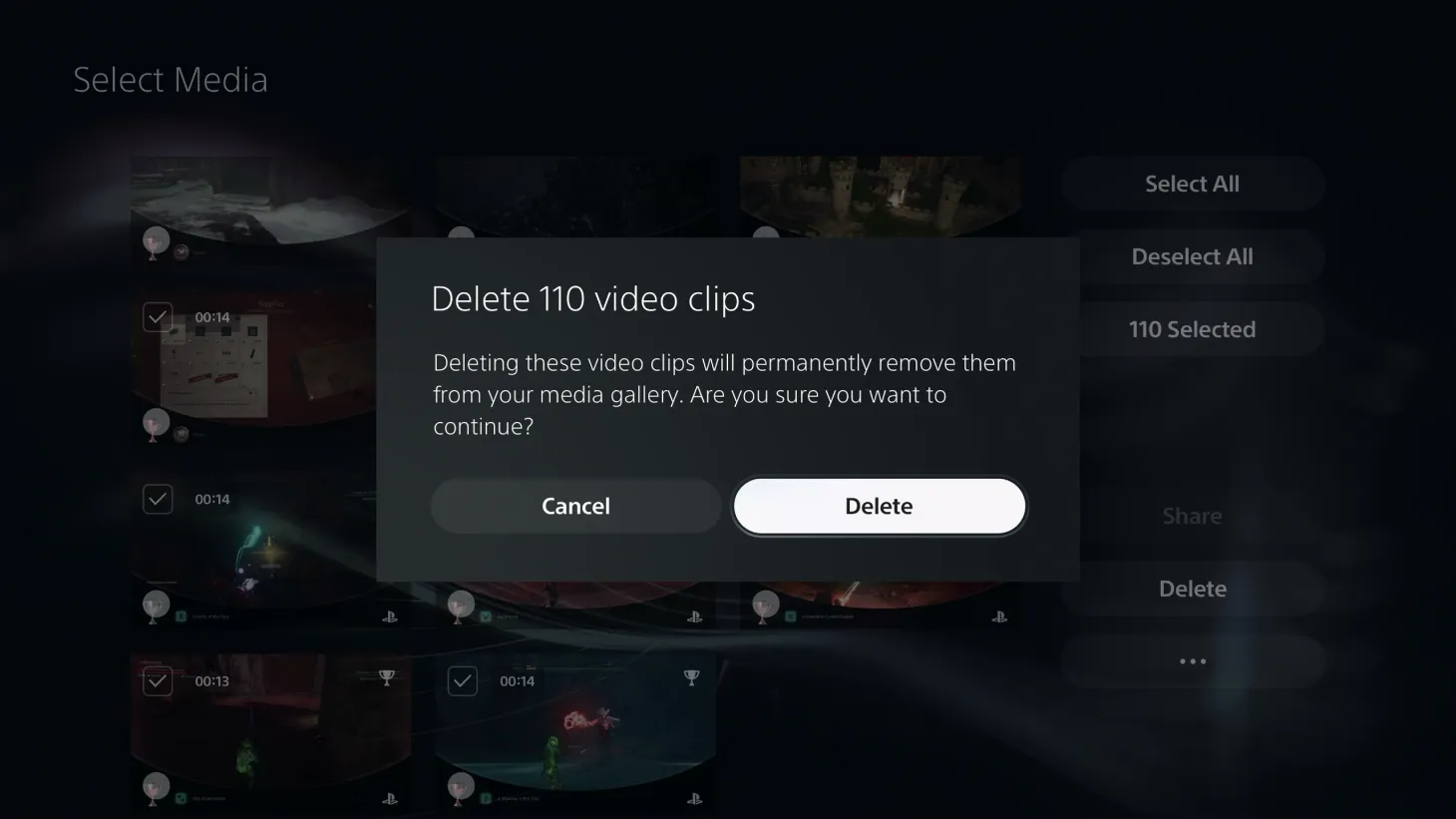
Open Media Gallery. A quick route is to press Create, to the left of the touchpad, select a recent capture and choose the option to open the gallery.
Go to the Trophies tab and open Sort and Filter. Set Media Type to Video Clips. Review the files before choosing which to remove. Copy anything you want to preserve to a compatible USB drive.
Delete only the selected clips
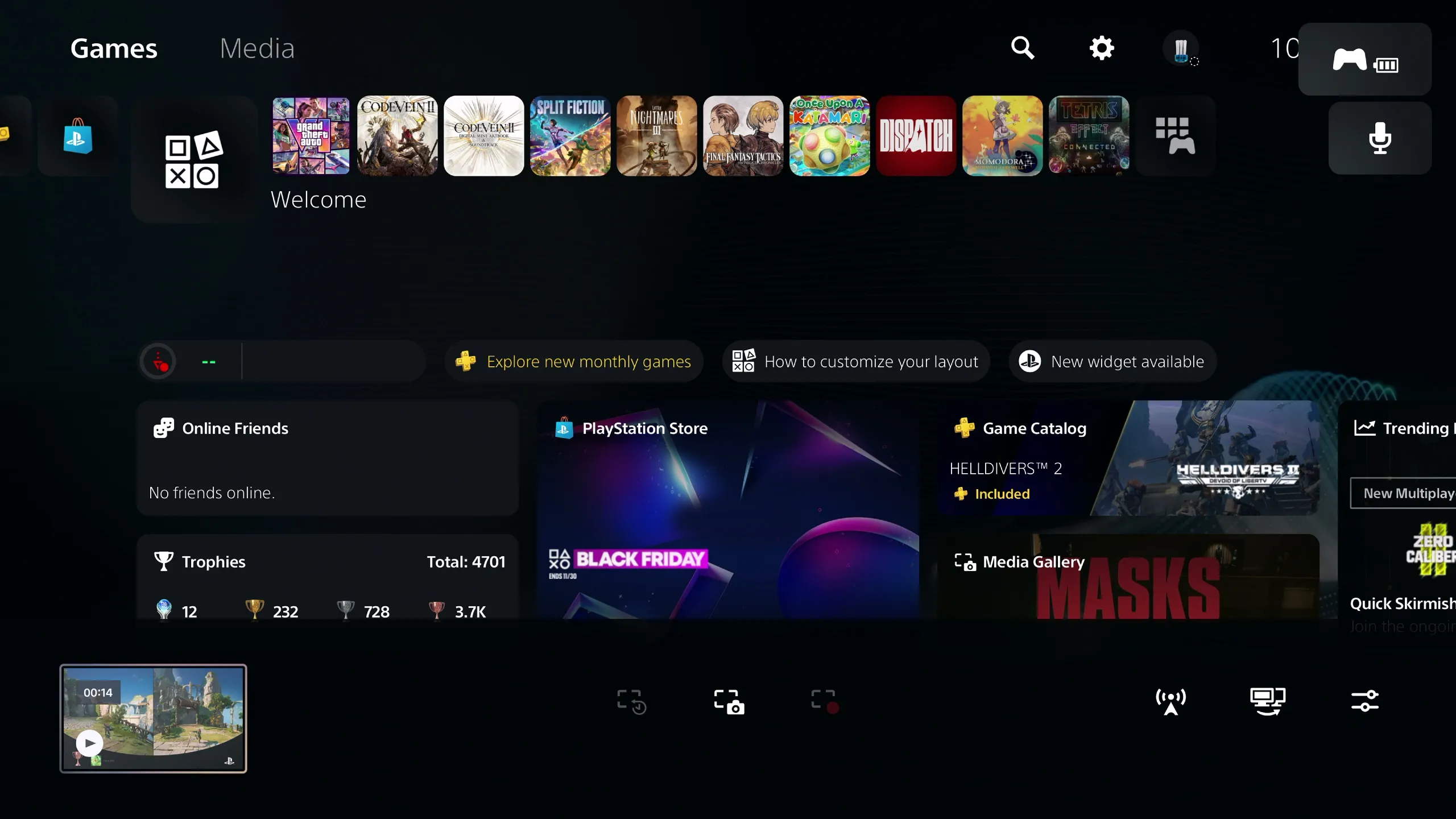
Choose Select Multiple, mark the unwanted videos and select Delete. Check the selection before confirming. This removes the video files, not your earned trophies or game saves.
The amount of space recovered depends on how many recordings you have and their size. If you previously disabled automatic recording, there may be few files or none at all.
Prevent new clips from accumulating
Open Settings, then Captures and Broadcasts. Enter Auto-Captures and Trophies. Set Save Trophy Videos to None.
This stops future automatic trophy recordings but does not remove existing ones. You can still record your favorite GTA 6 moments manually with the Create button.