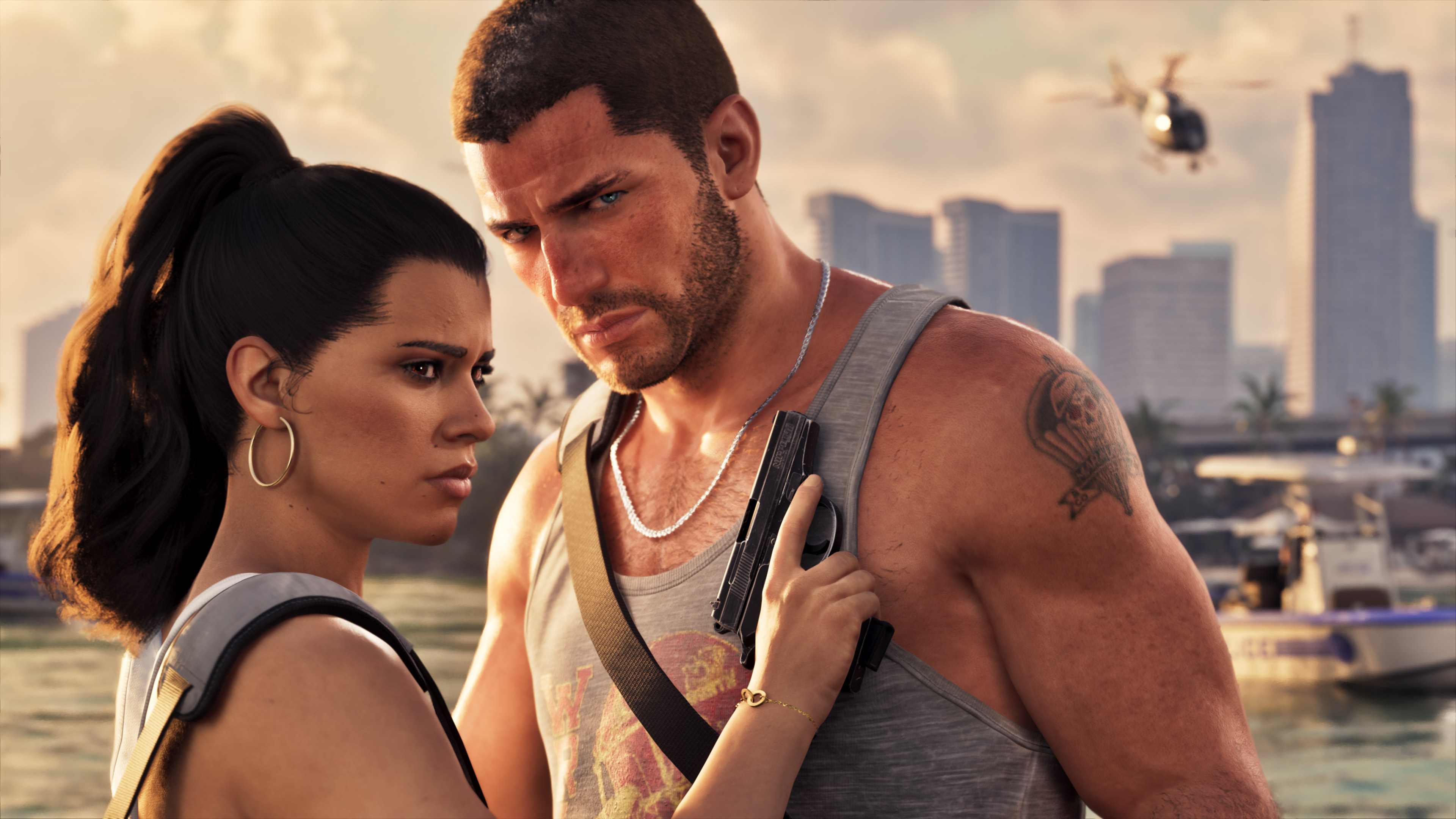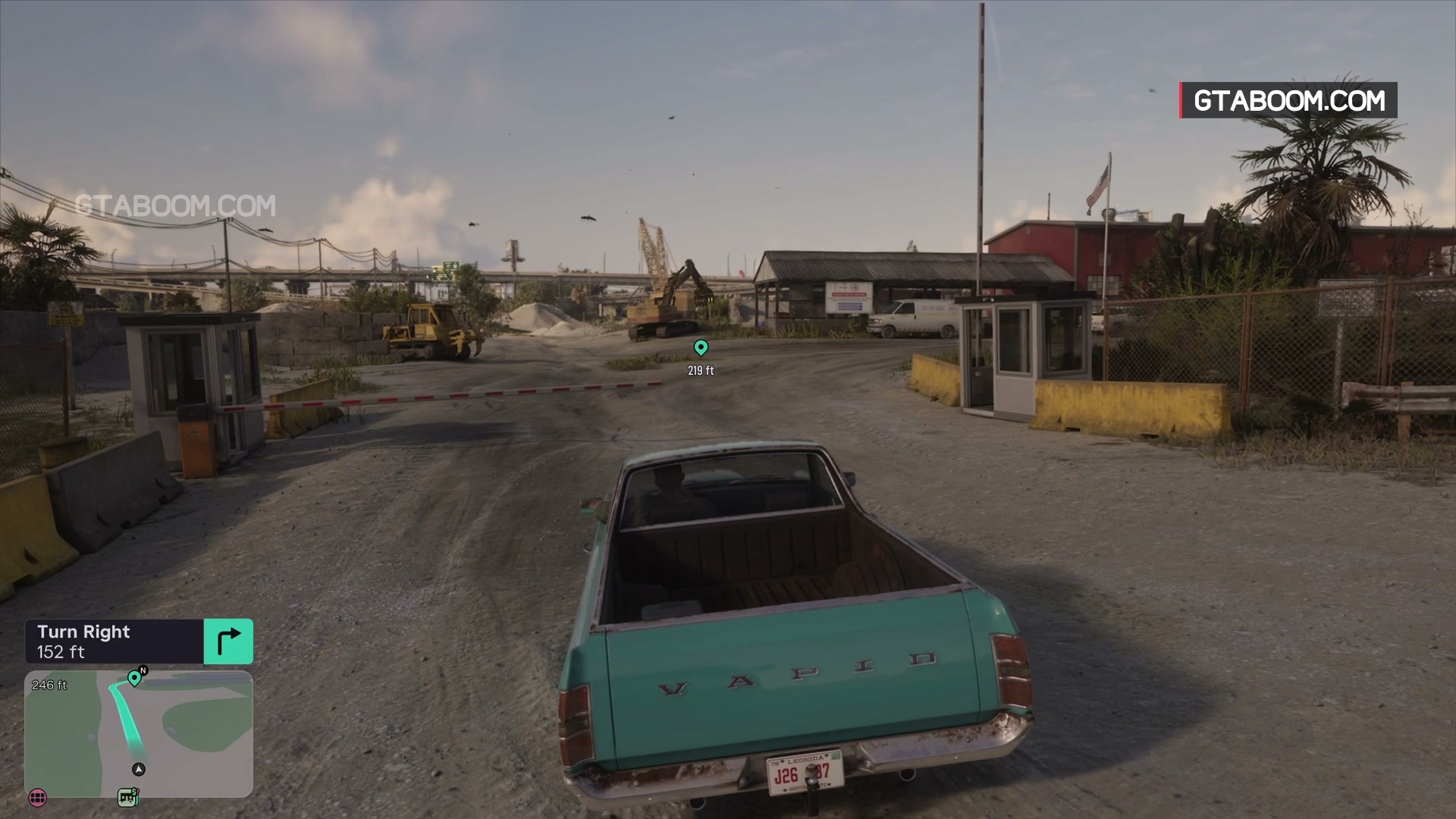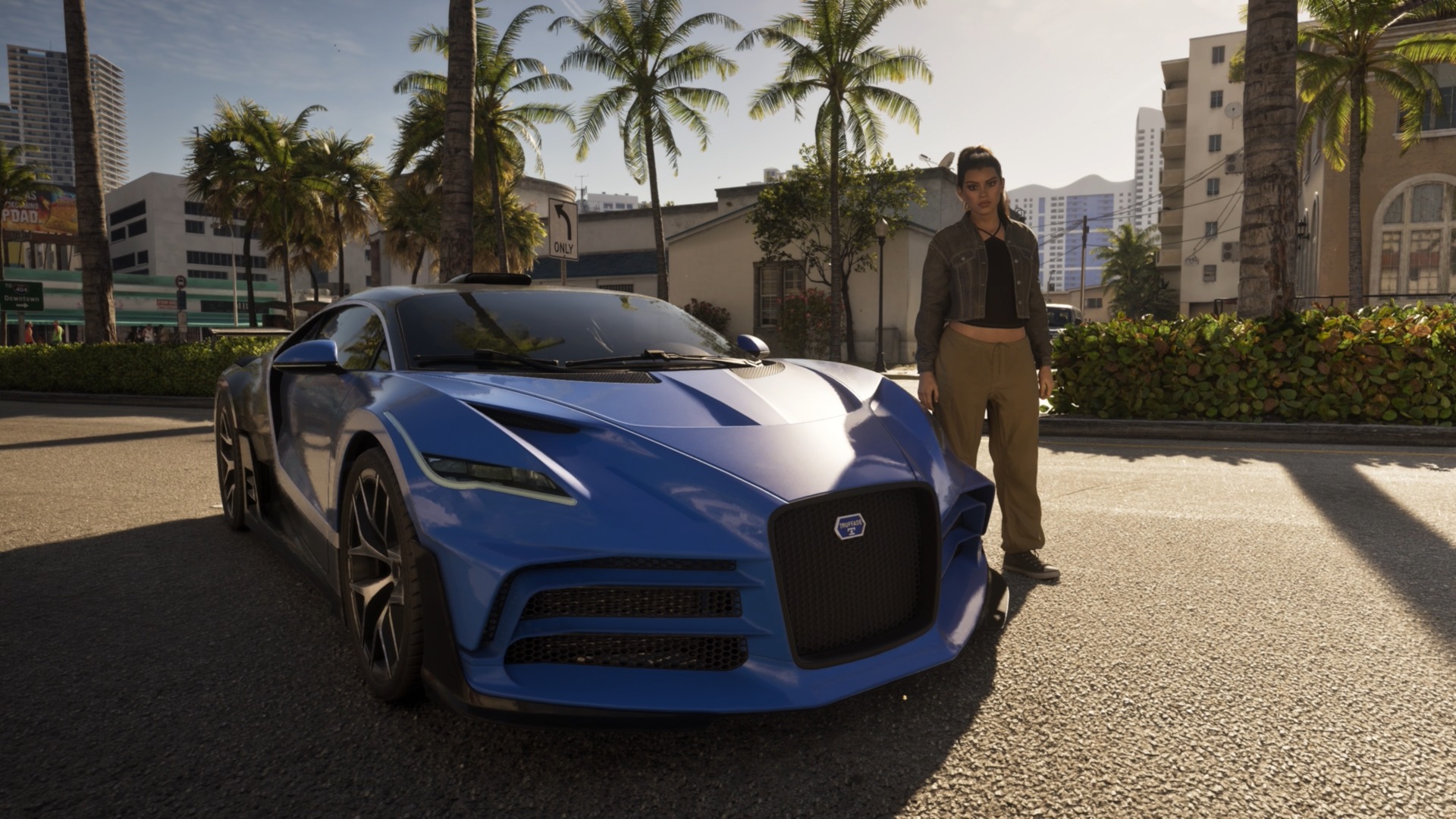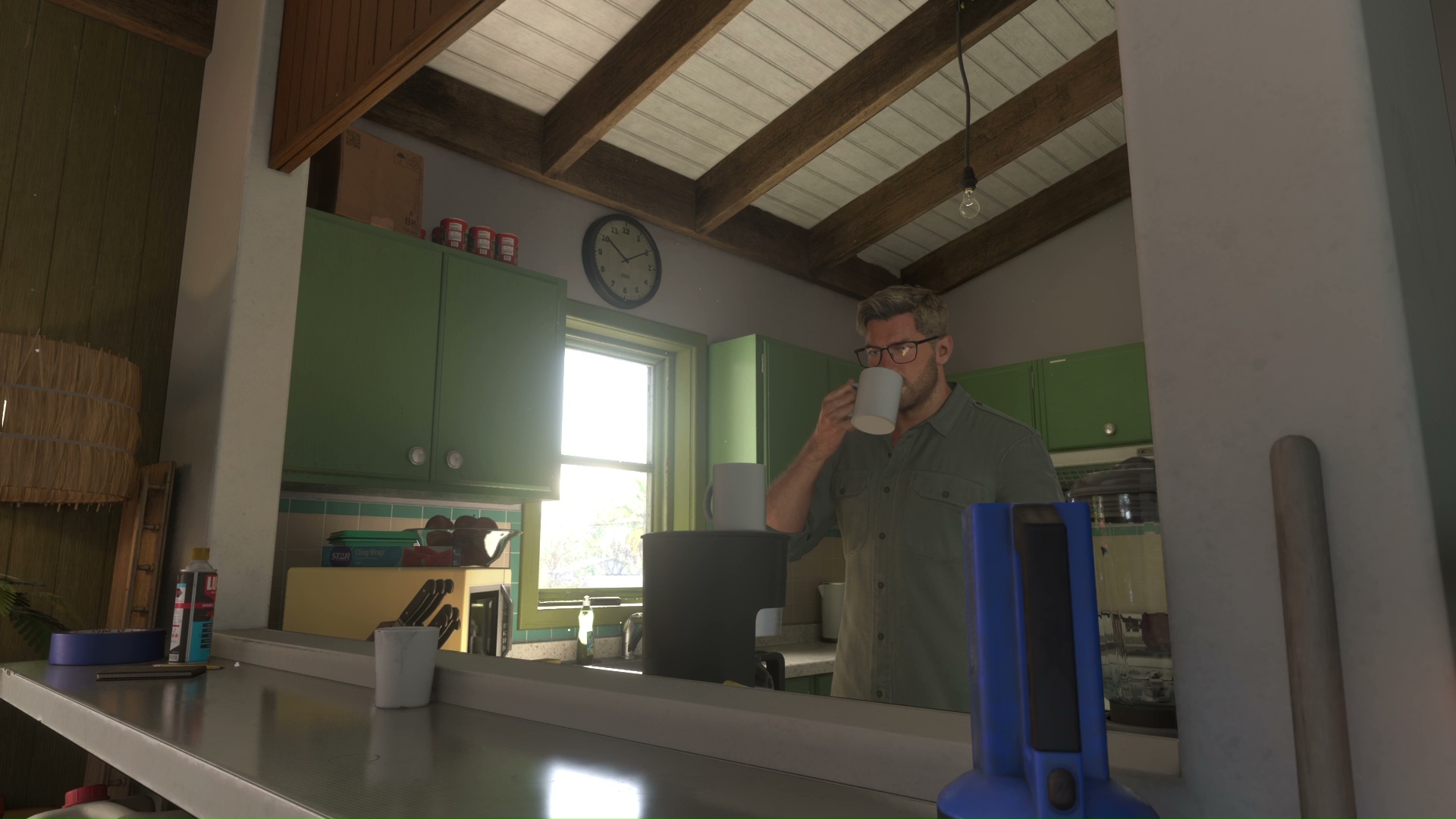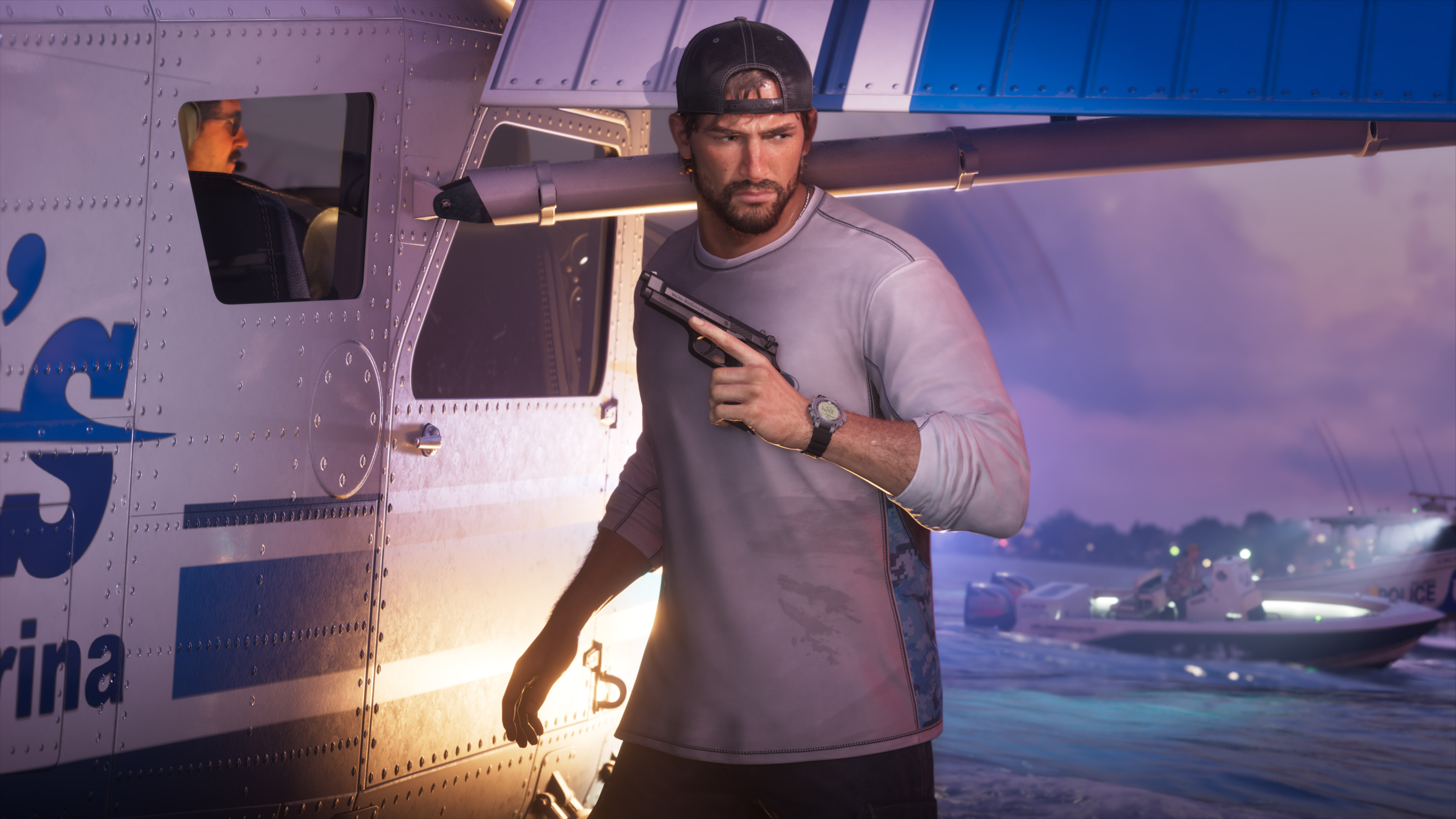
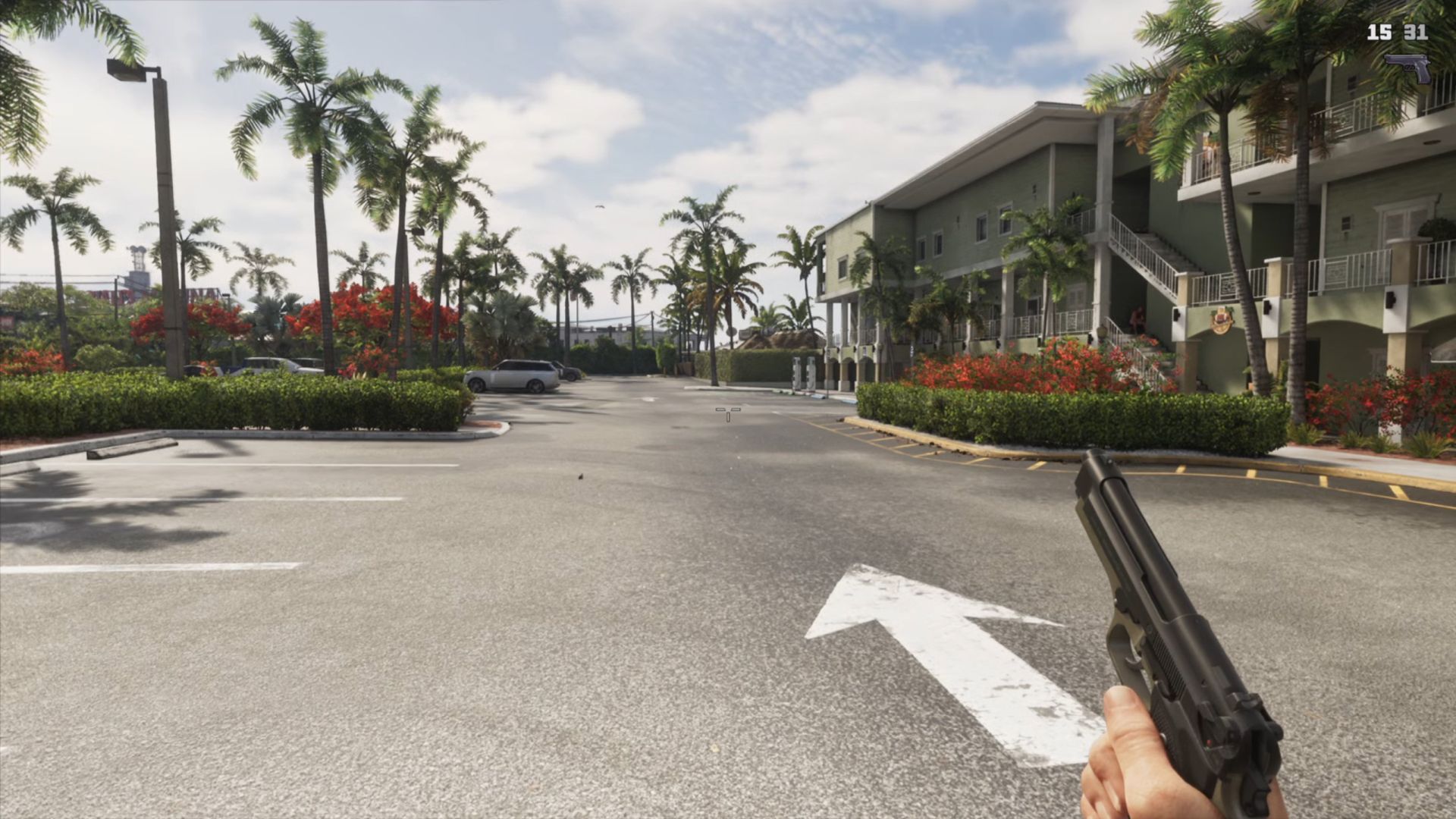
Players have found another way to see Leonida. A glitch makes GTA 6 playable in first person, placing the camera at the character’s eye level. According to PC Gamer, the method surfaced on Reddit and was tested by journalist Morgan Park.
How players activated it
Start in the controller settings. Under Controller Features, change the touchpad or select button assignment to the camera option labeled “Camera 2 / 2”.
Enter a car and bring up the phone with the directional pad. Close it with Circle on PS5 or B on Xbox, then quickly press the button assigned to the camera. The published test shows the viewpoint working while walking, driving and shooting.
Visual issues remain
This does not have the finish of a mode normally offered in the menu. Shoulders can clip through the camera when using long guns, and the animation for entering a car also looks rough.
The reported way to return to third person is to load a save. Even a save made while using first person returns to the regular viewpoint when loaded, according to the test. Because the method depends on a glitch, updates may stop it from working.
For a quick look at a detail, the temporary first-person view can be accessed by holding L2 or LT and pressing R3 without using the glitch.