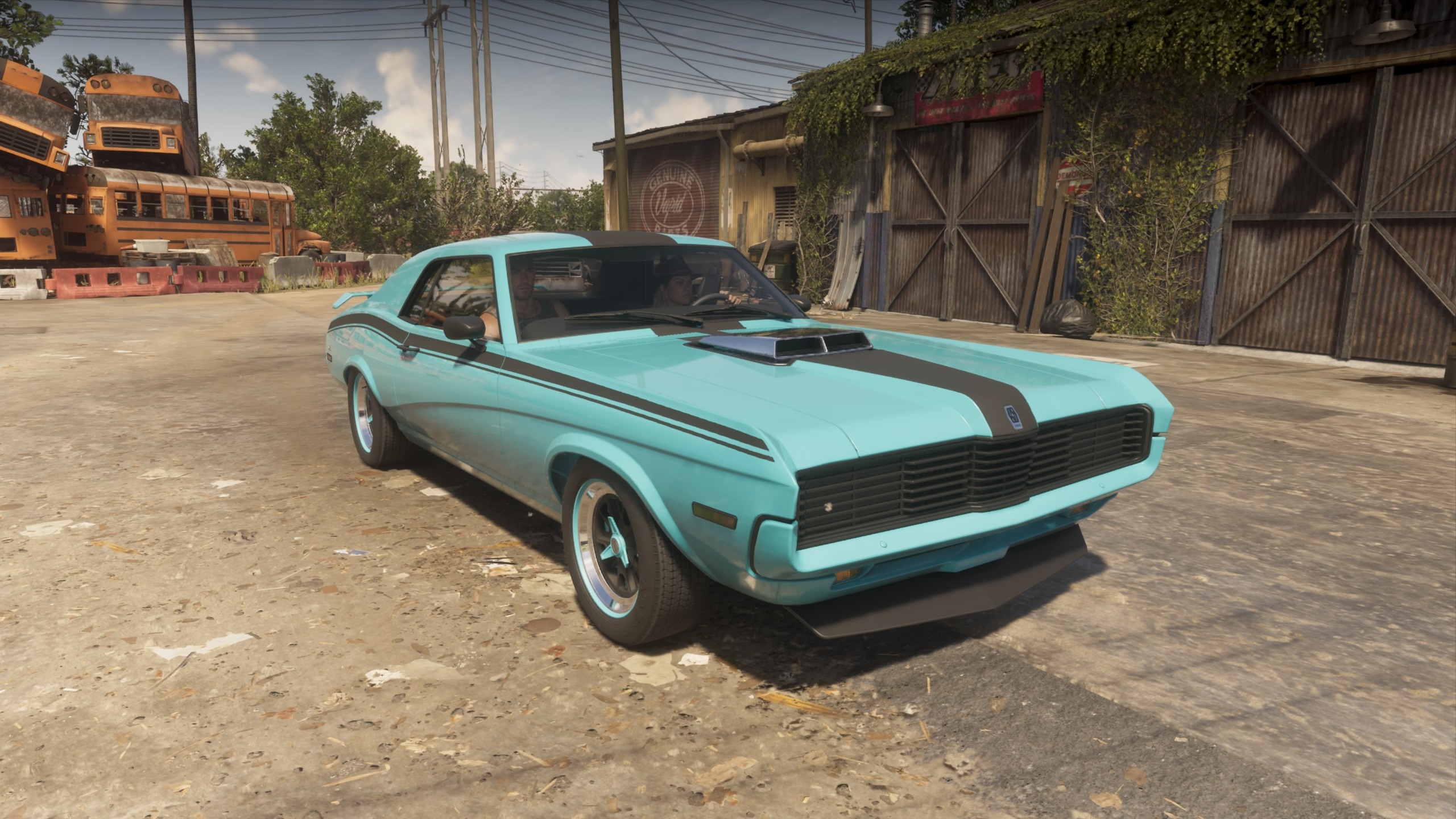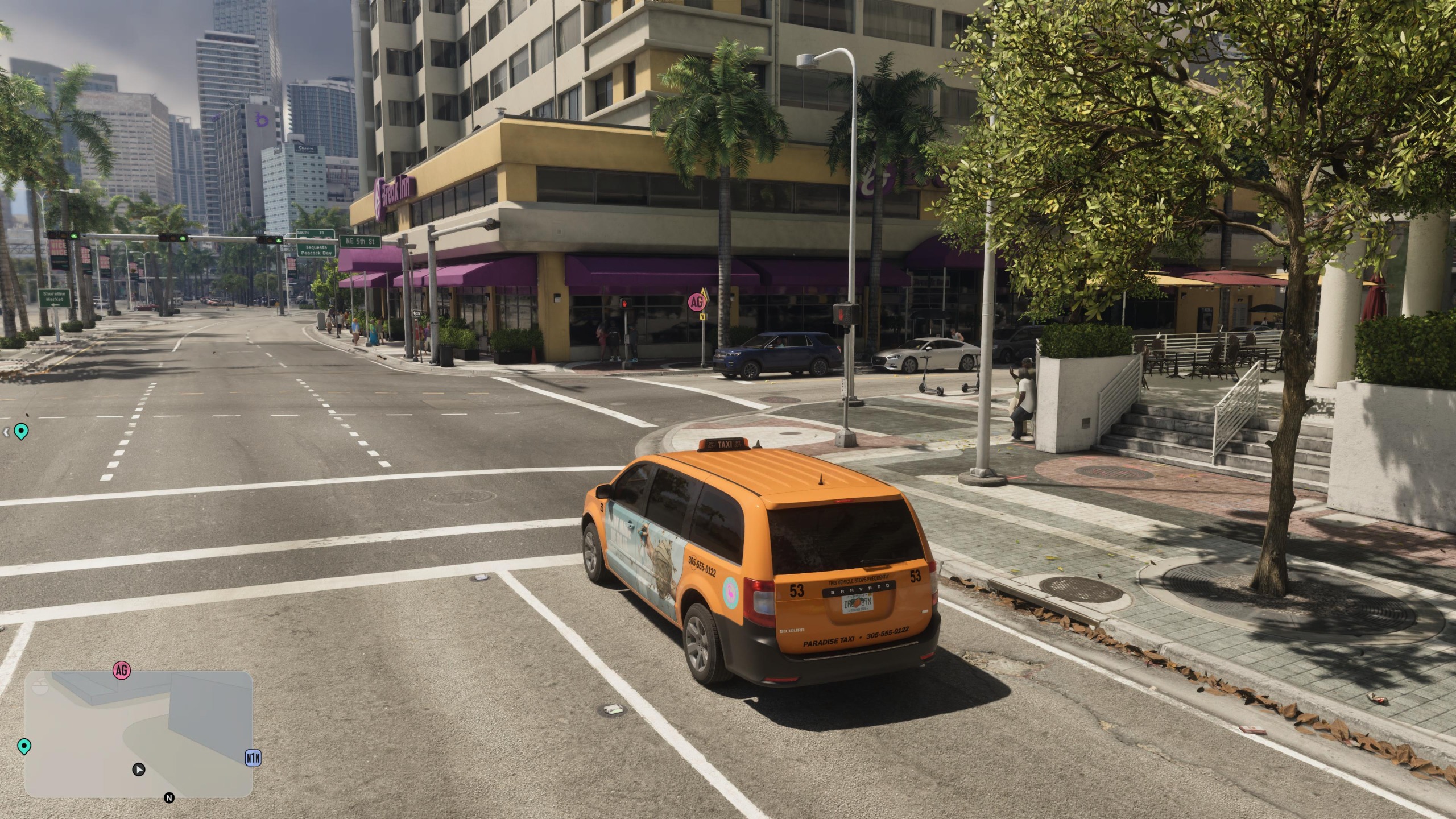
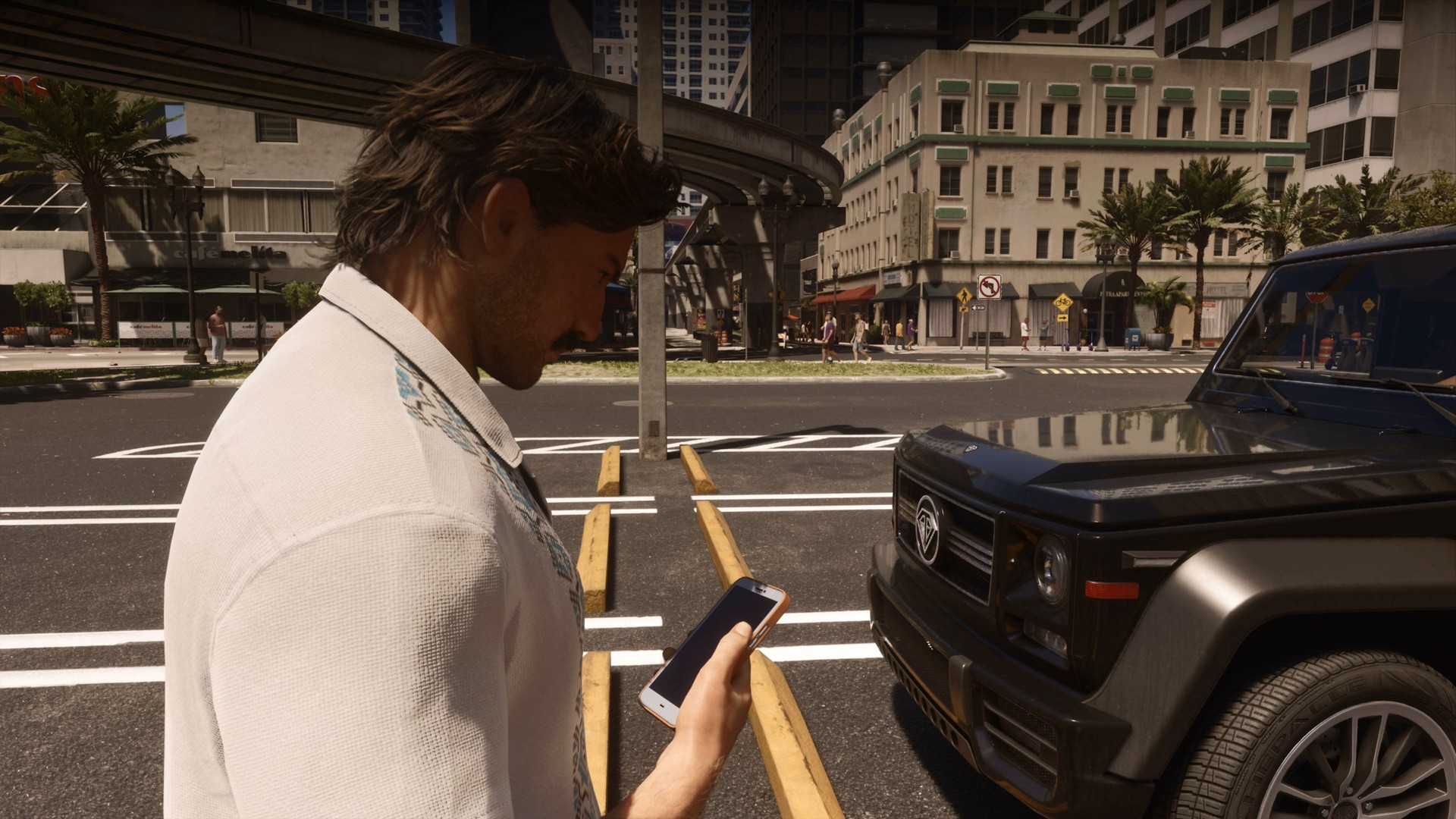
Found a car you want to keep? Before breaking a window, use WAiNK. The phone app helps you check whether you can start the vehicle and what might complicate your escape.
When you unlock it
Cal introduces Jason to WAiNK during Unwanted Attention in Chapter 1, the police impound mission. Complete the app introduction if you have not reached that point yet.
Scanning on PS5 and Xbox
1. On foot, hold D-pad Up to open the scanner directly
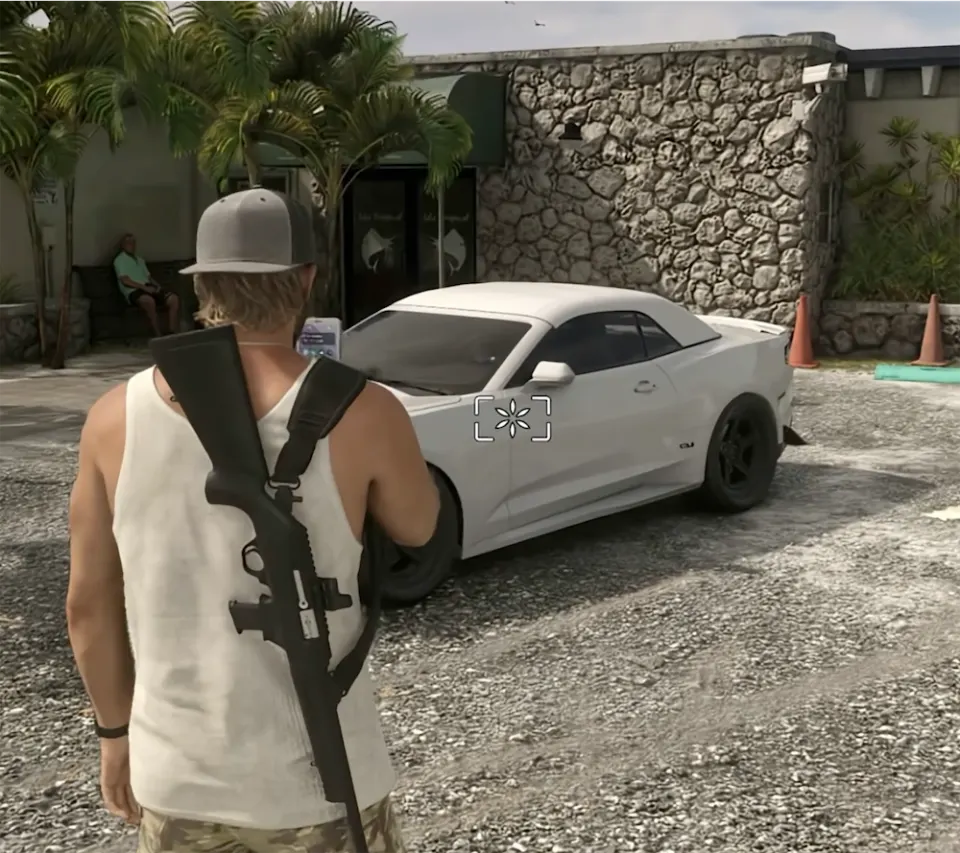
2. Point the phone at the vehicle
3. Hold R1 on PS5 or RB on Xbox until the scan finishes
4. Read the vehicle card before entering
These inputs use the default layout. If you changed your controls, follow the prompt displayed in your game.
What to check
Look for locked doors and an alarm before choosing how to enter. Breaking an alarmed window can attract attention. Keyless means the engine needs a key cloner. Getting the door open does not bypass that requirement.
Also check the tracker. A standard tracker blocks modifications until the car is registered. An advanced tracker can report your location to police during the theft. The card also provides condition and selling or registration values.
Picking a suitable car
Before a delivery, weigh the offered value against the security fitted to the car. An expensive vehicle may need a tool you have not unlocked. During a chase, trying to start an unsuitable car wastes your escape window.
If the car needs an electronic key, read how to unlock the key cloner. To keep a vehicle, follow our personal vehicle registration guide.