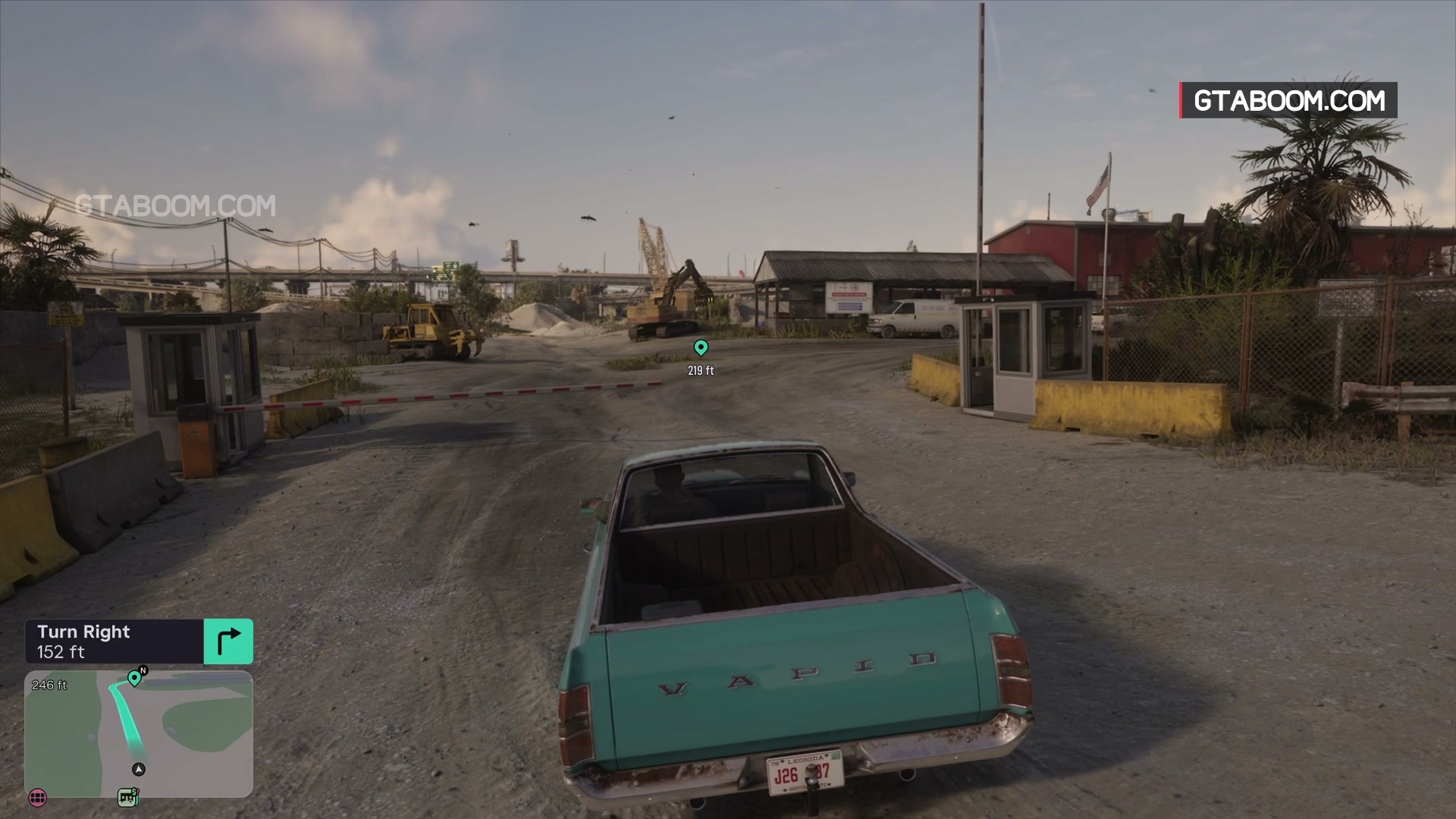
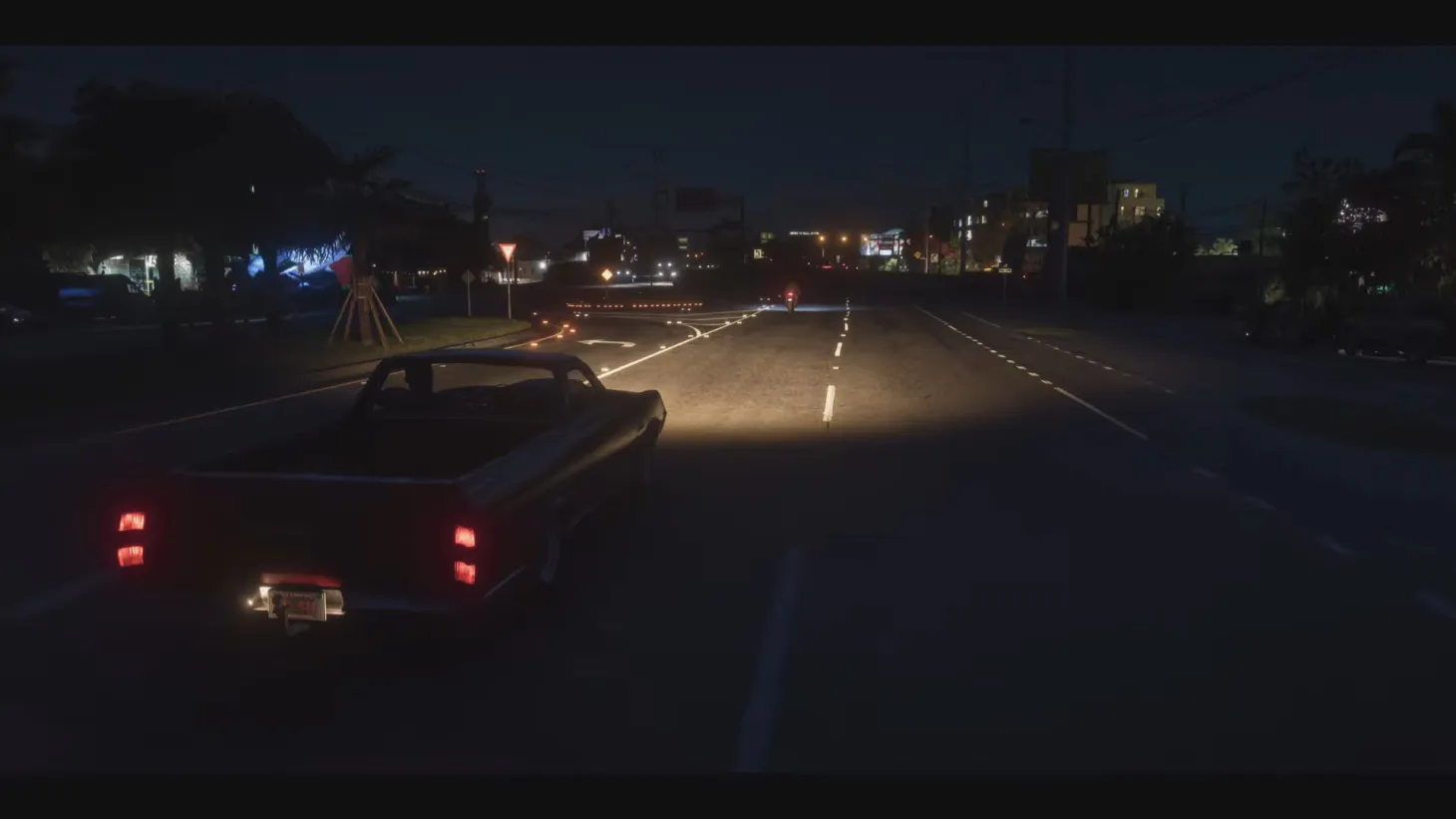
Want to watch Leonida through the window? GTA 6 auto-drive takes the car to your destination in real time. According to Game Informer, the feature is inside the cinematic camera.
Turn it on
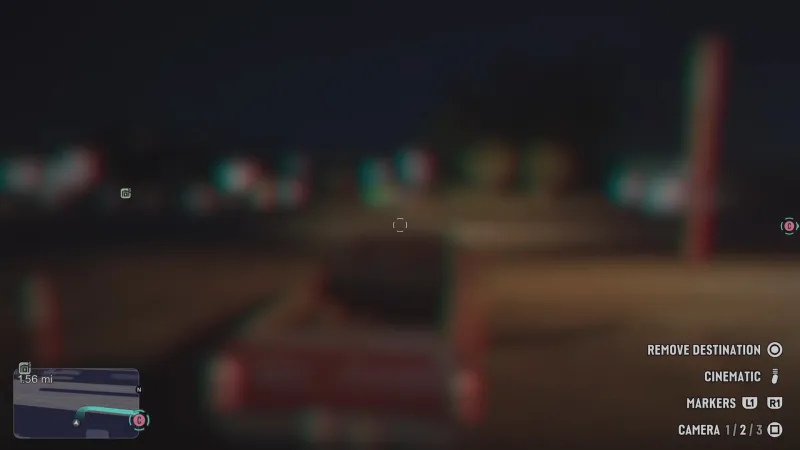
1. Set a waypoint on the map.
2. Enter a car and start following the route. Leave the parking spot first.
3. Hold D-pad Down and select Cinematic with Options on PS5 or Menu on Xbox.
4. In cinematic view, hold Circle on PS5 or B on Xbox to enable Auto Drive.
Take control again
Hold D-pad Down to exit the mode and regain control. During auto-drive, the character follows traffic rules and stops at lights. The journey continues in the game world.