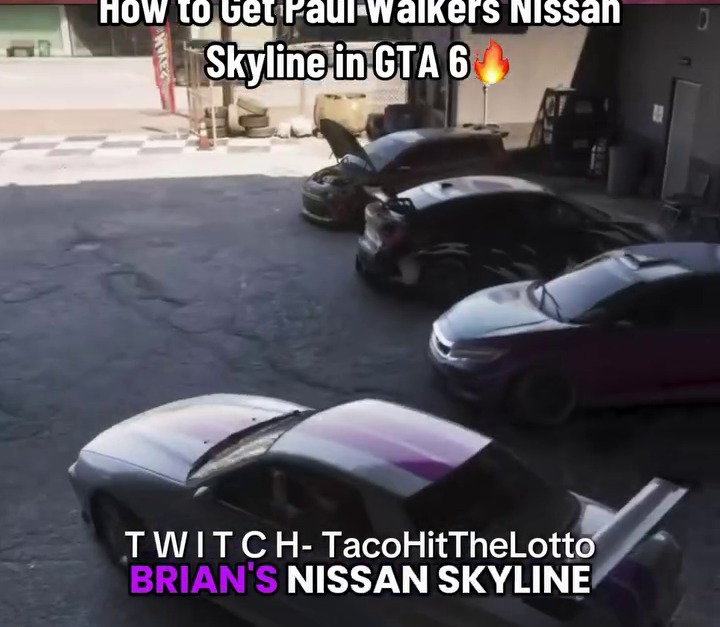
Taco demonstrated a workshop combination for recreating Brian’s silver Skyline with blue stripes from 2 Fast 2 Furious in GTA 6. The route starts with a car in La Perle, followed by paint, graphics and a spoiler.
Find the car in La Perle
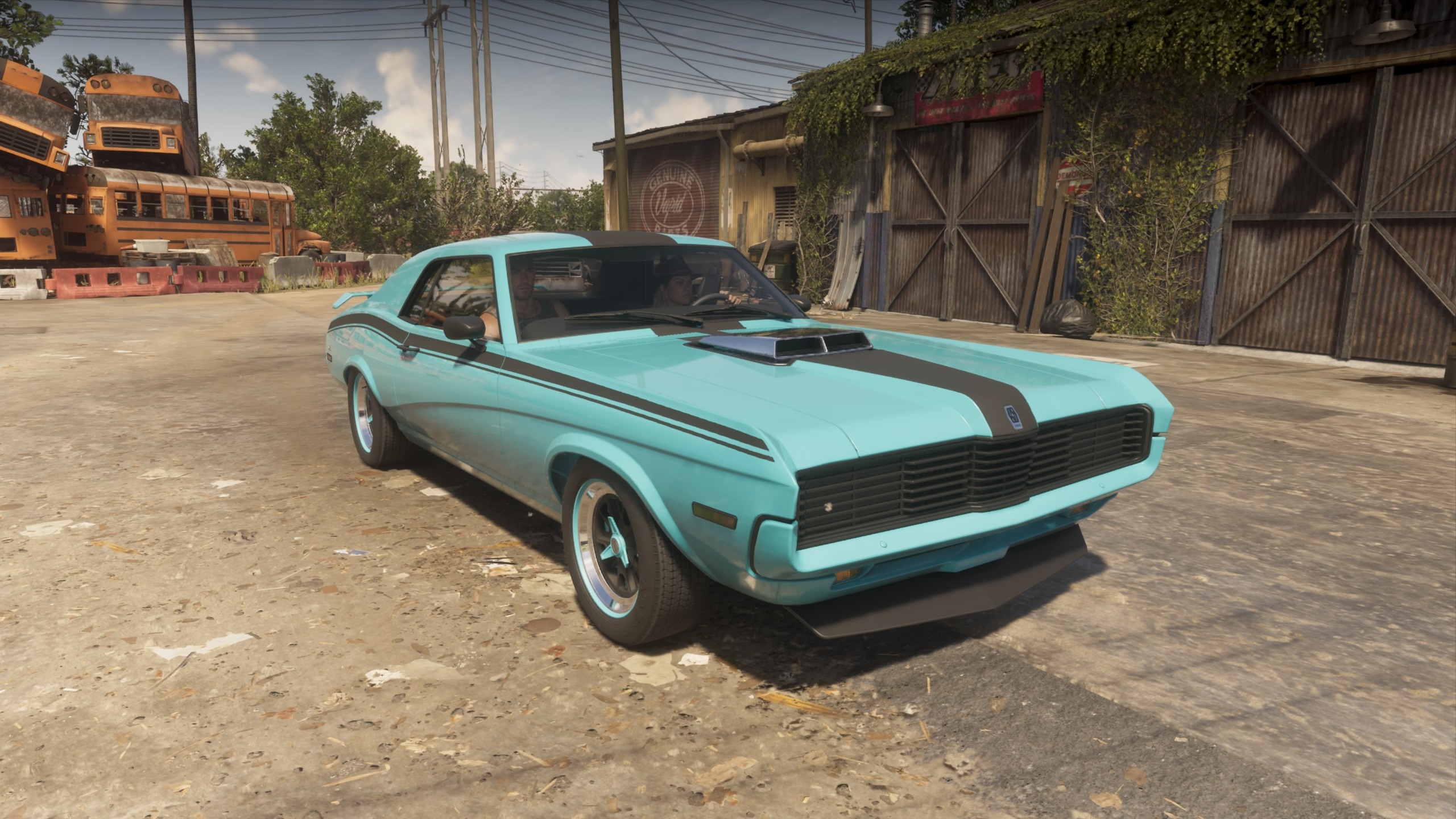
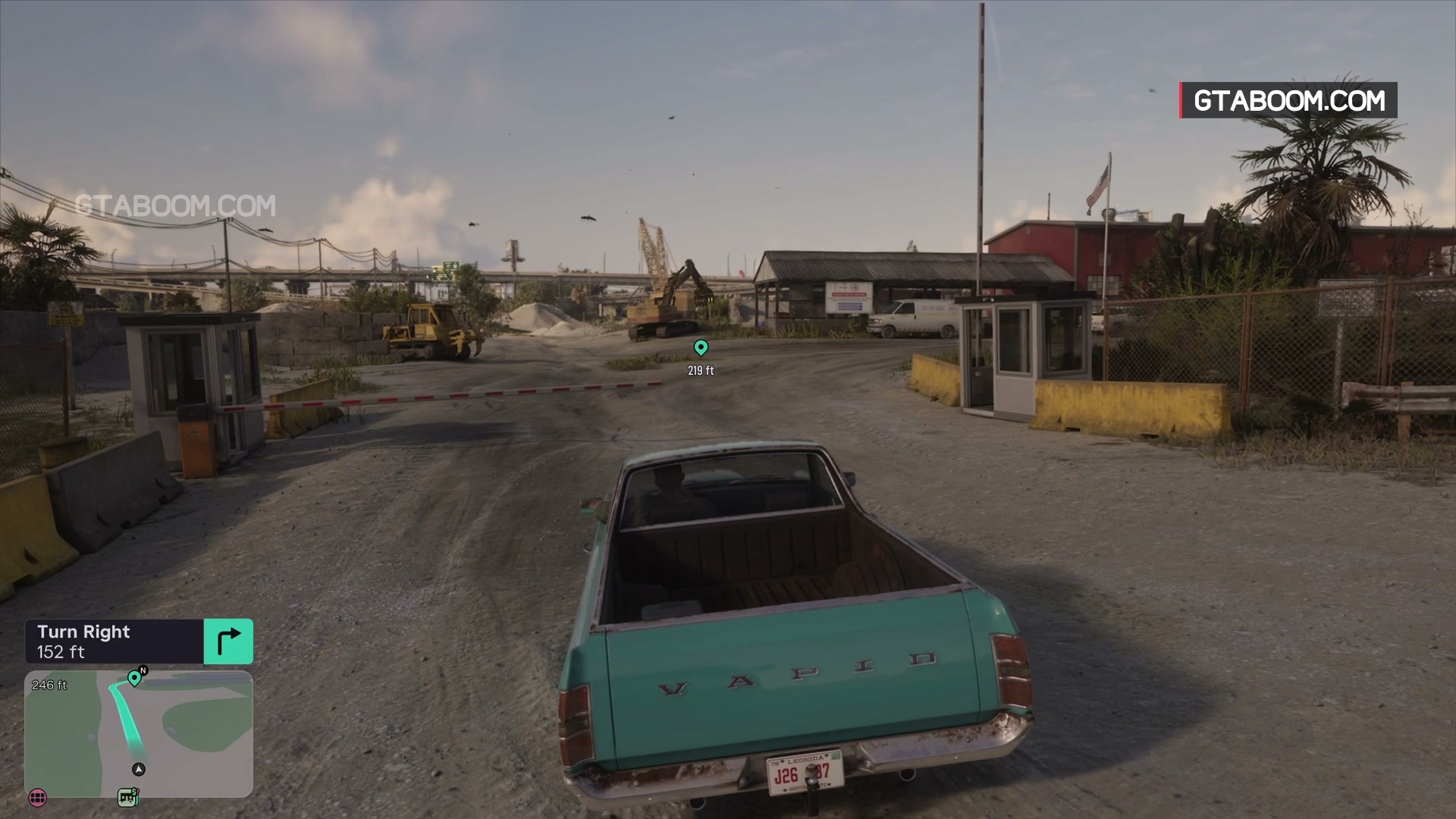
Use the map marker in the area north of Vice City. Match the block and surrounding elevated roads to reach the location shown.
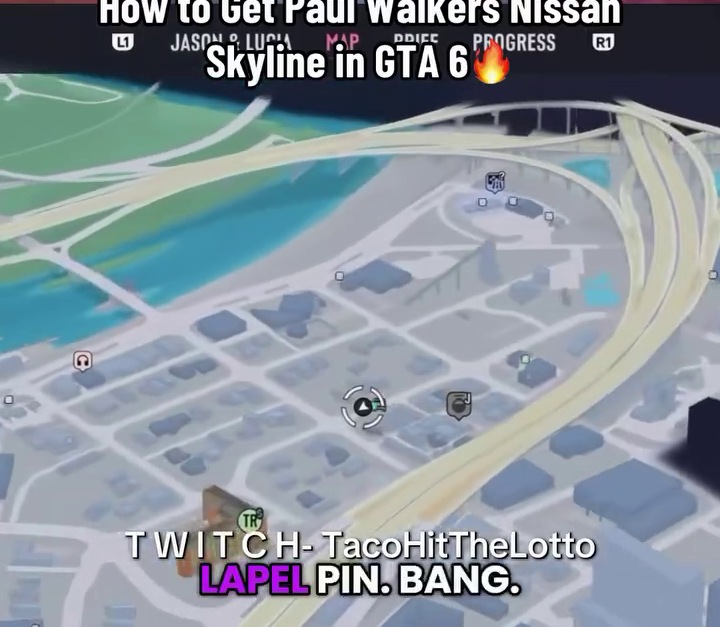
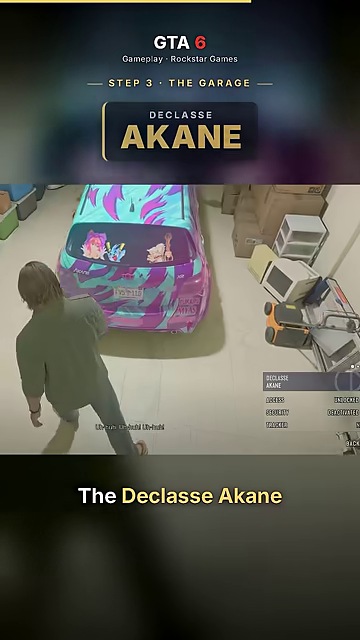
The recorded car has no active security or tracker. Open WAiNK to check your own example before taking it to a workshop. Follow the vehicle registration guide if you have not registered it yet.
Choose Mercury and blue stripes
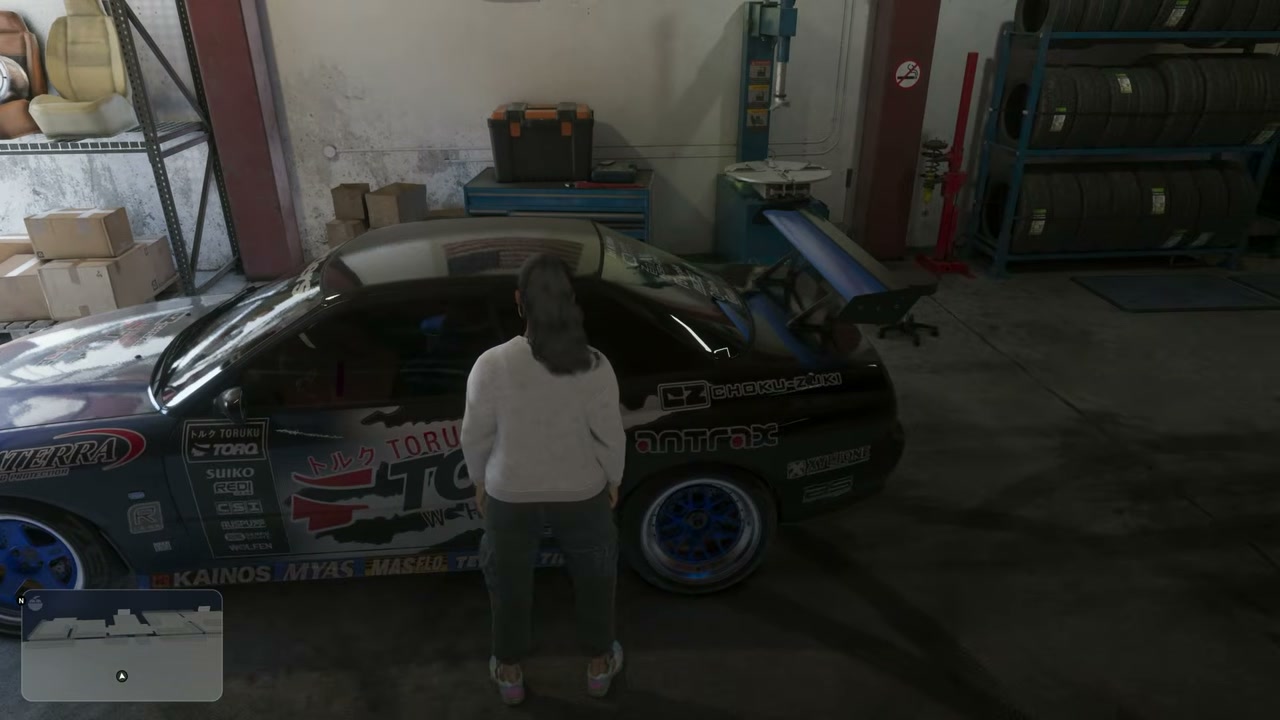
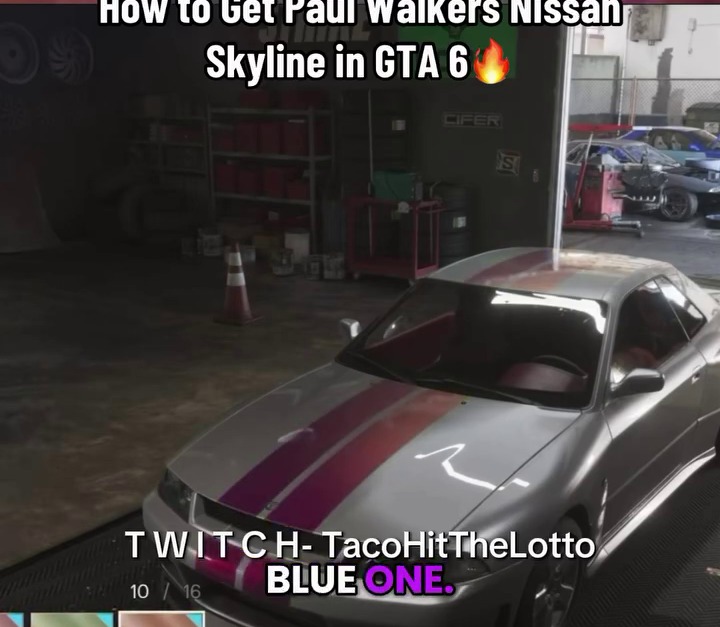
In the paint menu, find the grey colour Mercury. Open the customisable liveries and select Twin Stripe. Set the stripes to blue and check the preview before confirming.
Fit the Race Wing spoiler
Open the spoiler category and choose Race Wing. This larger part replaces the smaller spoiler and completes the silhouette shown in the video.
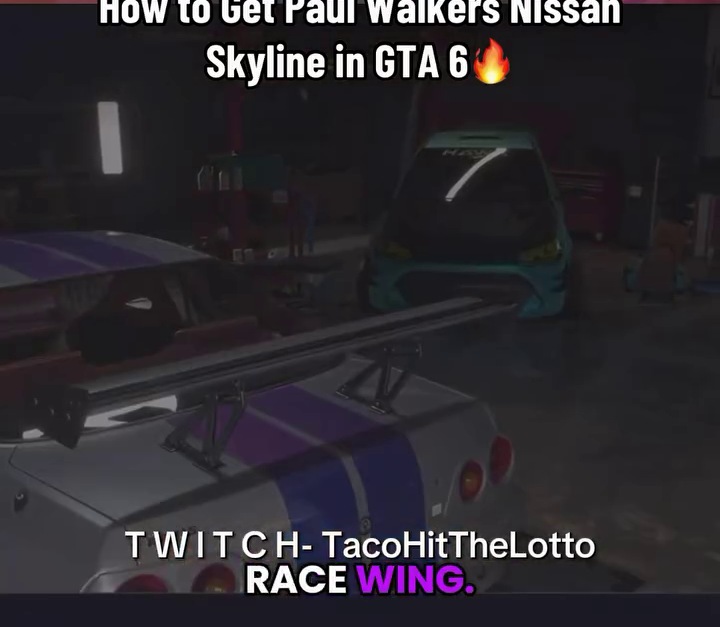
Choose the wheels you prefer. Inspect the finished car in daylight, since the workshop lighting changes how the grey and blue appear.
Another Brian-inspired workshop build
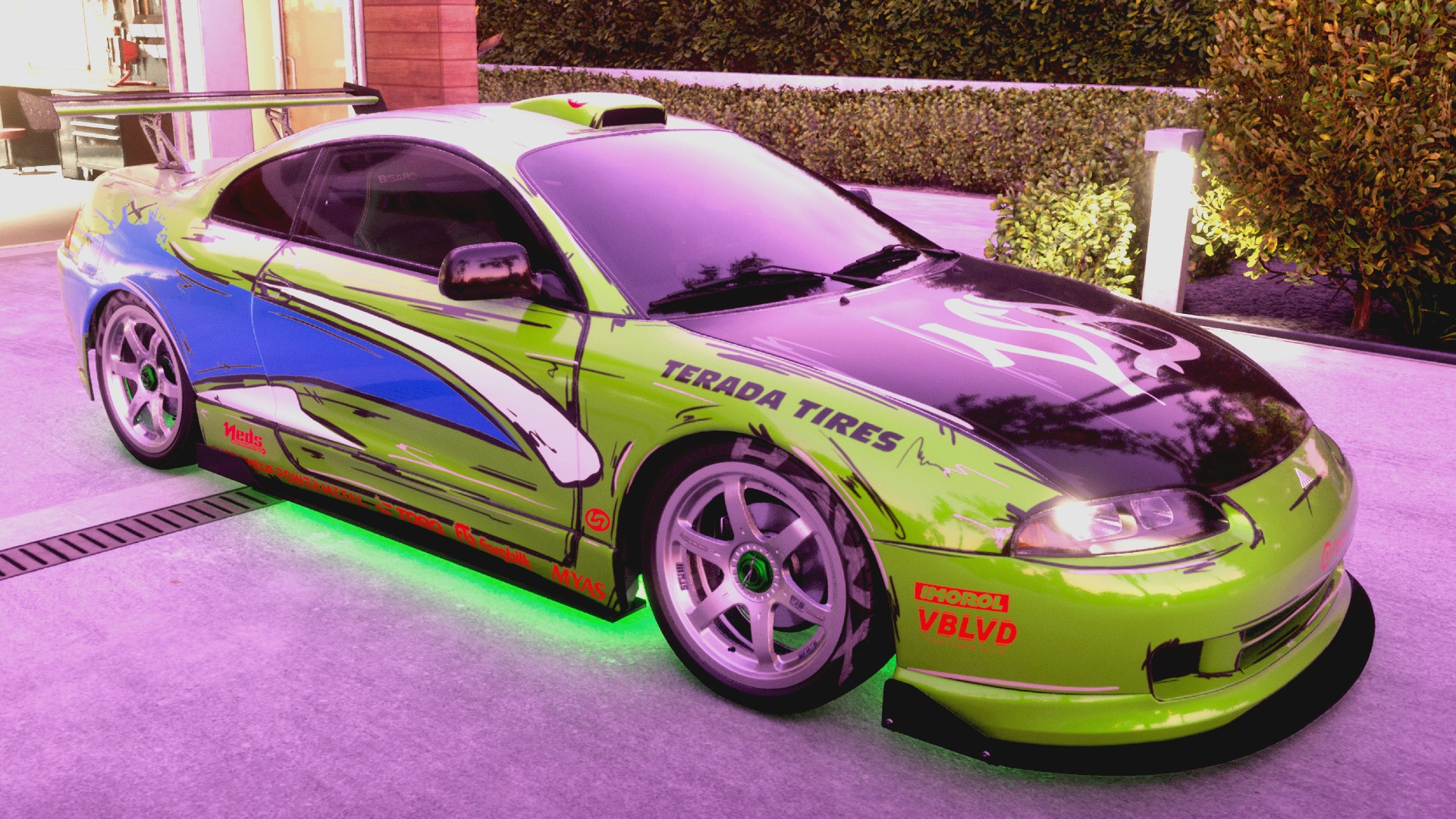
In the same video, Taco shows an Eclipse alternative: open Pro Builds at Vice Auto Customs and inspect the complete car-inspired kit. Check the spoiler before paying. For the green version found in a garage, read the Fast and Furious Penumbra FF guide.