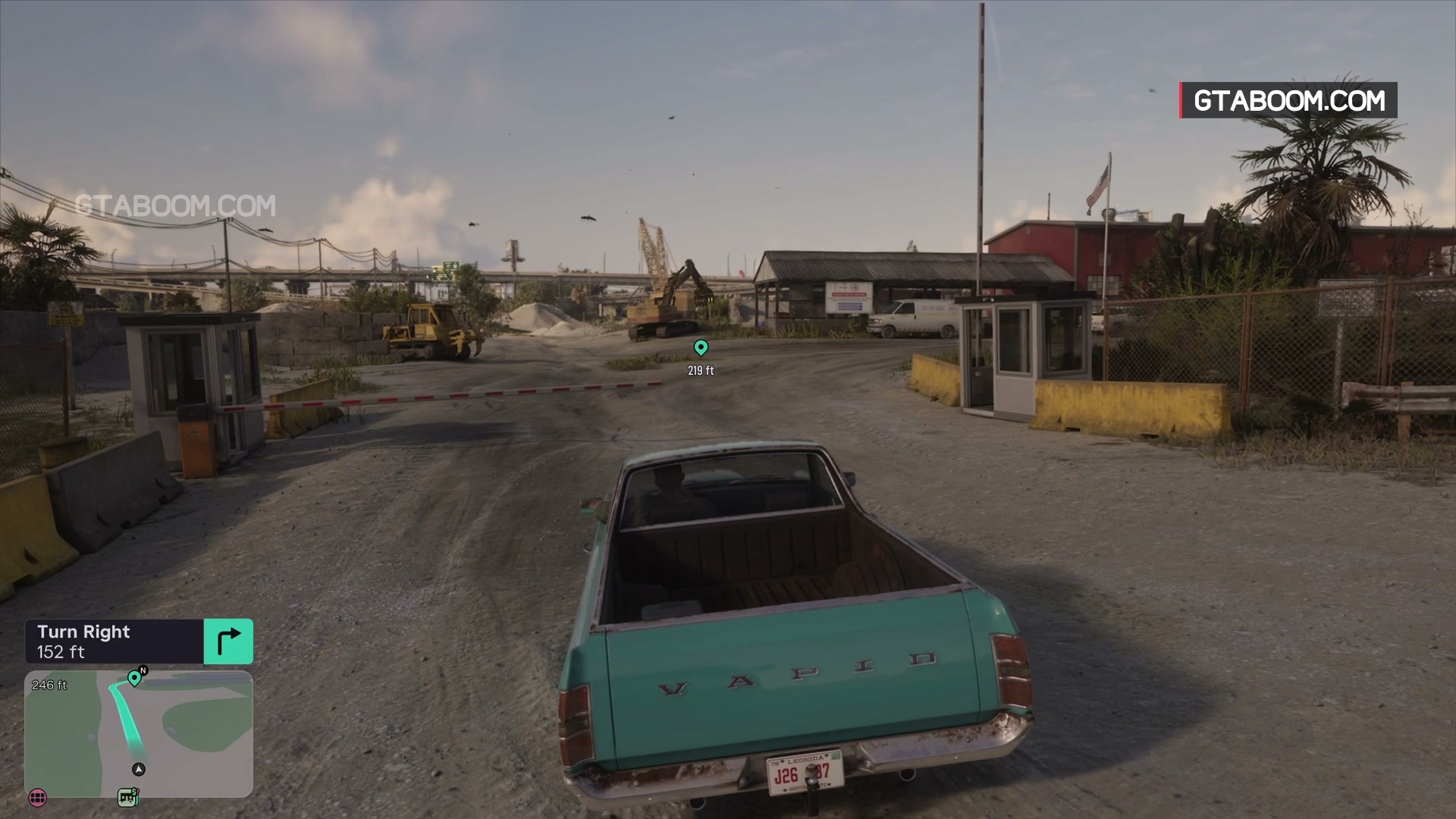
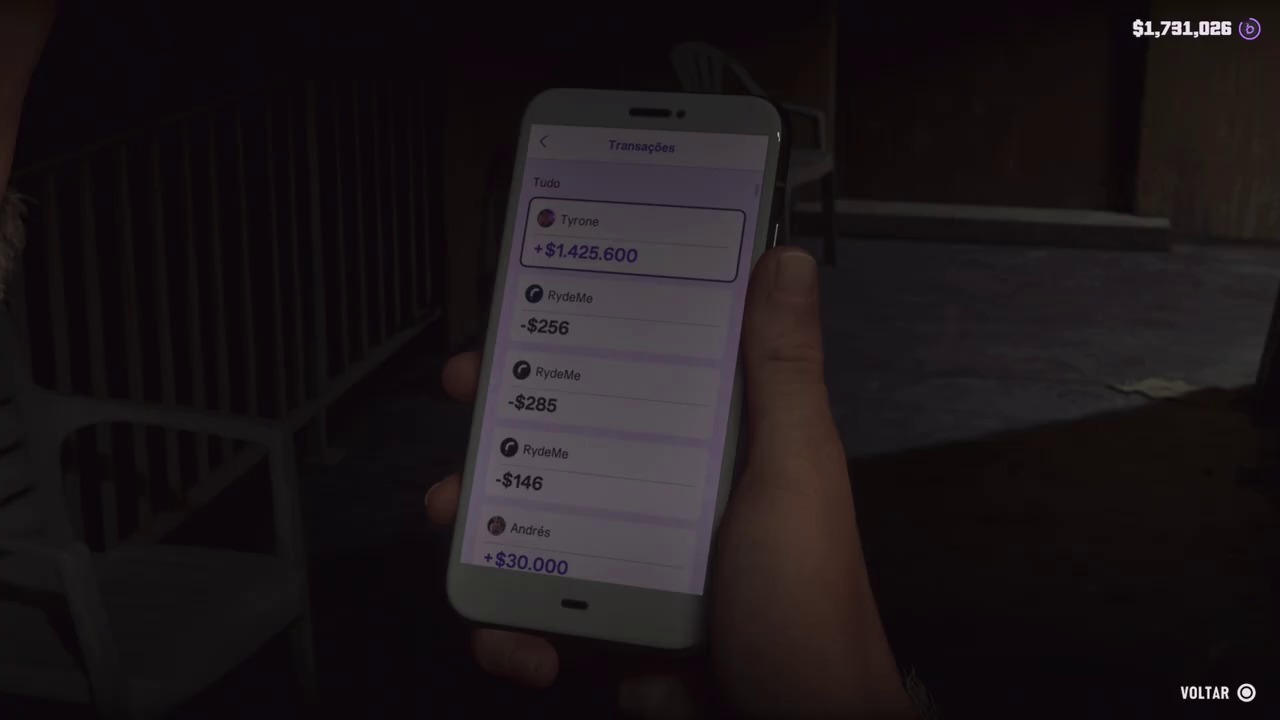
Max Vianna’s gameplay video shows a money glitch in GTA 6 that increases stash-bag values and uses one van to carry ten bags, with another two on the character. The sale shown ends with GTA$ 1,425,600 received from Tyrone.
The procedure starts at the teddy-bear vans at Apollo Aggregates. You need two bags with different values, a registered personal van and access to the buyer. The example uses Tyrone during the Vice City portion of Chapter 3. The recording does not identify the game version, so it does not establish that the method works on every update.
1. Prepare your van and find the warehouse
Have a registered van with space for ten bags. It needs to appear among your personal vehicles so you can request it through the app. If necessary, read how to register a vehicle in GTA 6 first.
The warehouse is east of Hamlet in South Vice-Dale County, beside the three large rectangular pools near the road. Open the warehouse point on the interactive map. The highlighted circle identifies the location to open.
For the building’s entrances and loot, see the Apollo Aggregates warehouse guide. This procedure uses goods from two vans: one outside and another inside the warehouse.
2. Create two bags with different values
Take the three packages from the outside van. Enter the warehouse and collect two packages from the inside van. Stow that bag in a vehicle before collecting the final package.
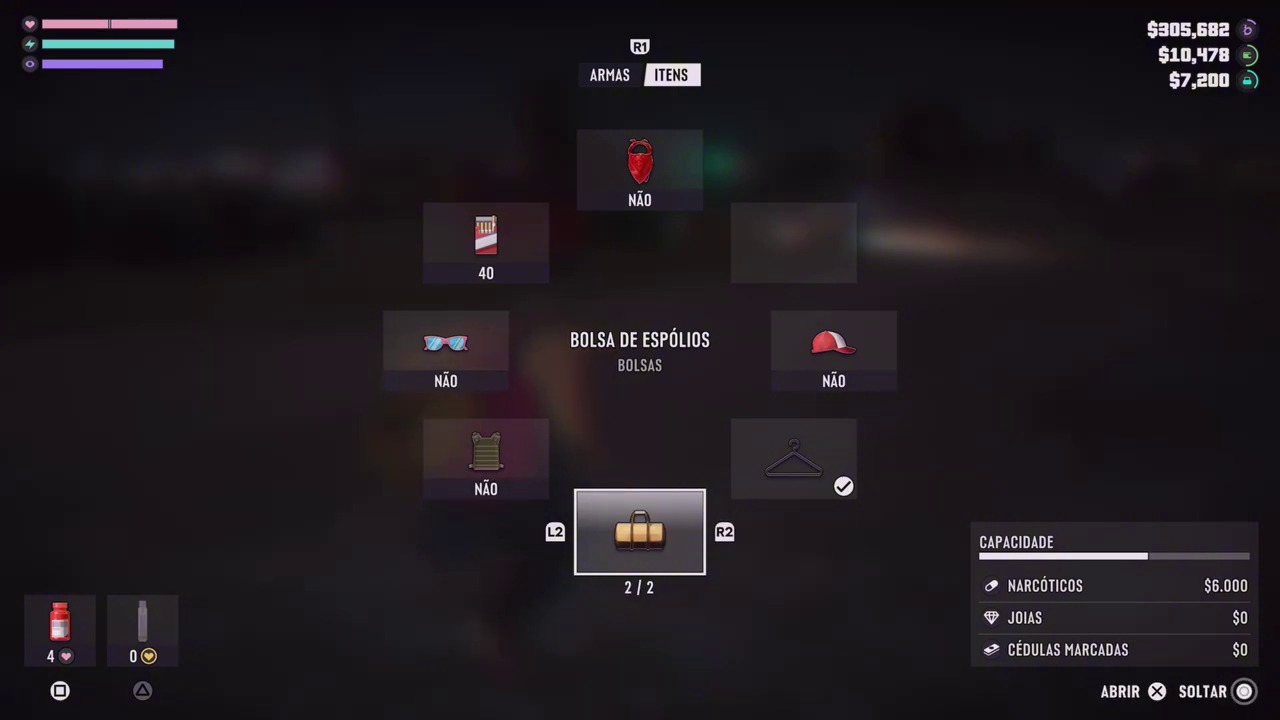
Pick up the remaining package to create a second, smaller bag. Retrieve the larger bag from the vehicle so both are in your inventory. Compare their values on the items screen before proceeding.
3. Drop and retrieve the bags in the demonstrated order
Crouch in a clear space where you can retrieve objects from the ground. Open the weapon wheel and switch to Items. Drop the lower-value bag first, then the higher-value one.
As you close the menu, repeatedly press the pick-up command to retrieve the bags. In the demonstration, this sequence increases the stored value. Reopen the inventory and check the result before repeating it.
The example reaches GTA$ 118,800 per bag, with the capacity indicator full. That is the value shown in this recording. Seeing two bags on the ground is not enough: their recorded inventory contents must increase. If the value stays unchanged, the attempt has not reproduced the demonstrated result.
4. Store both bags and replenish the packages
Request your personal van through the app and store the prepared bags inside it. To replenish the warehouse vans, the creator switches to the other protagonist, then returns to the character waiting at the site.
The walkthrough specifies that the other protagonist should be far away from the warehouse. On returning, check whether the packages have respawned. Only then create another pair of bags and repeat the drop-and-retrieve sequence. Keep completed bags stored rather than scattered on the ground.
5. Fill ten van slots and carry another two bags
Repeat until the trunk reads 10/10. Prepare two additional bags and keep them on your character. The demonstrated load totals 12 bags, but only ten are in the vehicle.
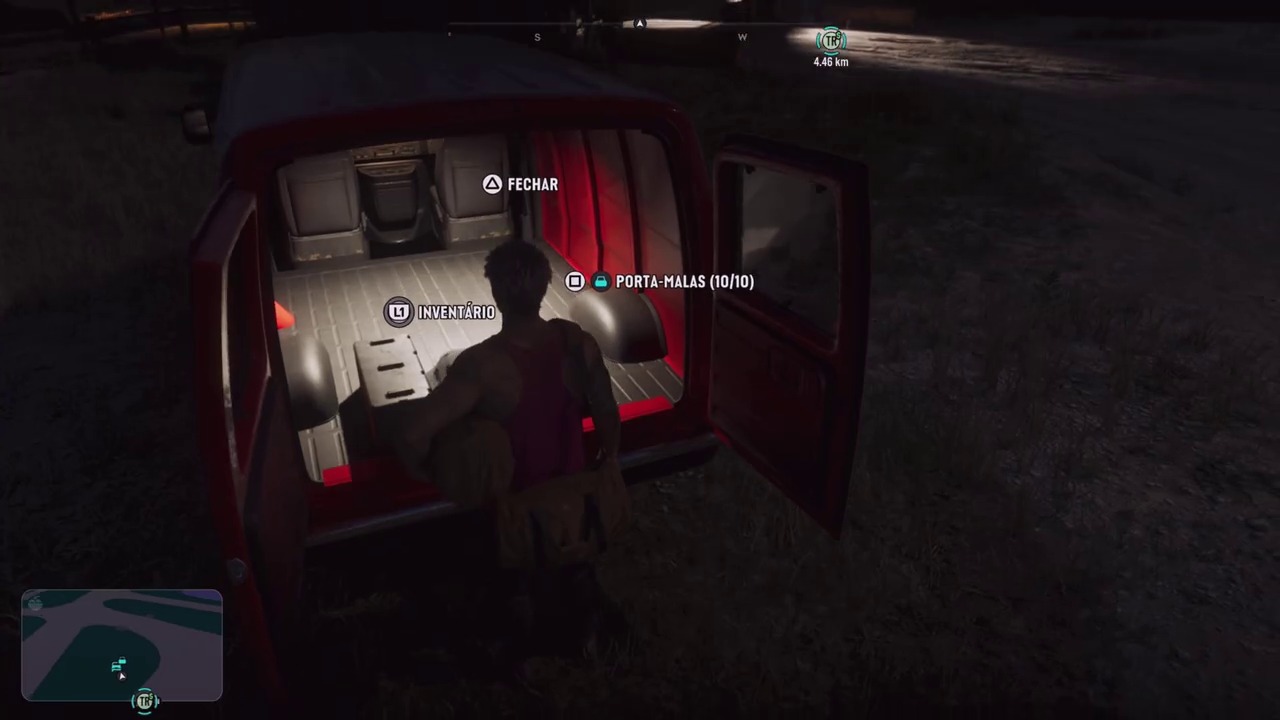
6. Sell to Tyrone with the van nearby
Travel to Tyrone and request the van through the app so it appears in the nearby parking area. Enter carrying the two remaining bags. The video’s sale includes those two and the ten stored in the vehicle.
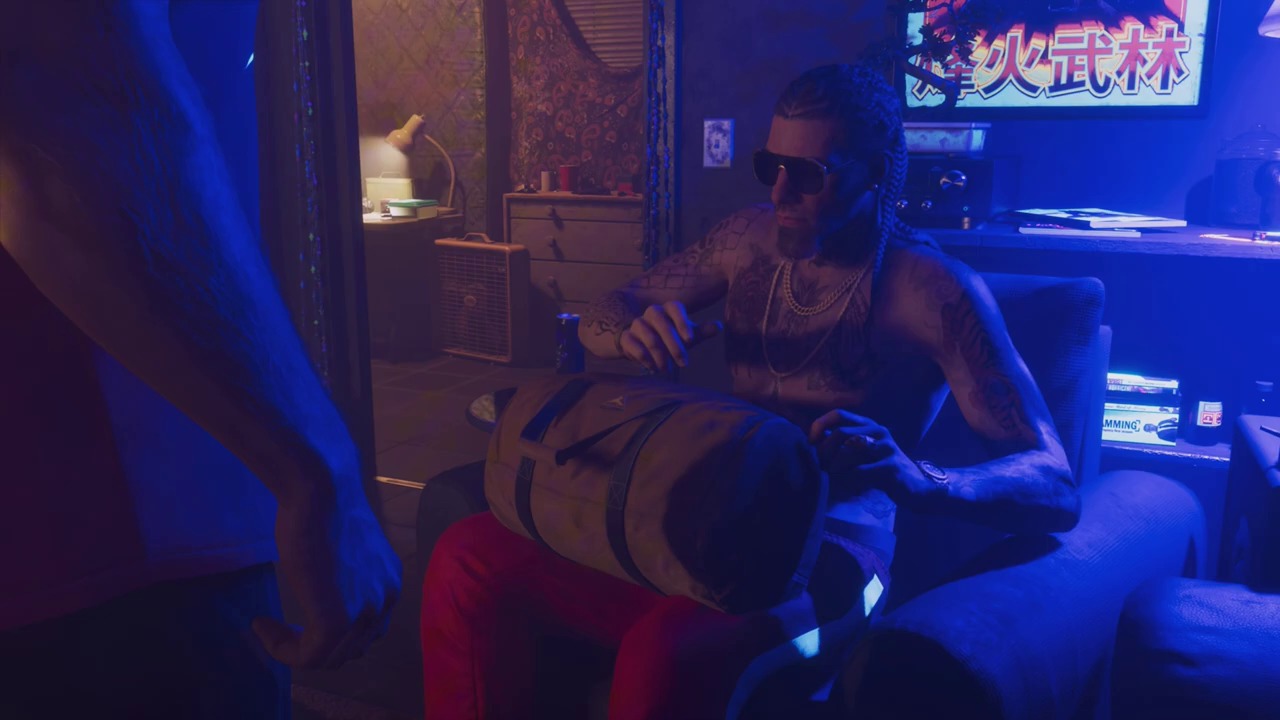
The displayed payment is GTA$ 1,425,600, equivalent to 12 bags worth GTA$ 118,800 each. The buyer’s offer, each bag’s contents and successfully reproducing the glitch affect the outcome. If Tyrone is not available in your story yet, the recording does not establish that another buyer will pay the same amount.
Keep a separate manual save before trying. If the sequence does not work on your version, the warehouse can still provide goods to collect and sell normally without relying on duplication.