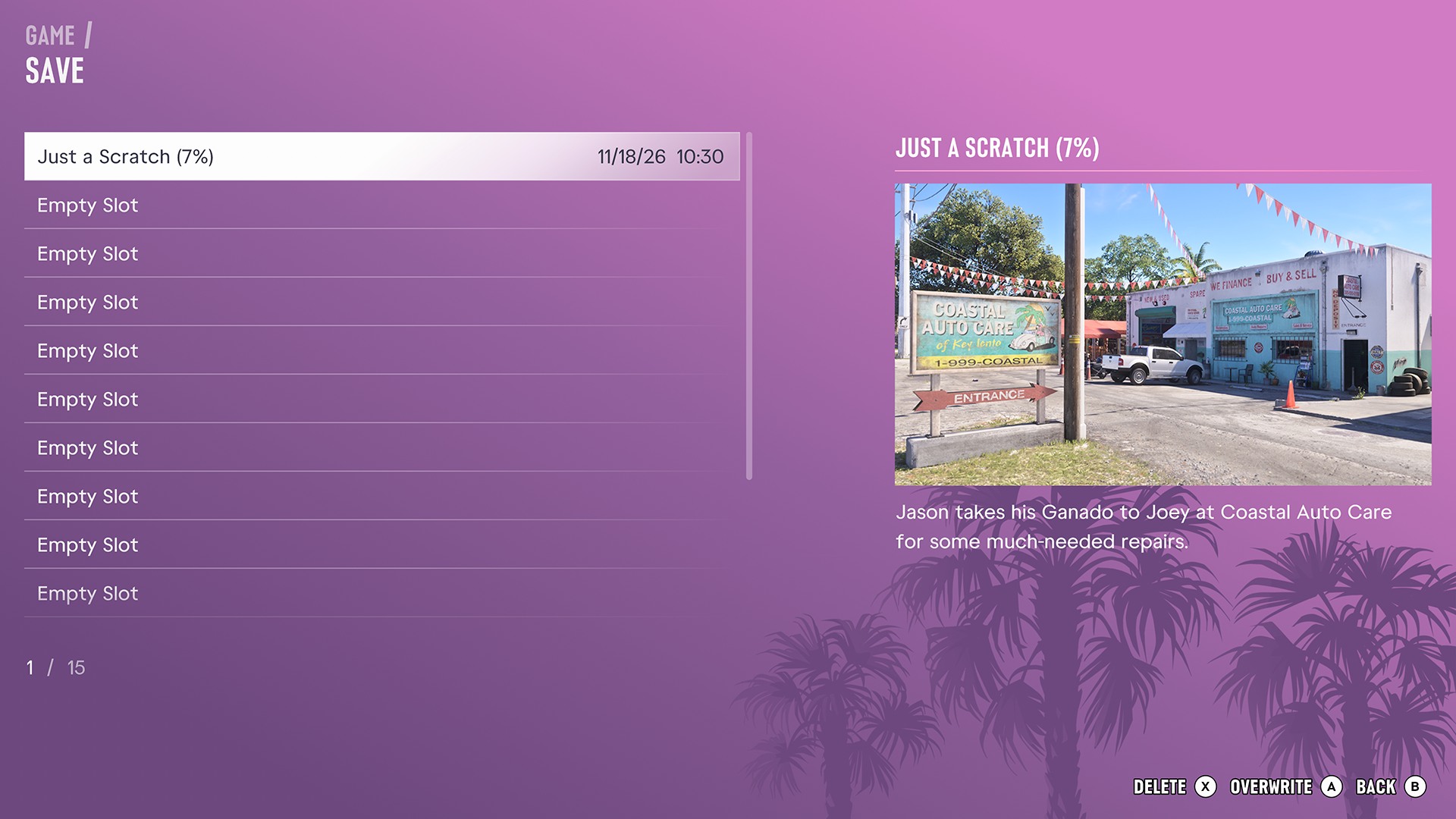
A quick stop in the menu can spare you from replaying part of your adventure. GTA 6 supports manual saves alongside a separate autosave. According to Rare Thief, there are 15 slots for manual saves.
Save manually
During free roam, press Options on PS5 or Menu on Xbox. Open Game, choose Save Game and select an empty slot. Confirm with X on PS5 or A on Xbox.
You can also overwrite an existing file. Check its mission name, date and time first if you want to keep an older copy.
Find the autosave
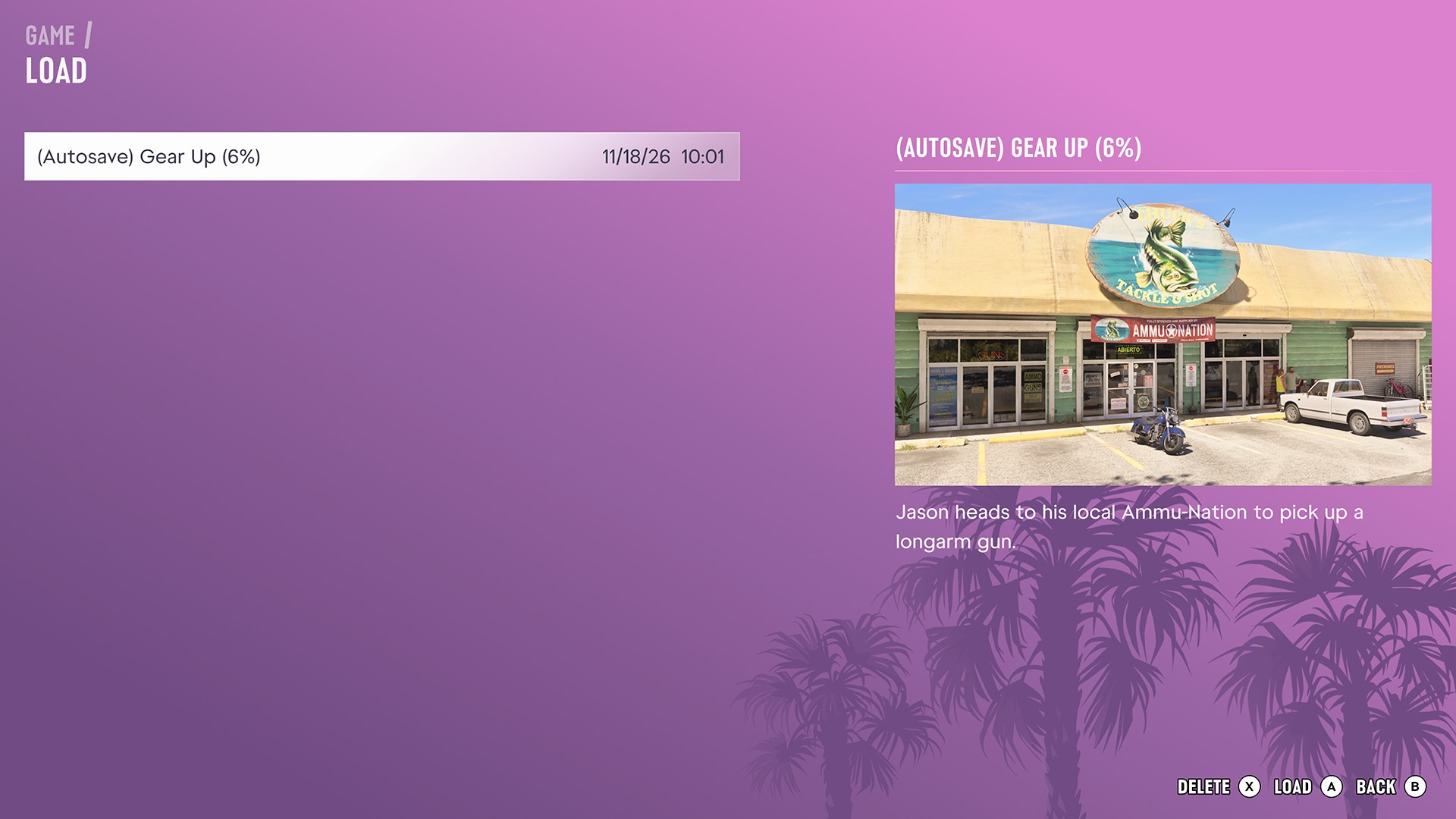
Open Game and Load Game. Look for the file marked Autosave. It does not use one of the 15 manual slots and is not presented as a manual copy on the save screen.
Why is saving unavailable?
You cannot manually save during a mission. Finish the activity, return to free roam and try again. Activating cheats also blocks saving for that session. To save again, leave the session and load a previous file without cheats active.
Organize your files
Use different slots before important decisions and check the file’s timestamp before leaving. If somebody else plays on the same profile, keep separate slots. The autosave changes as you progress and does not replace a manual copy you want to preserve.