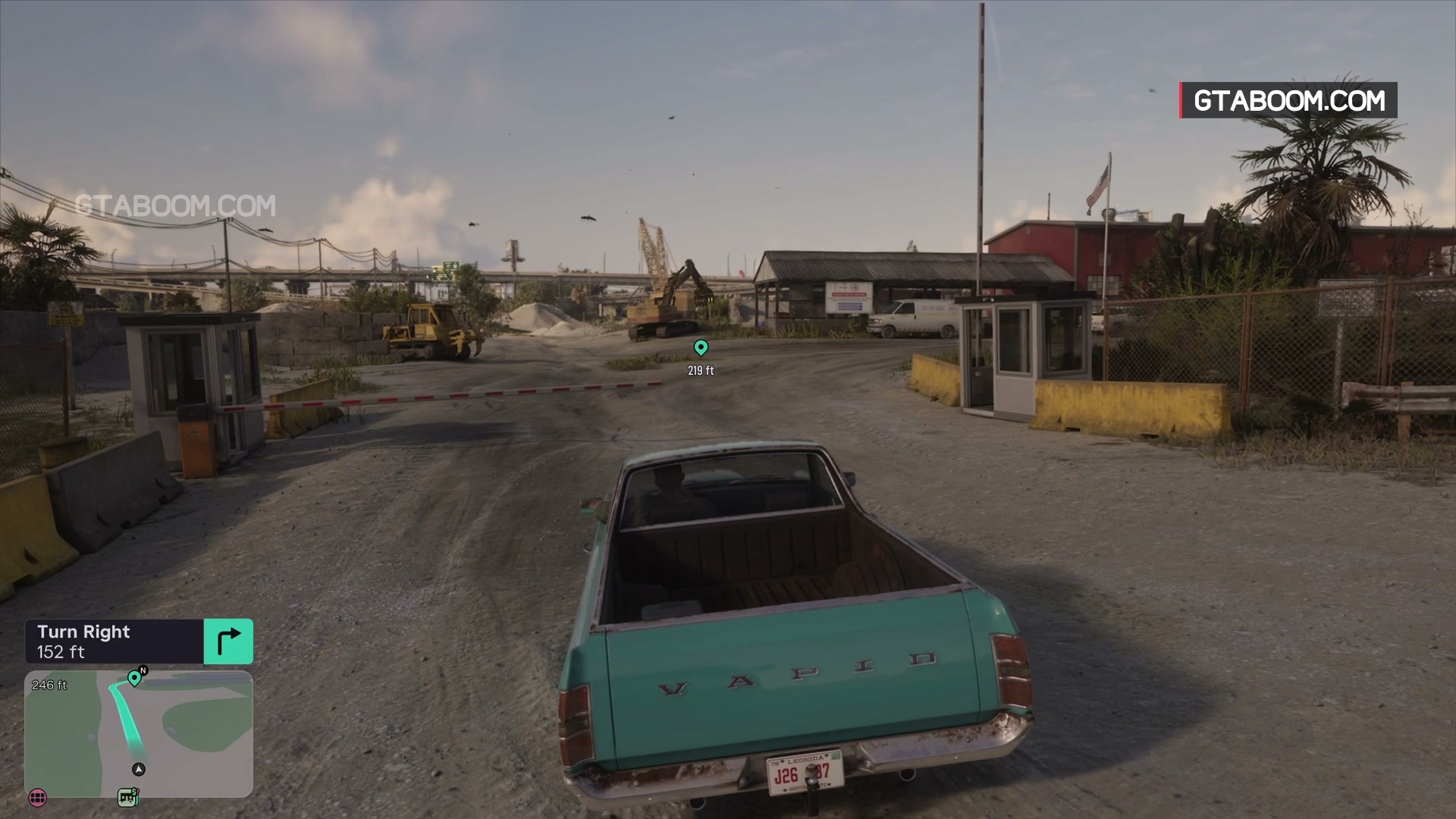

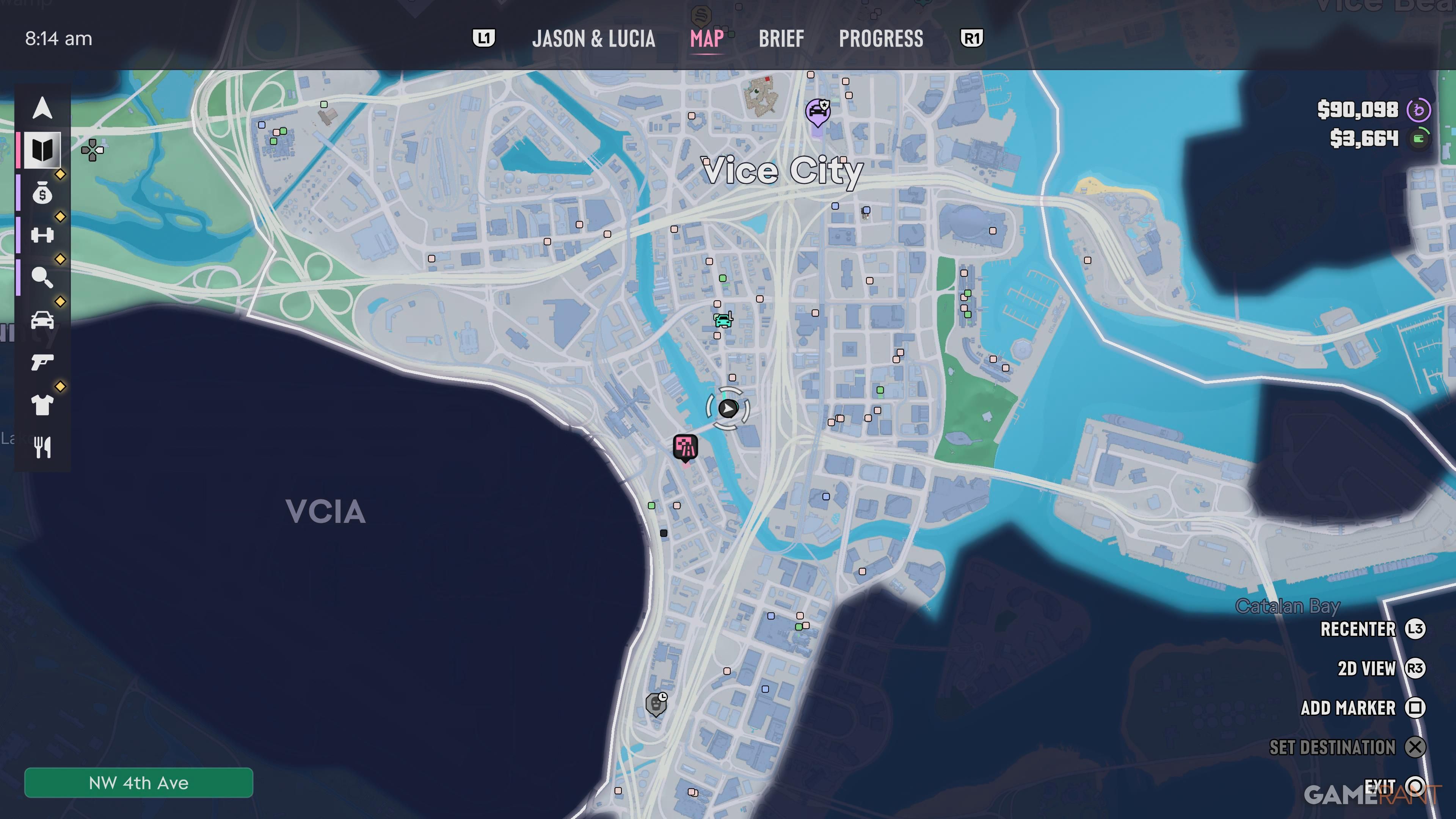
GTA 6’s map helps distinguish accessible interiors from scenery. According to Insider Gaming, enterable buildings use a darker blue shade while closed structures use a lighter one.
1. Zoom in on the map
Zoom until individual building outlines are clear. Compare the blue shades and select a darker building to investigate. Set a waypoint to reach the right street. The image uses Little Cuba as a map-reading example.
2. Find the entrance on the minimap
Near the building, look for small white markings indicating accessible doors. They help when the main frontage is not the entrance. Check rear access or a side passage.
3. Check the door with Focus
Press both sticks on default controls. Accessible doors may highlight white, while red can warn of an alarm. Read the interaction prompt as you approach.
4. Watch the interior map expand
Approach interior doors and corridors to reveal more minimap details. An accessible building may only have one room, a garage or an open shop. Its shade does not guarantee every floor is available or override story conditions.