Leonida’s soundtrack can follow you on a walk. In GTA 6, buy headphones, equip them and open the radio menu while on foot. KnowledgeBase’s footage shows the purchase, the inventory selection and the music being switched on.
1. Find an electronics store
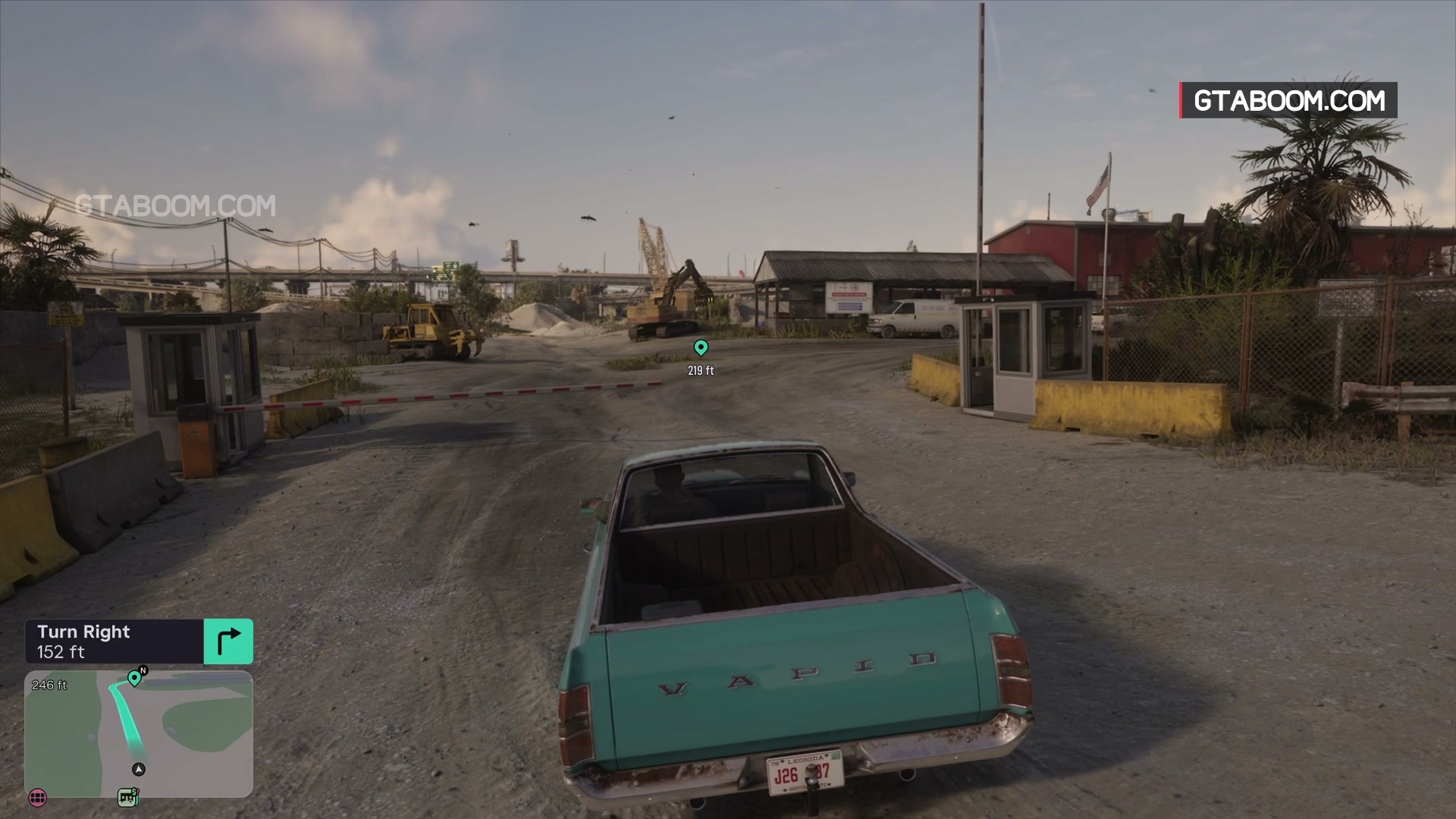
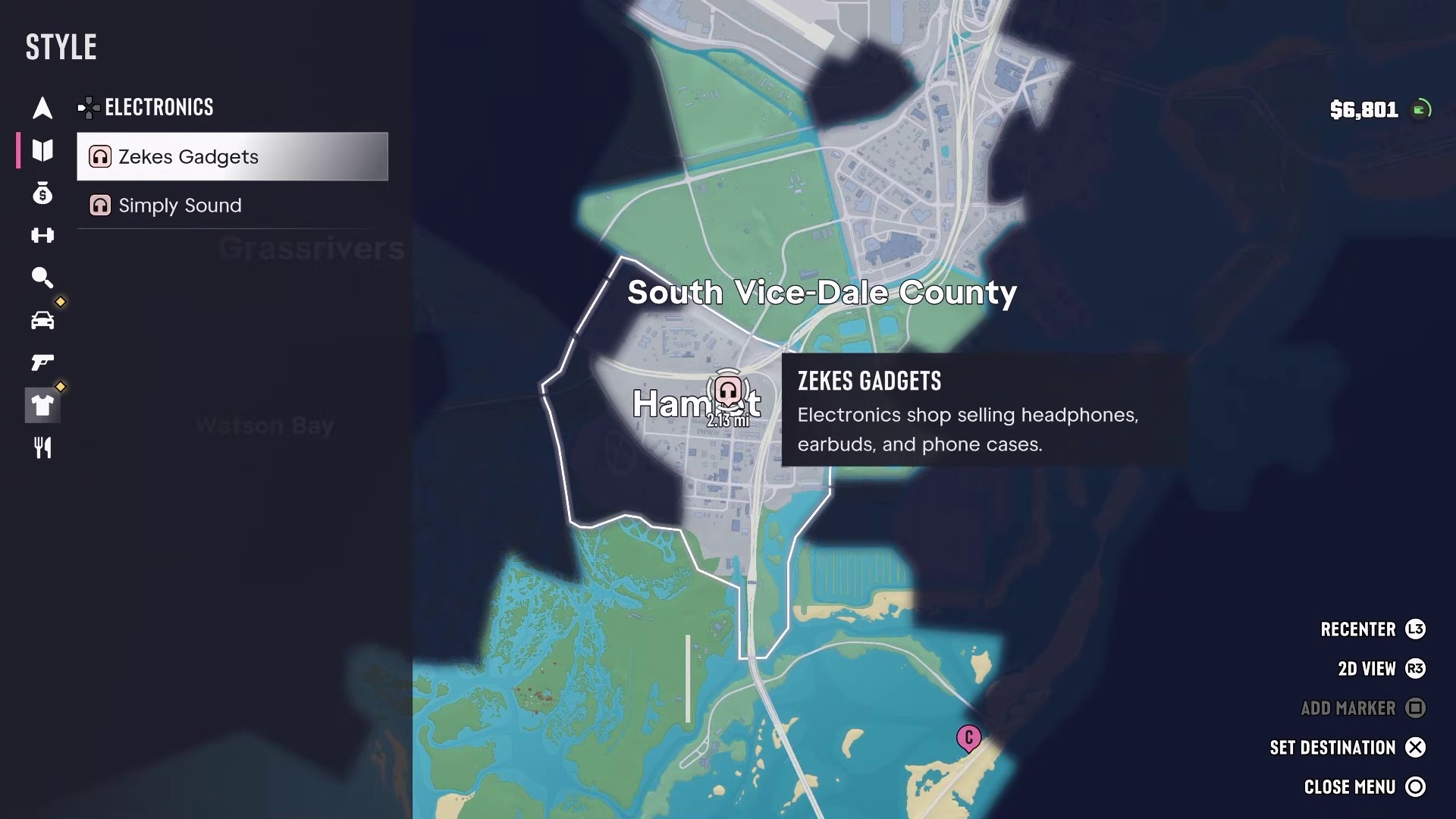
Open the map and select the electronics category in the shop menu. Choose a Zekes Gadgets store and set a destination. The image below shows the Hamlet branch, north of Key Lento. The chain has other locations, so check the town name before setting your route.
2. Choose your earbuds and check the colour’s price
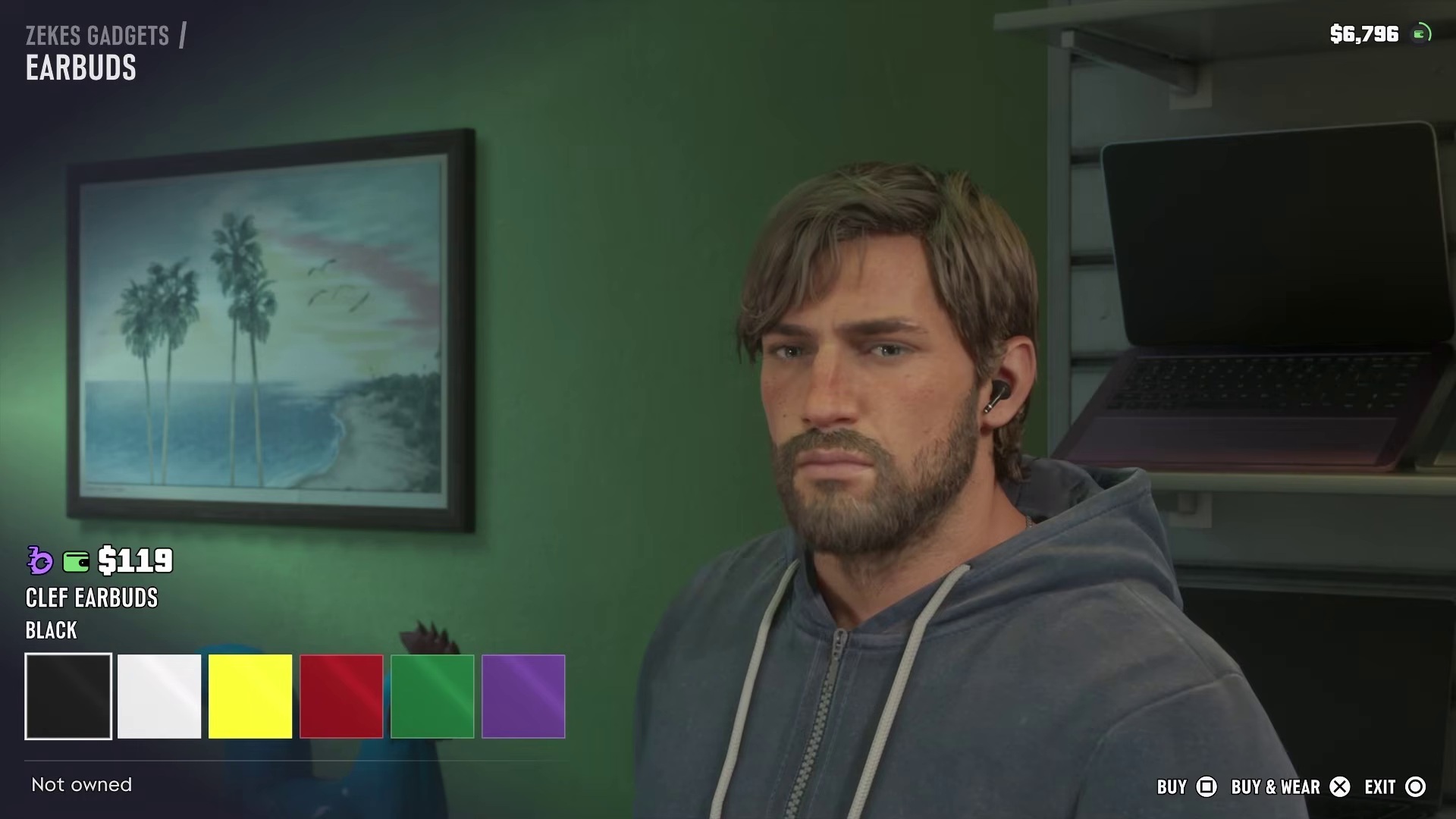
Enter the shop, approach the counter and open the headphone option. Select a model and colour before confirming. In the footage, Clef Earbuds cost GTA$119 in some colours and GTA$139 in others. These prices use in-game money.
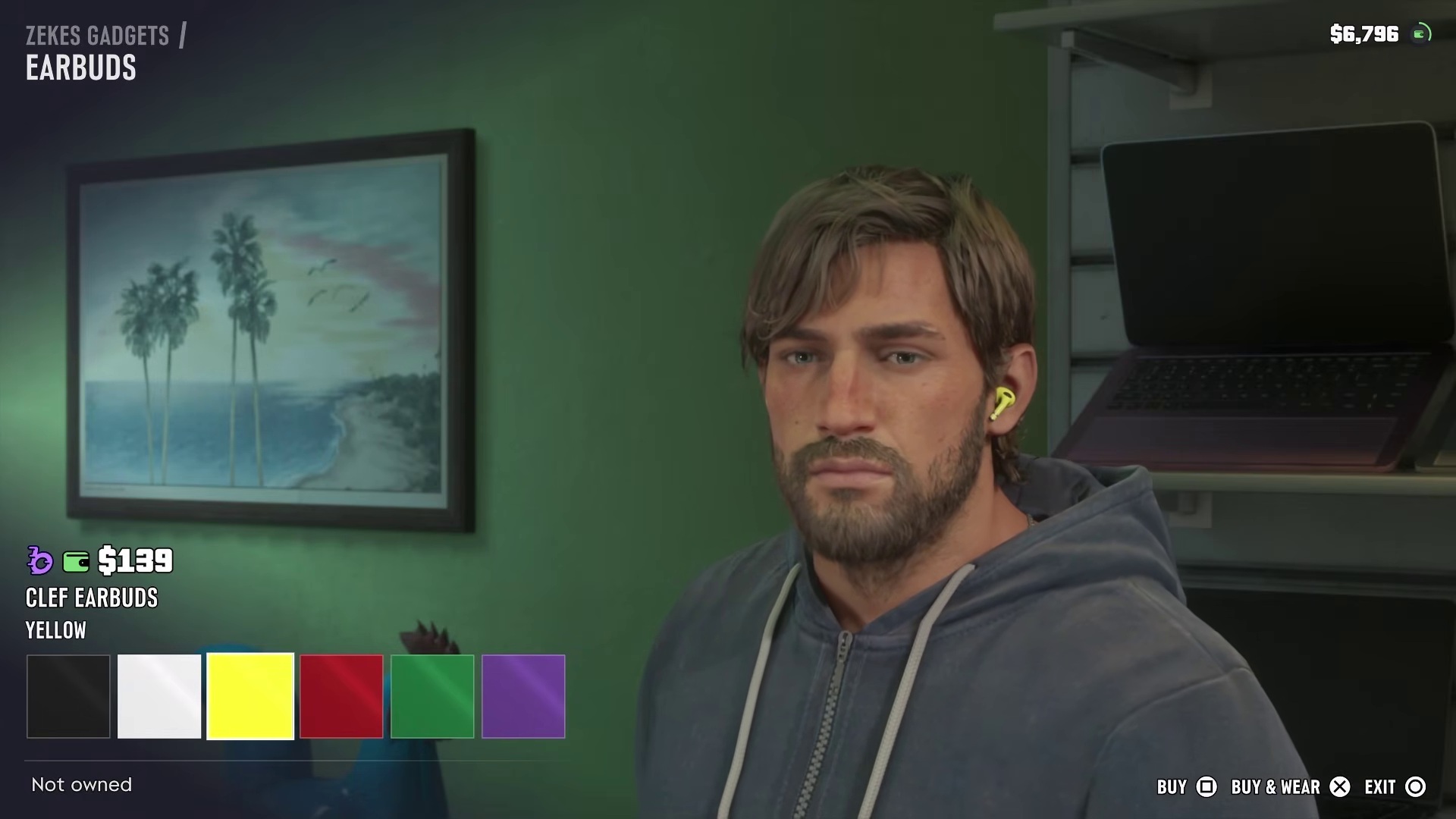
Use the buy-and-wear option if offered. If you only purchase the accessory, equip it from your inventory before trying to play music.
3. Equip the headphones from the item wheel
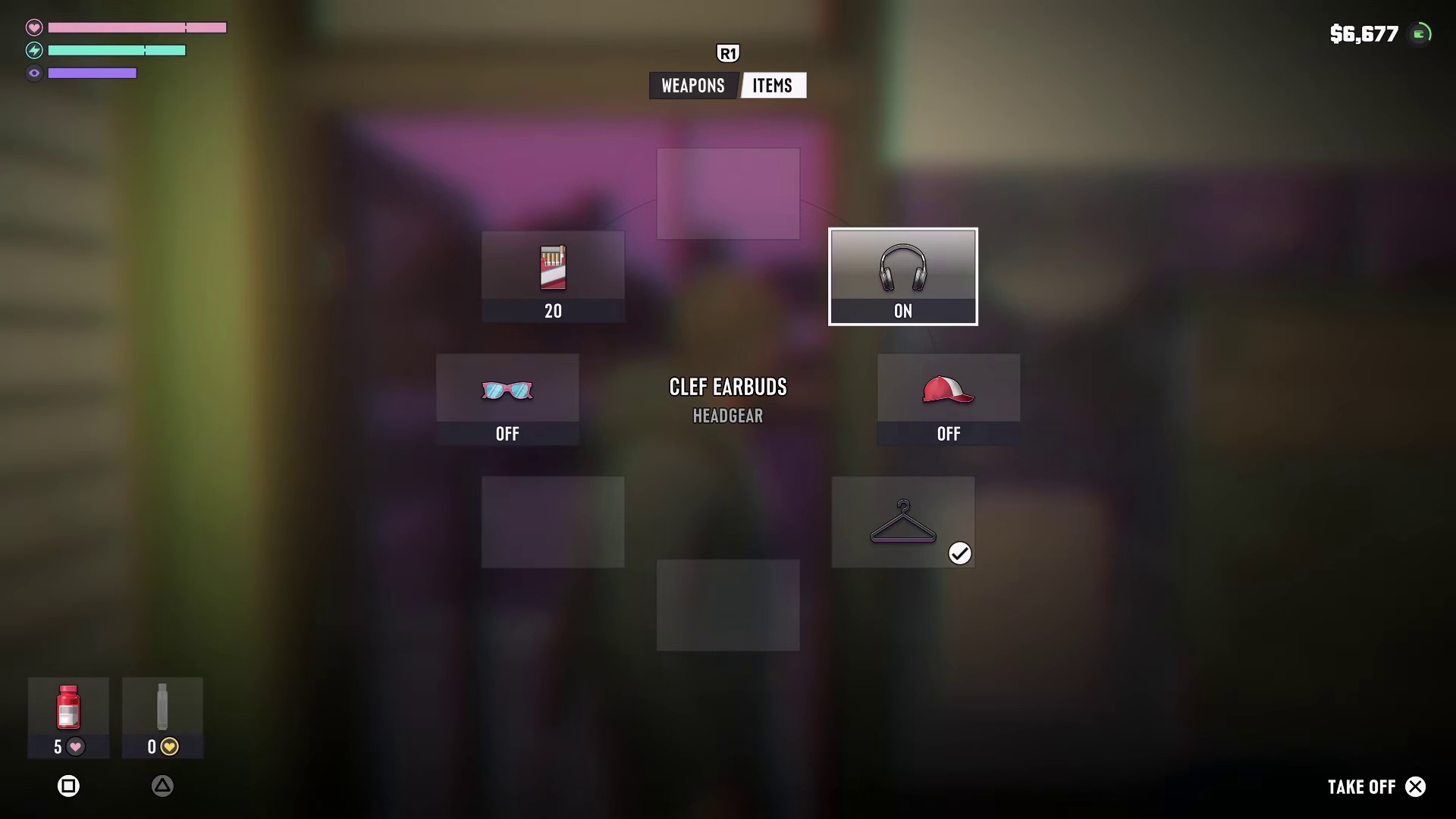
Open the item wheel and select your headphones in the accessories slot. In the video, the player cycles through the accessory group to reach the earbuds. Confirm your selection and return to the game with the character wearing them.
4. Switch on the radio while on foot
Hold left on the D-pad to open the audio menu. Select a station and use the turn-on command, X on PS5 or A on Xbox. The same menu lets you switch playback off. You can also move between radio and on-demand content when those options are available.
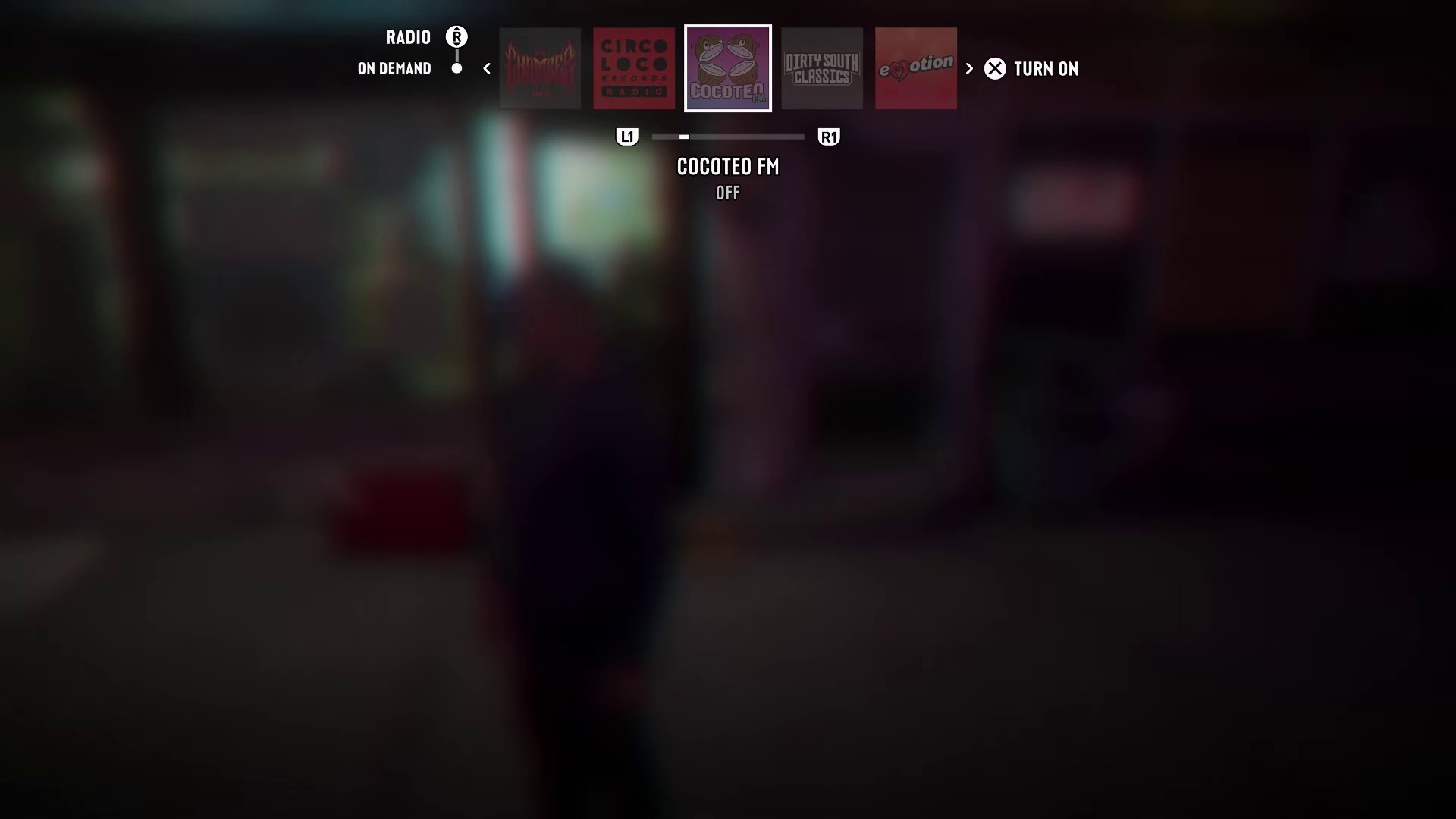
If your character is not wearing the headphones, return to the item wheel and check your selection. For your next trip, explore our Leonida map.